7 Best AI Agents for Researchers in 2026 for Source-Backed Research and Literature Review

On this page

Researchers rely heavily on published papers and reference databases to build their work. Even when you double-check your sources carefully, it is really difficult to manually verify every single number or claim hidden inside decades-old studies.
In August 2026, Nature reported that AI agents are now helping with this. According to Nature, they are checking the scientific literature and spotting decades-old errors in papers and reference databases. The same Nature report was also shared by a researcher on X, as shown in the post below.
AI agents are checking the scientific literature — and spotting decades-old errors The technology is proving adept at finding faults in decades-old papers and reference databases. https://t.co/PJTANLiFQ0
— Eloísa del Pino (@delPinoE) August 8, 2026
That is what AI agents for research can do for you. They read more than you have time to read and point you to the sources worth checking. You still confirm each finding in the original source.
To help you choose an agent that makes source verification easier, I compared seven AI agents for researchers using their official pages, focusing on how clearly they show where each answer comes from. First, let's see what makes an AI agent reliable for academic research.
What makes an AI agent reliable for academic research?
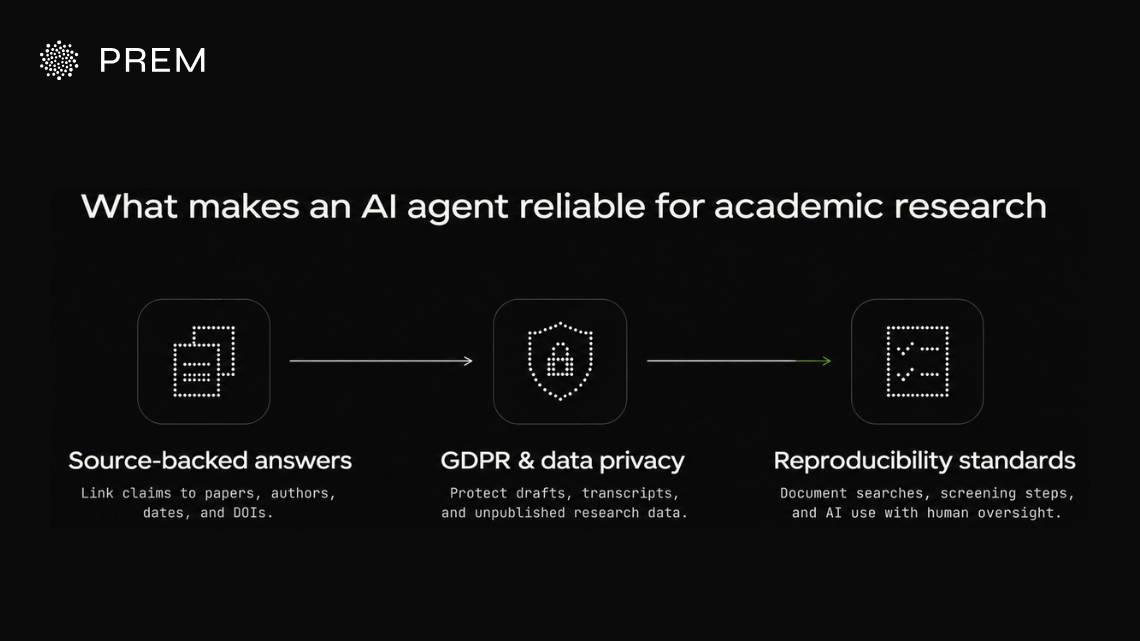
AI agents can help you find papers, screen studies and extract evidence. But a fast answer is not always one you can trust. A reliable AI agent for research lets you check its work. Before you choose one, ask yourself three questions: can you see where each answer comes from, do you know what happens to your data, and does it fit your field’s standards?
Source-backed answers and citation tracking
A source-backed answer links each claim to a paper. You should be able to see the title, authors, date and DOI, open the source and confirm it supports the claim. A 2025 paper on deep research agents describes cases where tool calls are “largely decorative”, so the answers you get are not grounded in what the agent retrieved.
Citation tracking gives you another check. According to Scite, its Smart Citations show you whether a finding has been supported or contradicted by later research.
GDPR and data privacy for unpublished research
Your drafts, proposals, transcripts and participant data are not public. The NIH bars peer reviewers from uploading application content to online generative AI tools, because AI tools have no guarantee of where data are being sent, saved, viewed, or used in the future. Your own unpublished work deserves the same care.
Before you upload anything, check where the agent stores your data, whether it shares it with external model providers, how long it keeps it and whether it trains on it. If your data includes personal data, GDPR applies to you too. The EDPB’s draft Guidelines 1/2026 on scientific research say you should anonymise data whenever possible and use secure processing environments with controlled access.
EU hosting can help you, but it does not make a tool GDPR-compliant on its own.
Reproducibility and systematic review standards
Your systematic review must be clear enough for someone else to follow. Document your search terms, databases, screening criteria, included and excluded studies, and how you extracted evidence. PRISMA 2020 is a widely used reporting guideline you can follow.
In November 2025, Cochrane, the Campbell Collaboration, JBI and the Collaboration for Environmental Evidence published a joint position statement on AI in evidence synthesis. It endorses the RAISE recommendations and calls for “human oversight, transparency, and justification.” You should report how you used AI and take responsibility for the outputs.
Look for an agent that lets you save your searches, record your screening decisions and export what it did. The tool should support your research method, not replace it.
I compared the seven agents below on these three checks, so you can choose the one that fits your research.
Still Managing Your Research Tasks Manually?
Fluso Agents runs your recurring research on a schedule and brings back what’s new, with sources.
Meet Fluso Agents7 best AI agents for researchers in 2026
These seven AI agents for academic research support different parts of academic research. Some can plan and carry out multi-step research tasks, while others focus on finding papers, checking citations, or screening studies.
Fluso Agents
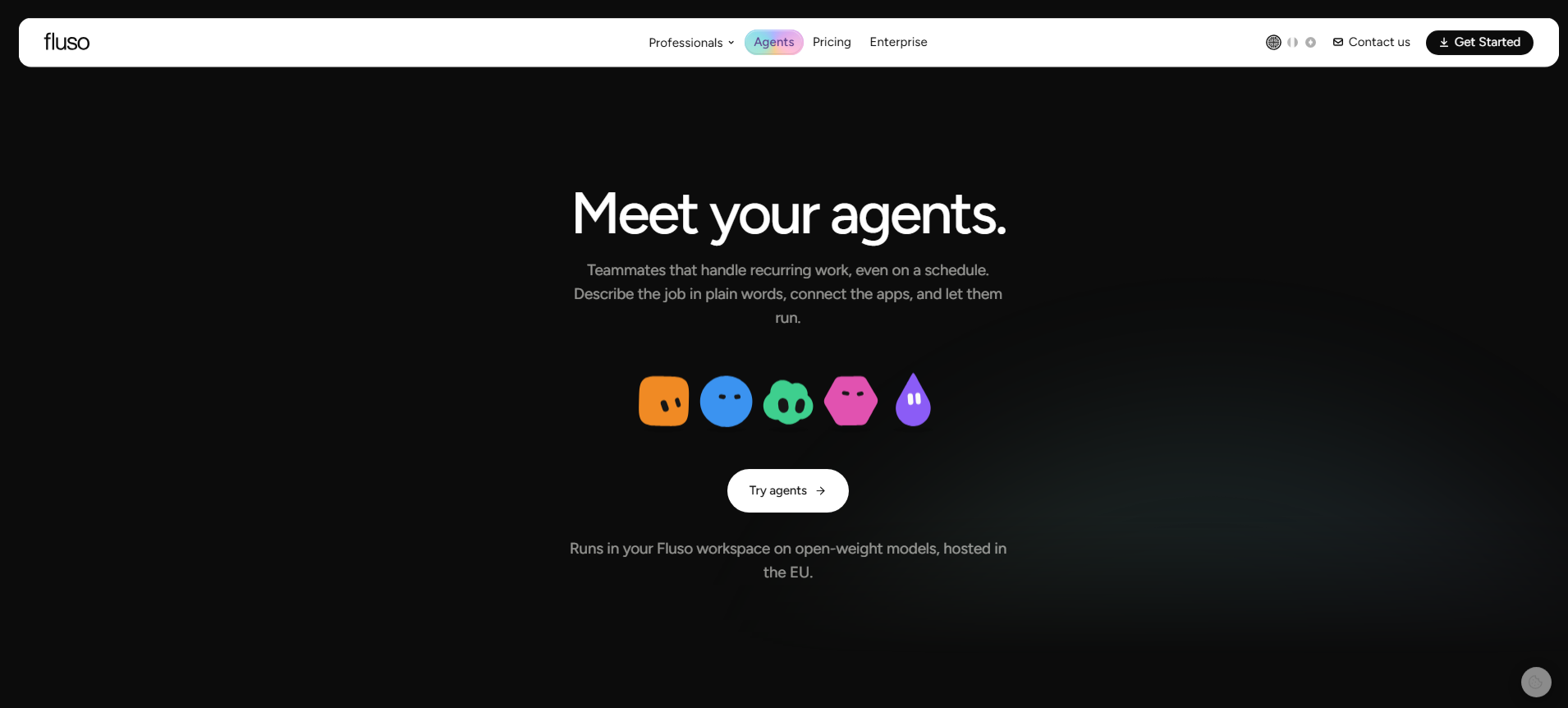
When you are working on a literature review or an ongoing research project, your papers, notes and updates can be spread across different files and apps. With Fluso Agents, you can bring this work into one AI workspace, give your agent research instructions, attach reference files and schedule recurring tasks. Your agent keeps its saved setup and conversation history, so you can return to your research without explaining the same task again.
Who Fluso Agents is best for
Fluso Agents suits you if your research is recurring and spread across several apps, such as a weekly literature watch, notes in Google Docs or Notion, and updates for your supervisor. It also suits you if you want to decide exactly what your agent can read, change or send, and where your unpublished work lives.
Key features of Fluso Agents
Fluso Agents gives you one assistant for a recurring job, with the controls to decide what it can do.
Instructions, knowledge files and app access
You set up your agent with instructions, knowledge files and app access, and it keeps one main conversation you can return to.
Routines
Routines run once, hourly, daily, on weekdays or weekly. We run them in our backend, so the app does not need to stay open.
Tool rules and app access
You set each tool to Allow, Ask or Deny, and each app to Allow, Read only or Deny.
Privacy
Your agent's app access and tool permissions are checked before each tool call, including calls made by parallel sessions. This helps you control access to unpublished research files and connected apps.
Verifiability
You can review your agent's results in the main conversation and check important findings against the original research sources before using them.
Context that builds over time
Your agent keeps its instructions, knowledge files and main conversation history, so you can return to an ongoing research project without setting everything up again.
Manager
Manager lets you set up your agent in plain language and suggests improvements from your past conversations.
Parallel sessions
Your agent can start sessions to work in parallel, and the results come back to your main conversation.
Inbox and integrations
You get routine updates in your Inbox, and you can connect GitHub, Gmail, Google Calendar, Slack, Zoom and MCP servers.
How Fluso Agents is different
Most of what makes Fluso Agents different happens behind the scenes, in how we check access, read your files, and run your work.
Note: Your agent can make mistakes, and summaries can leave out detail. Review important results, especially anything that changes another app.
Use cases of Fluso Agents for researchers
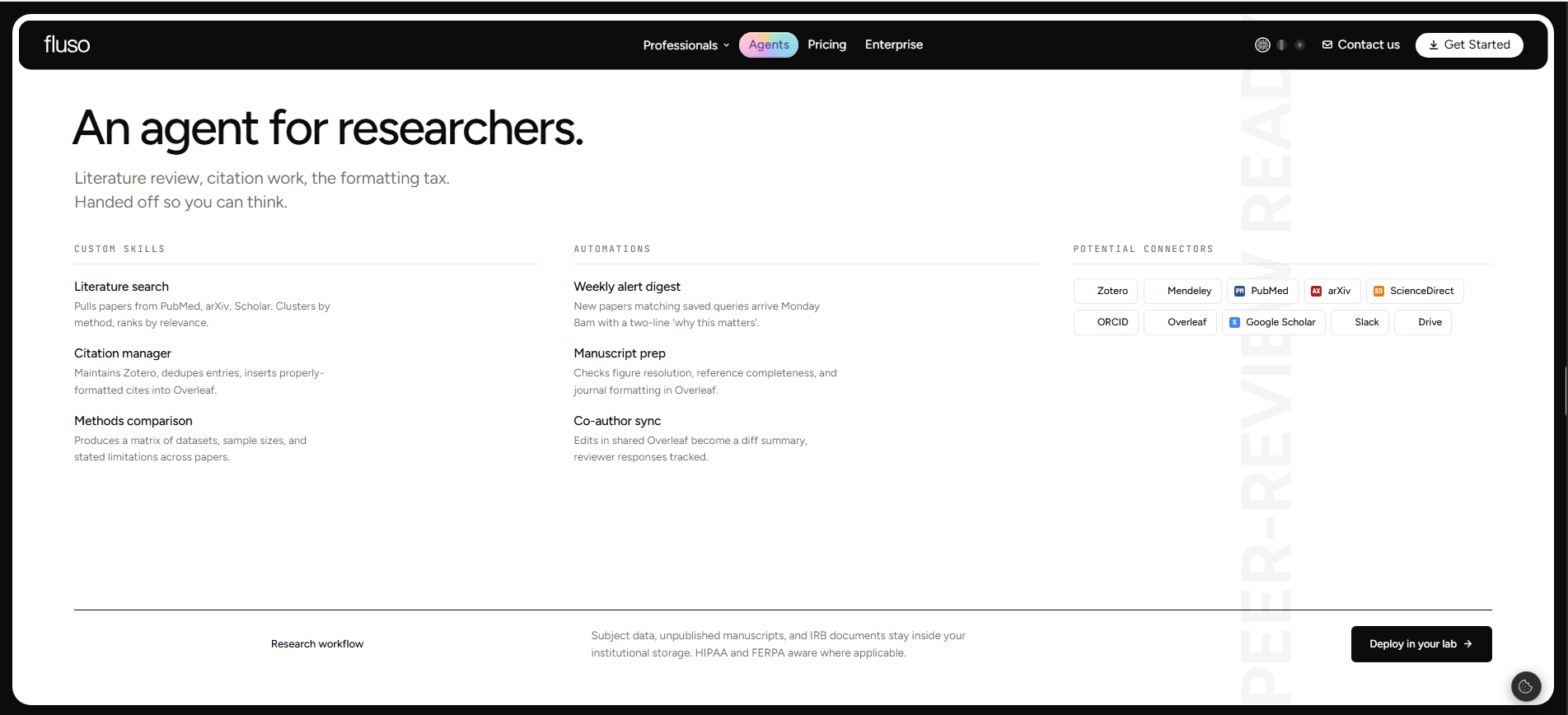
Each of these runs across several steps and apps. You decide what your agent can read, change or send.
Weekly literature watch
You give your agent your research question and inclusion criteria as knowledge files. A routine runs every week, looks for new papers on your topic and writes a short update. You read it in your inbox and decide what to keep.
Parallel reading across your notes
You ask for a written comparison of several papers. Your agent starts separate sessions to check your notes in Notion, Coda and Google Docs at the same time, then returns one comparison.
Screening log with reasons
You upload your exported records and criteria. Your agent writes each include or exclude decision with a reason into one document and flags unclear cases. You review a sample before you trust the rest.
Methods log for reproducibility
After each run, your agent adds your search terms, sources checked and decisions to one running log. When you write your methods section, you already have the record.
Supervisor update drafts
Your agent reads your notes from the week and drafts an update in Gmail. We save it as a draft and ask for your approval, so nothing is sent until you say so.
Meeting notes into a brief
You paste scattered notes from a lab meeting. Your agent turns them into a brief with decisions, open questions and next steps.
Reading group prep
Before each session on your Google Calendar, your agent reads the paper and your notes and prepares questions to discuss.
Deadline and ethics tracker
Every weekday at the time you choose, your agent reads your calendar and notes and prepares a status update on grant, ethics and submission deadlines.
Analysis code check
With read-only access to your GitHub repo, your agent summarises what changed in your analysis scripts since the last run.
Deployment and compliance of Fluso Agents
Our Free plan includes European hosting. On Enterprise, you can run Fluso inside your own perimeter, in a VPC, on-premises or fully air-gapped. SOC 2 Type II is in place and ISO 27001 is in progress.
Pricing for Fluso Agents
Fluso pricing starts at $0 with the Free plan, which includes Agents and core features. With Plus, you get 10× more weekly usage for $10/user/month, while Pro offers 10× more than Plus and confidential mode for $30/user/month. Enterprise offers custom pricing, SSO, audit logs and dedicated support. All plans include Agents.
“Trust Me Bro” Isn’t a Source
Fluso Agents does deep research with sources attached, so you can check every claim before you use it.
Explore Fluso AgentsElicit
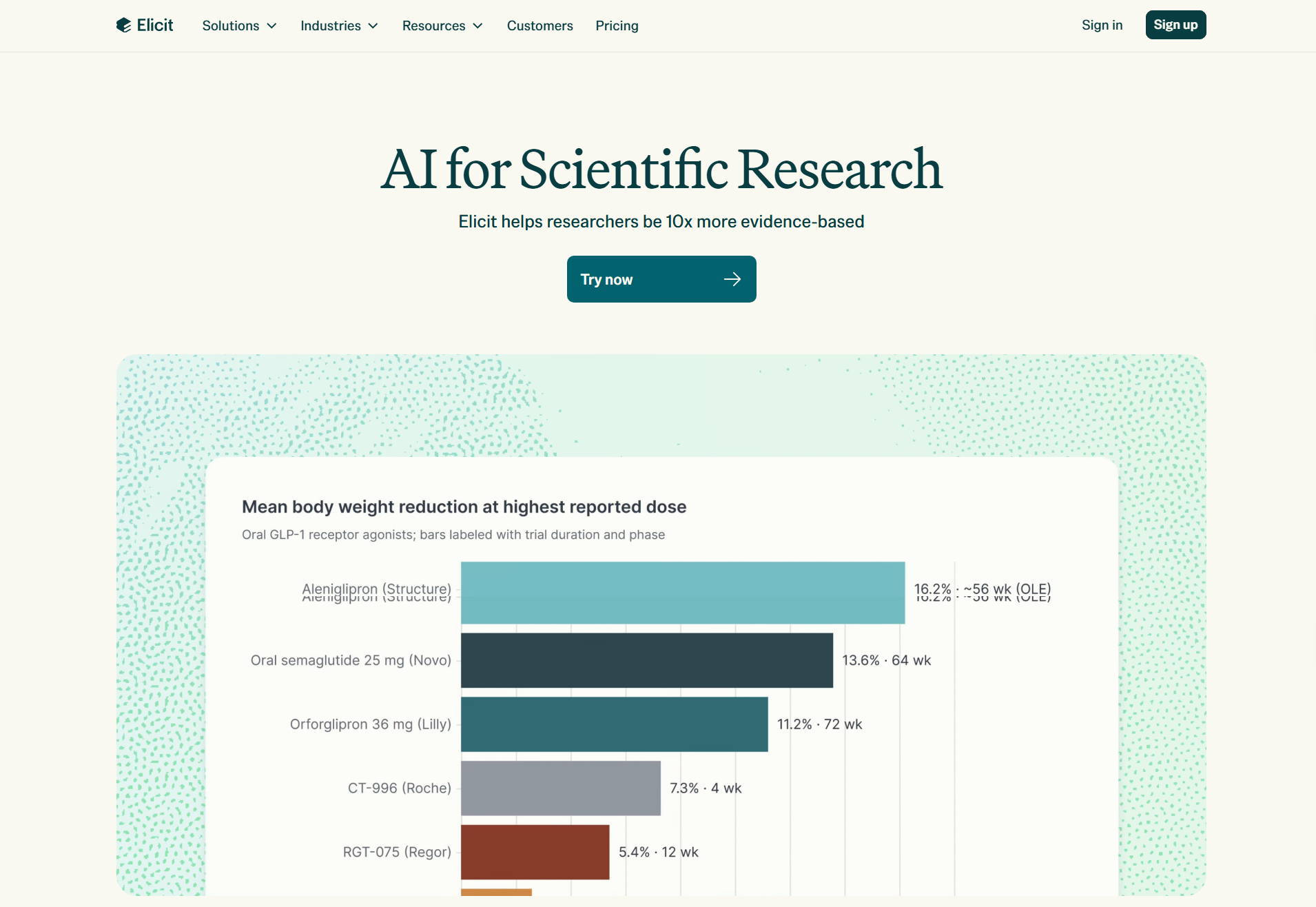
Elicit is an AI research agent for scientific work. According to Elicit, its Research Agent gathers evidence across scientific databases, academic journals, public data sources and the documents you upload. It then creates fully cited reports, tables, figures and slides for you. Elicit says it is trusted by over 5 million researchers.
Who Elicit is best for
Elicit suits you if you run systematic reviews or need to pull data from many papers. Elicit says it supports researchers in pharmaceuticals, academia, medical devices, policy and government, and other fields.
Key features of Elicit
- You can search over 138 million academic papers and 545,000 clinical trials, and, according to Elicit, you don’t have to know all the right keywords.
- Elicit says it supports all AI-generated claims with sentence-level citations from the underlying sources, so you can check each one.
- You can automate screening and data extraction for systematic reviews. Elicit says researchers report up to 80% time savings.
- According to Elicit, you can find up to 1,000 relevant papers and analyze up to 20,000 data points at once.
- Routines let you tell the Research Agent what to keep current. It finds new evidence and reports back for your review.
Pricing of Elicit
Elicit offers a free Basic plan with unlimited searches across 138M+ papers. Pro costs $49/user/month, Scale costs $229/user/month (both billed annually), and Enterprise has custom pricing.
Consensus
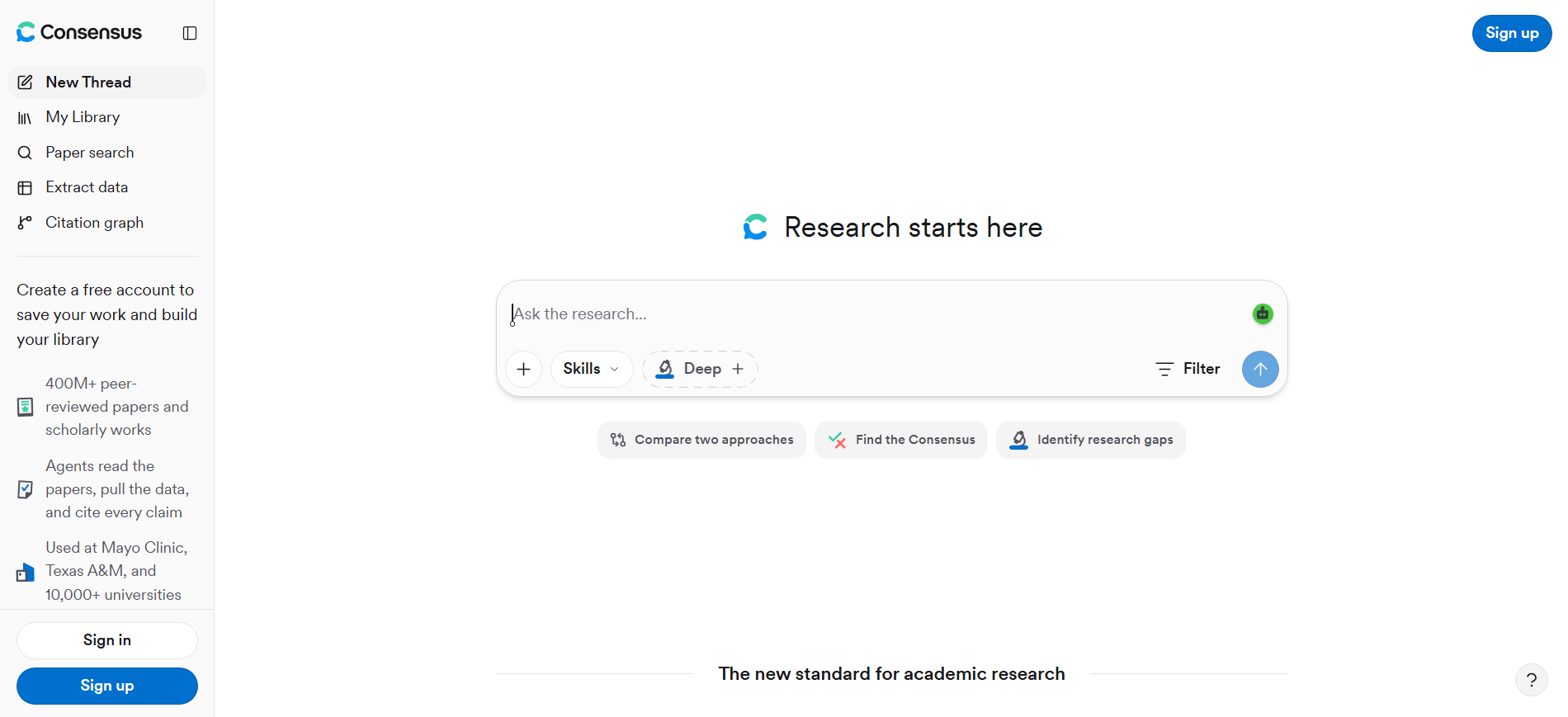
According to Consensus, it draws on 400M scholarly works, including licensed full text content from leading publishers. Consensus says its agents read the papers, pull the data and cite every claim. It also says 10 million researchers, students and clinicians use it.
Who Consensus is best for
Consensus suits you if you want to find and compare evidence across many papers quickly, or check where the research agrees. If you work with clinical questions, it also offers a Medical mode.
Key features of Consensus
- Deep Search builds a search strategy for you. According to Consensus, it expands key terms, identifies conflicting arguments and explores the citation graph.
- You can use natural language filters. Add timeframes, populations and study designs directly in your prompt.
- The Consensus Meter shows you how much the evidence agrees or disagrees on a yes-or-no research question.
- Medical mode narrows your results to about 50,000 clinical guidelines and 8M articles from the top 1,000 medical journals, according to Consensus.
- Consensus says over 170 university libraries partner with it to give students and faculty access.
Pricing of Consensus
Consensus offers a free plan for basic paper searches. Pro costs $12/month with 15 Deep reviews, while Deep costs $45/month with 200 Deep reviews (both billed annually). Students and faculty can get up to 40% off.
Stay Up to Date Without Refreshing 20 Tabs
Set a routine to run hourly, daily, or weekly, and your Agent keeps checking for what’s new while you work.
Put Your Busywork on a ScheduleUndermind
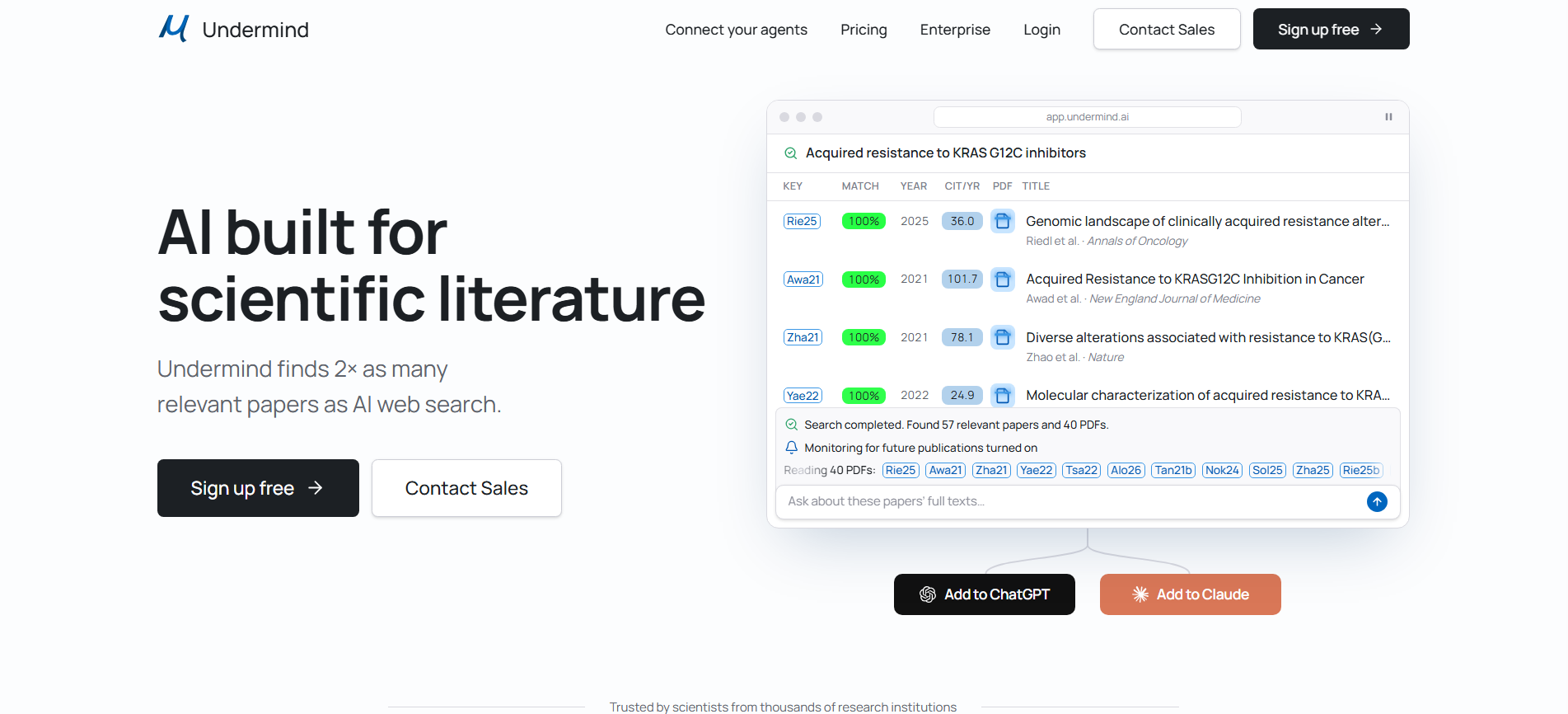
Undermind is an AI search tool built for scientific literature. According to Undermind, it finds 2× as many relevant papers as AI web search. Its deep literature search reviews thousands of papers and brings the relevant ones into your workspace.
Who Undermind is best for
Undermind suits you if you need to find papers you might otherwise miss, such as when you start a new topic. Undermind says 1,000+ GSK scientists use it, and so do scientists at nine DOE national labs.
Key features of Undermind
- Your agent delivers the research writeup you need, and, according to Undermind, every citation is verified.
- Undermind fetches open-access PDFs and you upload the rest, so your AI agent can read them all.
- According to Undermind, your agent reads figures the way a researcher does, with precise visual detail.
- Your results include an evidence quality review.
- You can connect Claude, ChatGPT and other agents to Undermind.
Pricing of Undermind
Undermind offers a free plan with standard usage limits. Pro costs $16/month, Team costs $15/user/month (both billed annually), and Enterprise offers custom pricing with no AI training on proprietary R&D data.
SciSpace
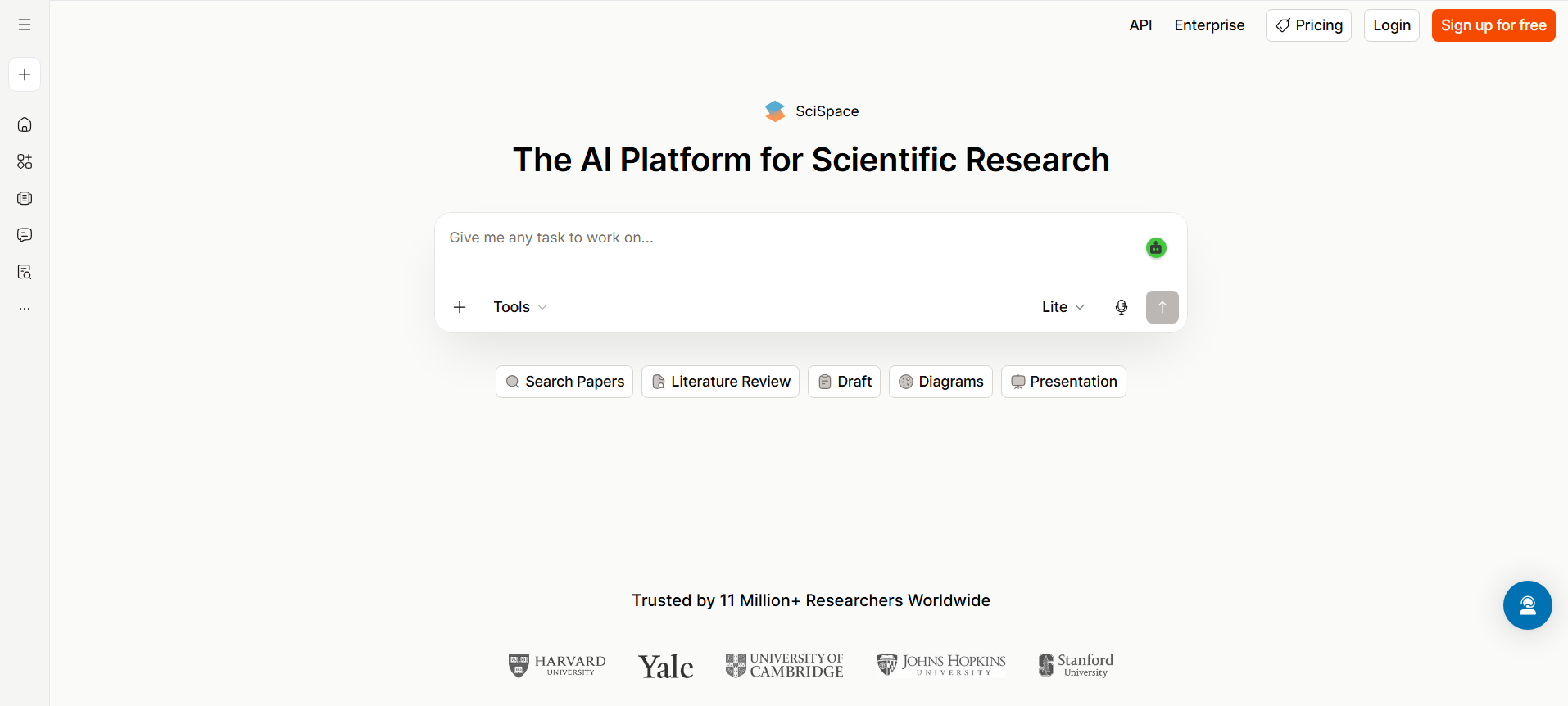
SciSpace is an AI research platform with the SciSpace Agent at its centre. According to SciSpace, the Agent runs on a usage-based credit system that matches your workload, from daily queries to full literature reviews.
Who SciSpace is best for
SciSpace suits you if you want one place for an agent, literature reviews, chat with PDF and writing tools. If you work in a larger organisation, it also offers SciSpace for Enterprise.
Key features of SciSpace
- You can run tasks such as searching, summarising and drafting with the SciSpace Agent, according to SciSpace.
- You can browse the Agent Gallery and use the Biomedical Agent.
- Literature Review, Chat with PDF and Extract Data help you work with papers.
- Citation Generator, AI Writer and Paraphraser help you write.
- According to SciSpace, you can run up to 4 tasks in parallel on Basic and Premium, 8 on Advanced and 16 on Max.
Pricing of SciSpace
SciSpace offers a free Basic plan with 100 monthly credits. Premium costs $12/month, Advanced $70/month and Max $160/month (all billed annually), with unlimited credits subject to fair usage limits on paid plans.
Research on Autopilot. Rules Set by You.
Set each tool to Allow, Ask, or Deny ahead of time, since scheduled runs can’t stop to ask.
Explore Fluso AgentsScite
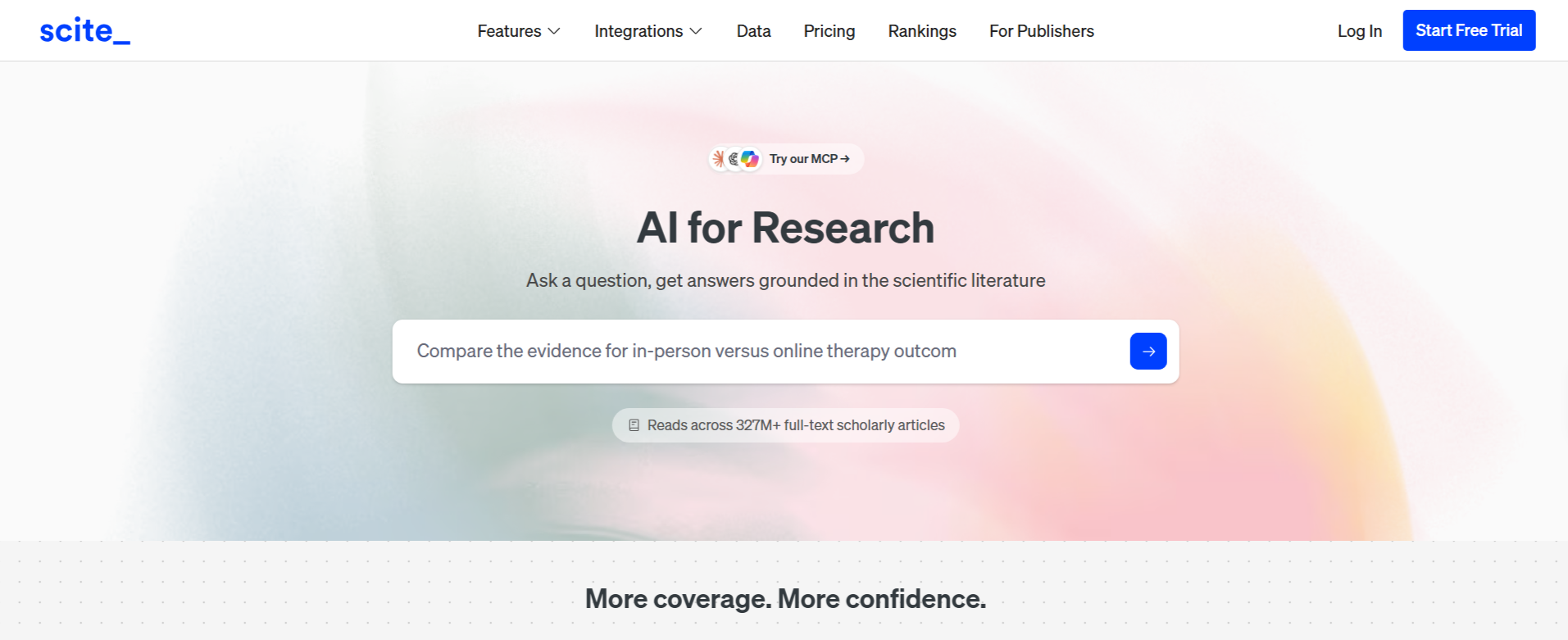
According to Scite, it reads across 323M+ full-text scholarly articles. Its Smart Citations show you whether a finding has been supported or contradicted by later research. Scite says it is built on agreements with Wiley, SAGE and 42+ more publishers.
Who Scite is best for
Scite suits you if you need to check whether the papers you rely on still hold up. It helps when you write papers and want to see what is disputed or affirmed in the literature.
Key features of Scite
- Smart Citations show you how later research has supported, challenged or discussed a paper, according to Scite.
- Scite says every claim its AI makes links back to the specific sentence in the specific paper it came from, so you can check the work in one click.
- You can search beyond abstracts with full-text search across 300M+ articles, preprints, books, patents and datasets.
- Scite runs inside Claude, ChatGPT and any MCP-compatible assistant, and plugs into Zotero.
- Your plan includes citation alerts and dashboards.
Pricing of Scite
Scite offers Basic at $12/month and Pro at $40/month (both billed annually), with Pro adding API access and higher usage limits. Enterprise pricing is custom, and student or academic discounts may be available.
Anara
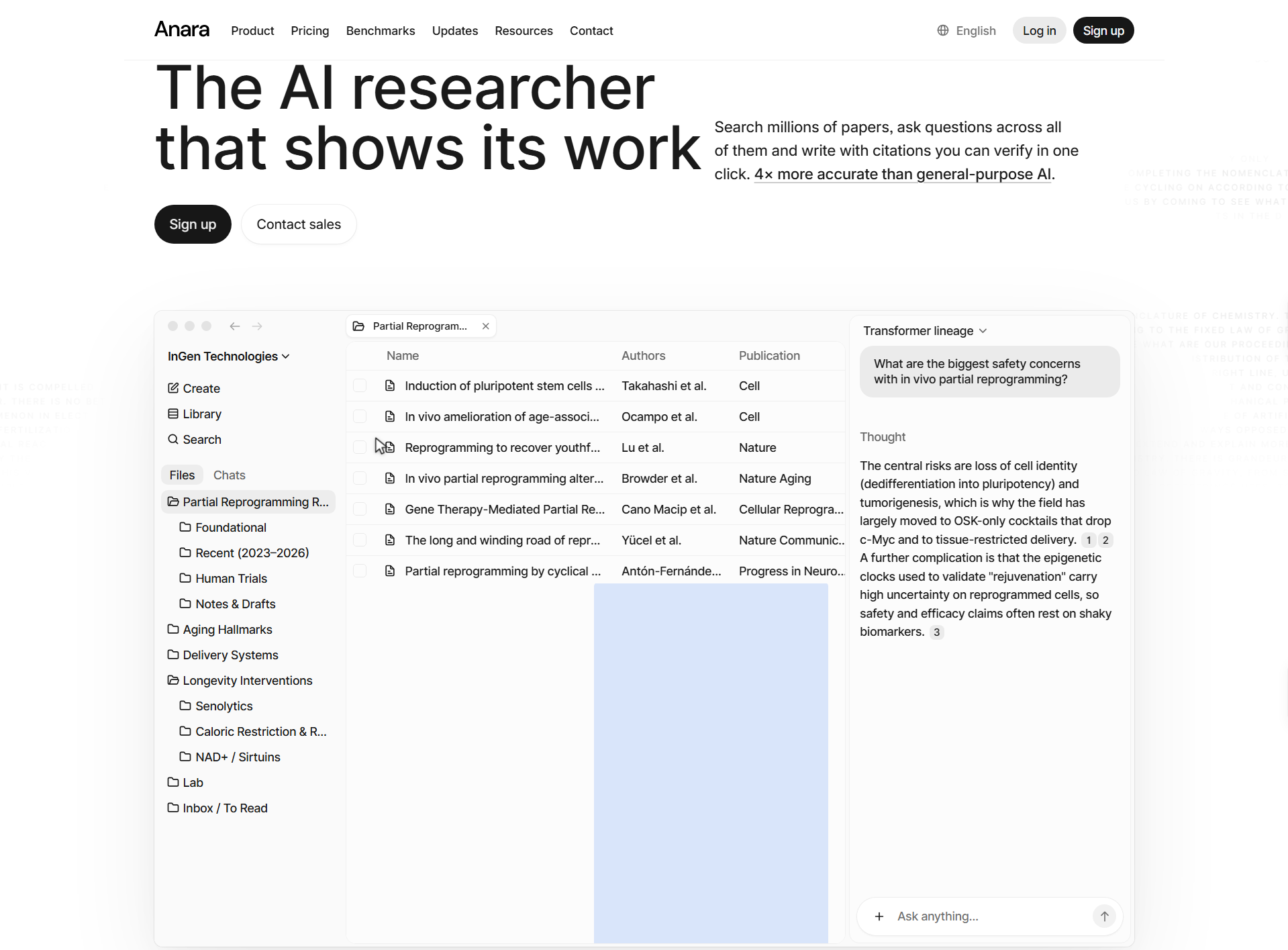
Anara is an AI researcher that shows its work, according to Anara. You can search millions of papers, ask questions across all of them and write with citations you can verify in one click.
Who Anara is best for
Anara suits you if you work with a large library of papers, notes and files and want answers you can trace back to the source. As per Anara, it shares quotes from researchers in medtech, biotech and life sciences consulting, and from academic researchers and PhD students.
Key features of Anara
- You can search over 300M papers, filter by journal and year, and save the ones you need with a click.
- Every answer points to the exact passage it came from, according to Anara, so you can check it in one click.
- You can upload papers, notes, slides and recordings. Anara keeps them ready to search and ask about, and syncs with Zotero and Mendeley.
- You can turn a folder into a table, with one row per paper, one column per question and every cell cited. It supports PICO and GRADE, and you can export to CSV and Excel.
- You can draft in notes with citations suggested from your library, then export to Word, LaTeX or BibTeX in any citation style. There is also a Microsoft Word add-in.
Pricing of Anara
Anara offers a free plan, with Plus, Pro, Max and Enterprise options. You can choose monthly or annual billing, save 20% annually and purchase extra credits when needed.
Sensitive Research? Keep It Private.
Fluso Cloud hosts your workspace in the EU by default, or you can run Fluso Local on your own machine.
Explore Fluso AgentsHow to use AI agents for a literature review
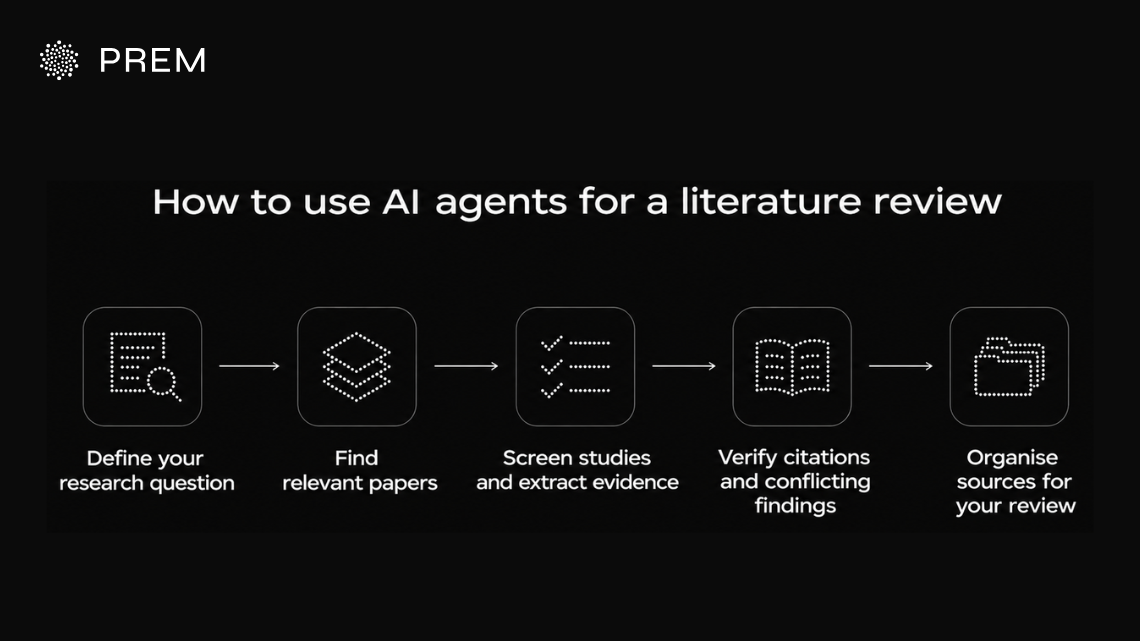
AI agents can help you at every stage of your literature review, from finding papers to organising evidence. You stay in control of the research decisions and final review.
Define your research question
Set a clear research question and define your inclusion and exclusion criteria. Share these with your agent to guide the research.
Find relevant papers
Use tools like Elicit and Undermind to find relevant studies. Compare results across tools to avoid missing important papers.
Screen studies and extract evidence
Ask your agent to screen papers against your criteria and extract key findings into a table. Review its decisions for accuracy.
Verify citations and conflicting findings
Check original sources and use Scite to identify supporting or conflicting evidence. Note any disagreements between studies.
Organise sources for your review
Keep papers, citations, and screening decisions in one place.
Automate source-backed research with Fluso Agents
You do not have to repeat the same searches by hand. With Fluso Agents, you can set up an agent that works from your instructions and your knowledge files. You can set routines to run once, hourly, daily, on weekdays or weekly, so your agent keeps checking for what is new while you work.
You also control what your agent can do. You can set each tool to Allow, Ask or Deny, and set app access to Allow, Read only or Deny. Routines can’t stop to ask, so you decide in advance what your agent may do on its own.
Your data stays under your control. We offer Fluso Cloud on AWS with European hosting by default, Fluso Local on your own machine, and a dedicated AWS VPC for teams that need it. Agents are in every plan, from Free to Enterprise.
Ready to stop repeating the same searches? Download Fluso and let your first Agent keep your research up to date, free.
Frequently asked questions about AI agents for researchers
What are the best AI agents for researchers in 2026?
The best one is the one that fits your task. For a literature review, look for source-backed answers, clear data handling and exports you can reuse. This list compares seven AI agents on those checks so you can choose.
What is the best AI for literature review?
Few tools cover every stage. Choose one that helps you find papers, screen studies and extract evidence, and shows the source behind each claim. Then check each source yourself before you use it in your review.
Can AI agents do a systematic review?
They can help you with searching, screening and data extraction. But you stay responsible for your method, your decisions and your final write-up. Report how you used AI, and review what it produces.
Which AI research tools give verifiable citations?
Look for tools that link each claim to the exact paper or passage. You should be able to open the source and confirm it supports the claim. If a tool gives you an answer with no source, treat it with caution.
Are there free AI research tools for students?
Yes. Many research tools have a free plan with limits. Fluso Agents is included in every plan, including Free, so you can try setting up an agent before you pay. Check each tool’s limits for your workload.
What is the difference between an AI research agent and an AI research assistant?
In general, an assistant answers when you ask. An agent carries out multi-step tasks, such as searching and reporting, and can run on a schedule. In Fluso Agents, you set routines to run once, hourly, daily, on weekdays or weekly.
Are AI research tools safe for unpublished work?
It depends on the tool. Check where it stores your data, whether it shares it with external model providers, how long it keeps it and whether it trains on it. With Fluso, you can choose Cloud with European hosting by default, Local or a dedicated AWS VPC.