7 Best AI Agents for Founders to Manage Daily Business Workflows in 2026
On this page

I recently came across a post by Y Combinator on X sharing Garry Tan’s Startup School talk. He talked about how AI agents can remember past work and follow saved instructions, helping founders get more work done with smaller teams.
The next generation of startups will be built by smaller teams than ever before. At Startup School 2026, YC's @garrytan explains why we're we're entering the era of personal AGI: AI agents that run on your own infrastructure, compound your knowledge over time, and dramatically increase your ability to build. He shares the tools and workflows he uses every day, why every founder should own their intelligence instead of renting it, and what it means to build under your own power. 00:07 — What Founders Can Learn From Spinoza 04:46 — Personal AGI Is Already Here 07:57 — Why AI Makes One Person More Powerful Than Ever 12:29 — Your Life Is a Library 15:15 — Inside My Personal AI System 17:06 — Markdown Is Code 18:20 — Latent Space vs. Deterministic Code 21:13 — Building a Company of One 24:16 — How to Build Your Own Personal AGI 27:58 — Why Most People Will Quit Too Soon 29:09 — Own Your Skills Before Someone Else Does 32:24 — Personal AGI Means Owning Your Intelligence 35:21 — Why I Open Sourced Everything 38:30 — A Personal AGI for One Small Boy 40:18 — It's All Made Up. You Get to Make It Up.
— Y Combinator (@ycombinator) August 6, 2026
When you are a founder, your day can get busy pretty quickly. You start by checking emails and preparing for meetings. Then you have team updates to follow up on and reports to prepare. All these tasks need your attention, leaving you with less time to focus on important business decisions.
We built Fluso Agents to run that recurring work for you, from a morning inbox brief to a weekly investor update. Each agent works on a schedule you set and keeps your data fully protected.
Why founders need privacy-first AI agents for business workflow
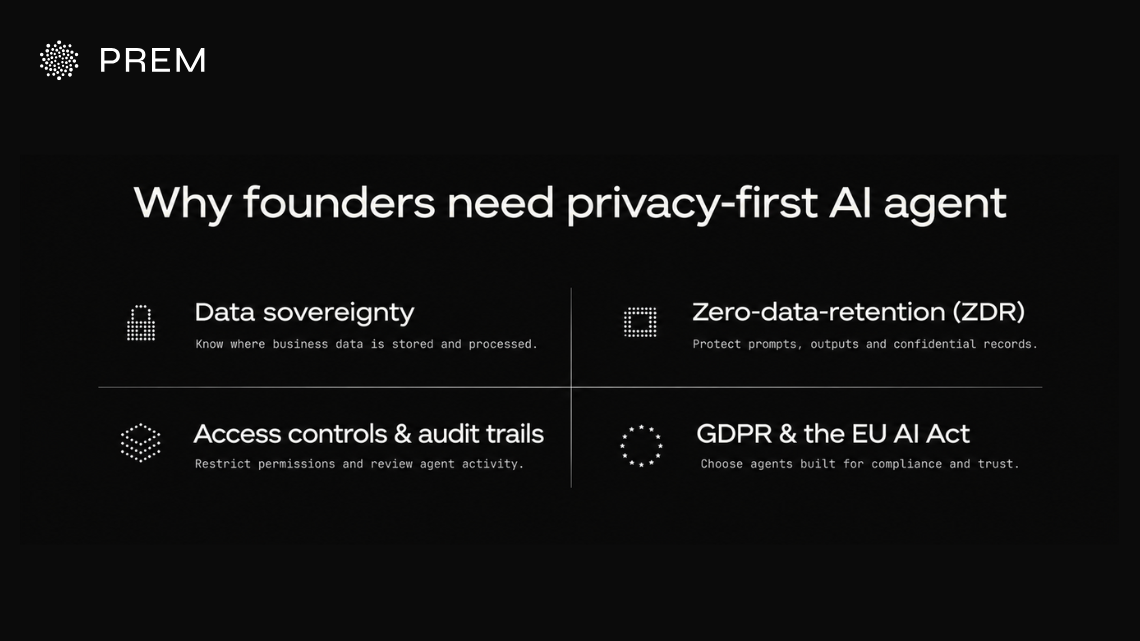
Data sovereignty gives you full control over your business data
When your AI agents access financial documents or customer records, you need to know where that information is stored and processed. Hosting location matters because different countries have different data protection laws. In December 2024, Italy's privacy regulator fined OpenAI €15 million over GDPR violations. This highlights why you should check how an AI provider handles your business information.
Zero-data-retention (ZDR) policies protect your confidential information
A zero-data-retention (ZDR) policy limits how long an AI provider keeps your prompts and outputs. You should also check whether your data is used for model training. With Fluso Agents, your private business data is never used to train shared AI models. Pro users can also access confidential mode to process sensitive information in hardware-isolated environments.
Access controls and audit trails help you track agent activity
You should be able to decide which business applications your agents can access and what actions they can perform. Access controls help you restrict permissions, while audit trails let you review agent activity. This becomes especially important when multiple team members use AI agents across your business.
GDPR and the EU AI Act help you meet compliance requirements
If your AI agents handle personal data, they need to follow GDPR rules. The EU AI Act sets rules based on how AI is used and the risks involved. The proposed Cloud and AI Development Act (CADA) also introduces a legal definition of AI agents for the first time and aims to give Europe more control over its AI infrastructure.
Spend Less Time on Repetitive Business Tasks
Your emails, meeting briefs and weekly reports don't all need your attention. Create a Fluso Agent to handle recurring tasks while you focus on growing your business.
Create your agent in Fluso7 Best AI agents for founders to manage daily business workflows in 2026
Here are seven AI agents that can help you manage everyday business tasks. Each offers different features and hosting options, so you can see which one works best for your business.
Fluso
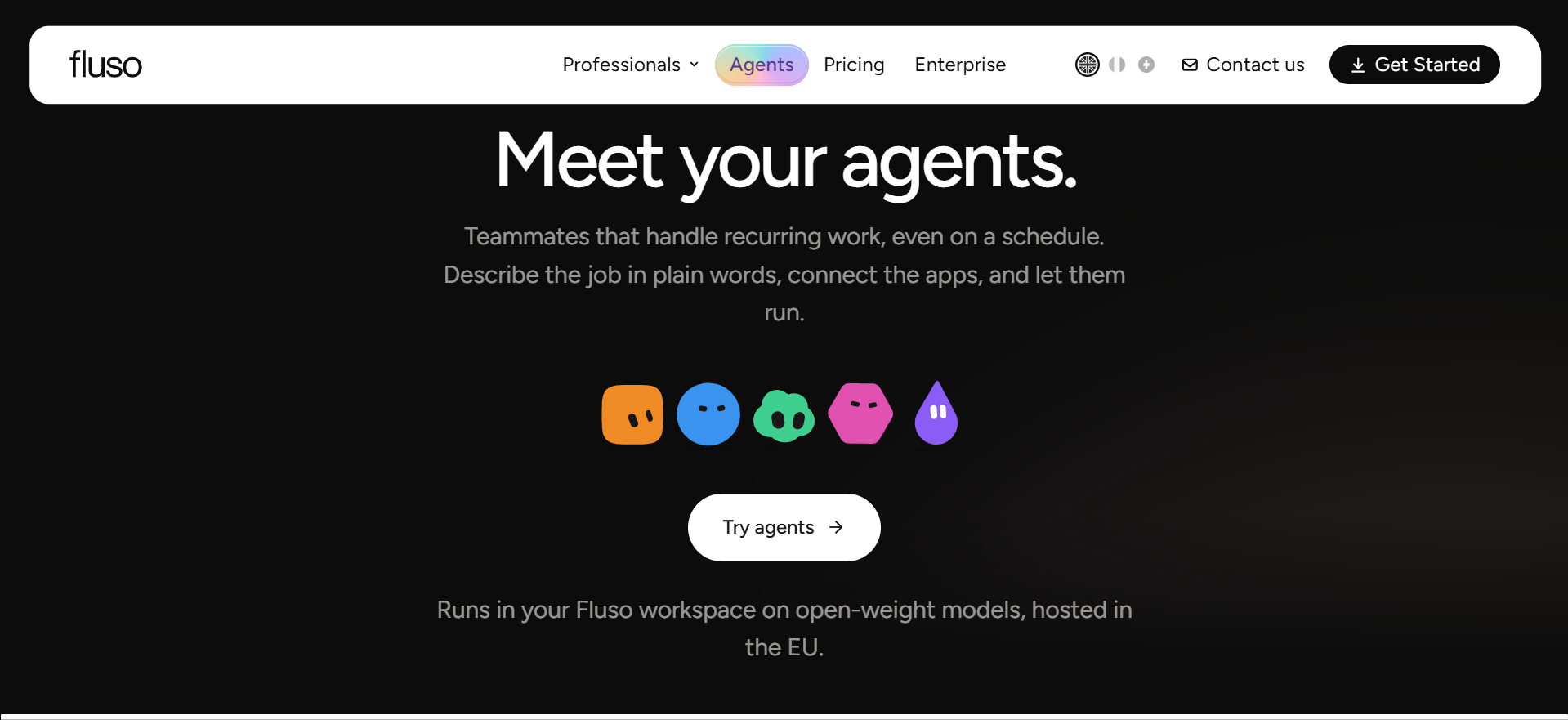
We built Fluso Agents for founders who want to delegate recurring business workflows without spending hours configuring complex automation systems. You can create an agent through a chat-based setup and connect the applications it needs to complete your work.
Your agents can prepare meeting briefs and generate business reports on a schedule. They can also retain relevant context across recurring tasks while you decide which connected tools they can access and what actions require your approval.
What makes Fluso the best AI agent for founders
How you can use Fluso agents in your business
Fluso Agents can help founders manage daily tasks and focus on growing their business. Here are 8 ways you can use them while keeping control over what gets sent.
Investor Reporting
Your AI agent collects monthly updates from emails, Slack, and documents. It picks out important numbers and achievements, then drafts an investor update for you to review and send.
Board Deck Preparation
Your AI agent reviews your files and researches information online to create a draft presentation for your next board meeting. You can check and edit it before sharing.
Meeting Preparation
Before a meeting, your AI agent reviews relevant emails and documents, then gives you a short summary of key points, decisions to make, and questions to ask.
Meeting Follow-ups
Your AI agent turns meeting notes into a simple summary of decisions, tasks, and who's responsible. It also drafts follow-up emails for you to review and approve.
Customer Communication
Your AI agent checks your inbox, highlights important customer emails, and drafts replies and follow-up messages. You review everything before it's sent.
Team Progress Tracking
Every week, your AI agent collects team updates from Slack and your task tracker. It highlights tasks that have been stuck for more than three days and prepares a short progress summary.
Business Research
Your AI agent researches competitors every week and creates a short report with sources. This helps you stay updated on what competitors are doing without spending hours researching.
Daily Founder Brief
Every morning, your AI agent checks new emails and your calendar, then shares a short Slack update showing your important tasks, meetings, and priorities for the day.
Fluso pricing
You can start with Fluso for free and upgrade to a paid plan starting at $10 per month as your workflows grow. For larger teams and enterprises, we offer custom plans and pricing based on your needs.
Twin
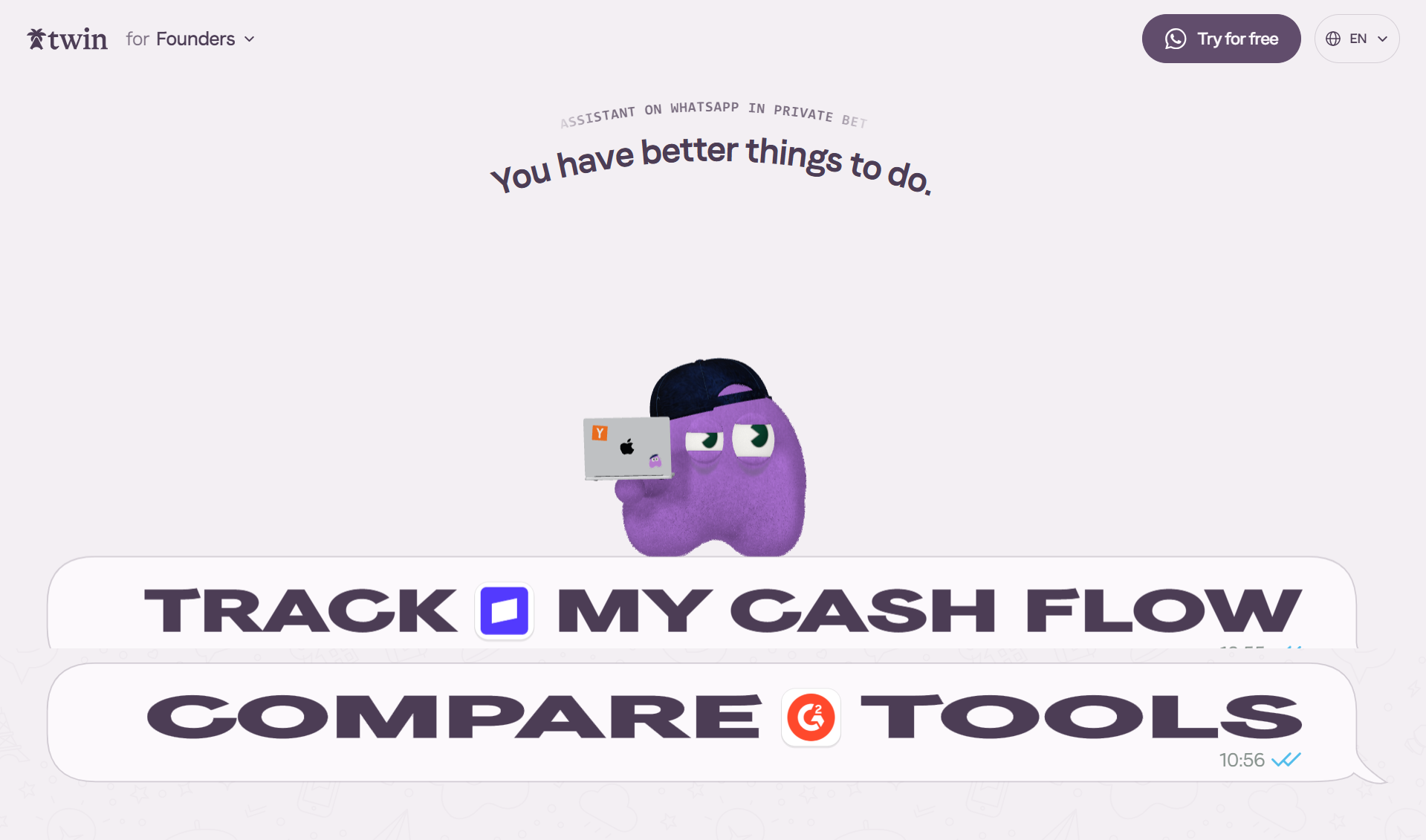
Hugo Mercier and João Justi started Twin in Paris in 2023 after building a prototype that let vision models control a browser on their own. That browser skill still sets Twin apart because its agents can work inside websites that have no API.
You can message Twin on WhatsApp and ask it to prep your pitch, track your cash flow or research a market. It connects to more than 5,000 apps such as Gmail and Stripe and can send invoices and chase late payers for you.
Twin is best for
A good fit for founders who want to follow up with leads and collect overdue payments without doing everything manually.
Twin pricing
Twin plus costs $29 per month and Pro costs $149 per month on a flat rate with no credits.
Let Your Recurring Tasks Run on Schedule
Set up a Fluso Agent to prepare your morning briefs, track business updates or generate weekly reports automatically on the schedule you choose.
Create your agent in FlusoFlowHunt
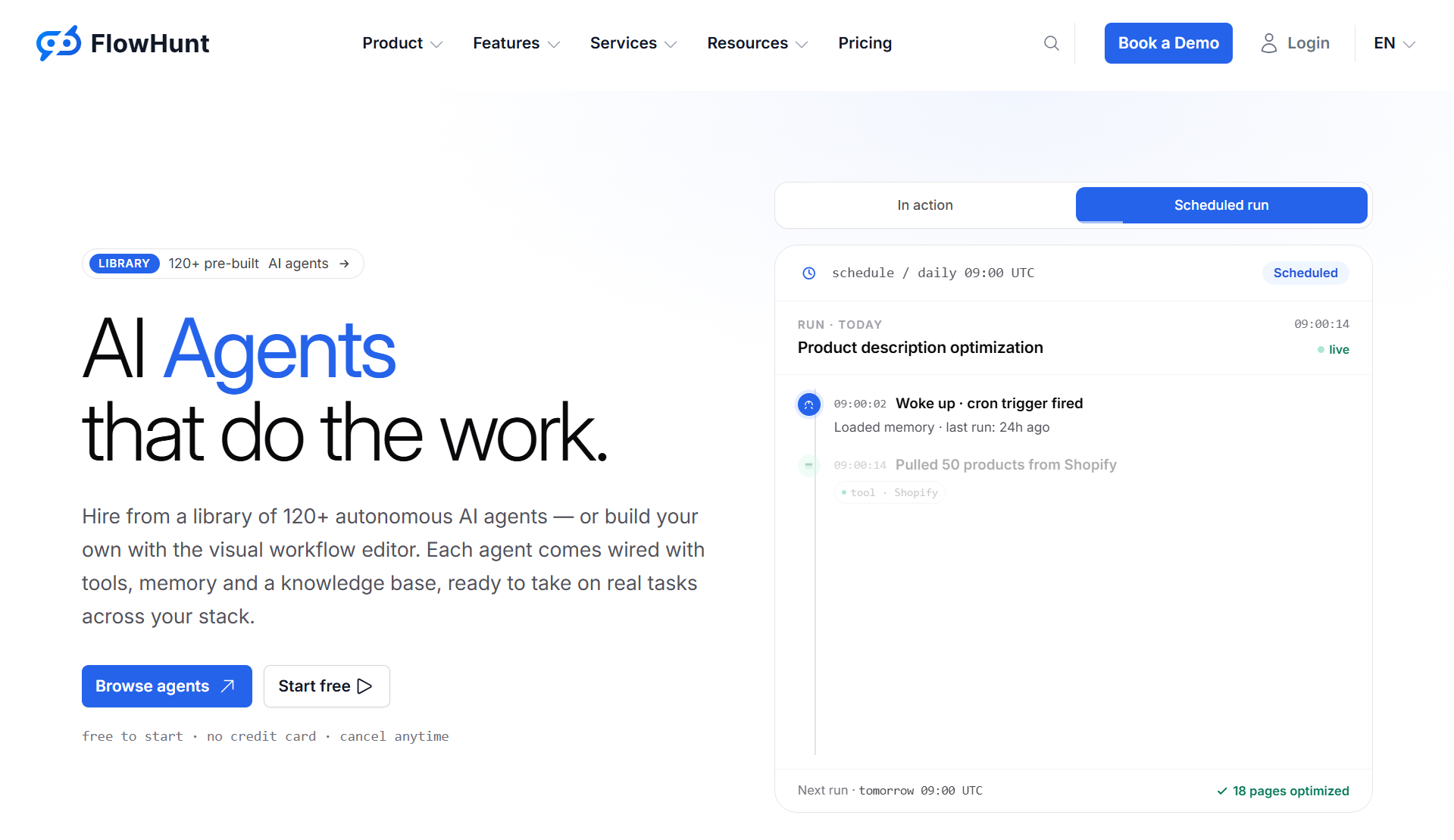
FlowHunt comes from QualityUnit, the Bratislava team behind LiveAgent and Post Affiliate Pro that has been building software since 2004. The team launched FlowHunt in 2024 as a no-code builder where you connect blocks on a visual canvas to create agents.
Its library holds more than 120 prebuilt agents you can hire as they are or adjust to fit your business. For bigger goals a Supervisor agent plans the work and hands tasks to specialist agents, and it pauses for your approval on key decisions.
FlowHunt is best for
Ideal for solo founders who manage their own marketing, SEO, and content creation.
FlowHunt pricing
Starter costs €46 per month and Pro costs €110 per month, while Enterprise starts at €1,500 per month.
Make
Using Make AI Agents, you can build automations that connect your business apps and handle repetitive tasks. For example, you can create an agent that checks new leads, updates your CRM, and drafts follow-up emails.
Make connects with over 3,000 apps through a visual builder, so you can set up workflows without writing code. Unlike fixed automations, its AI agents can decide what to do next based on the information they receive. You can also choose an EU data centre when signing up if your business needs to keep scenario data in Europe.
Make is best for
A practical choice for founders who use multiple business apps and want to automate tasks between them.
Make pricing
Make has a free plan with 1,000 credits a month, and Core starts at $9 per month on annual billing.
Prio
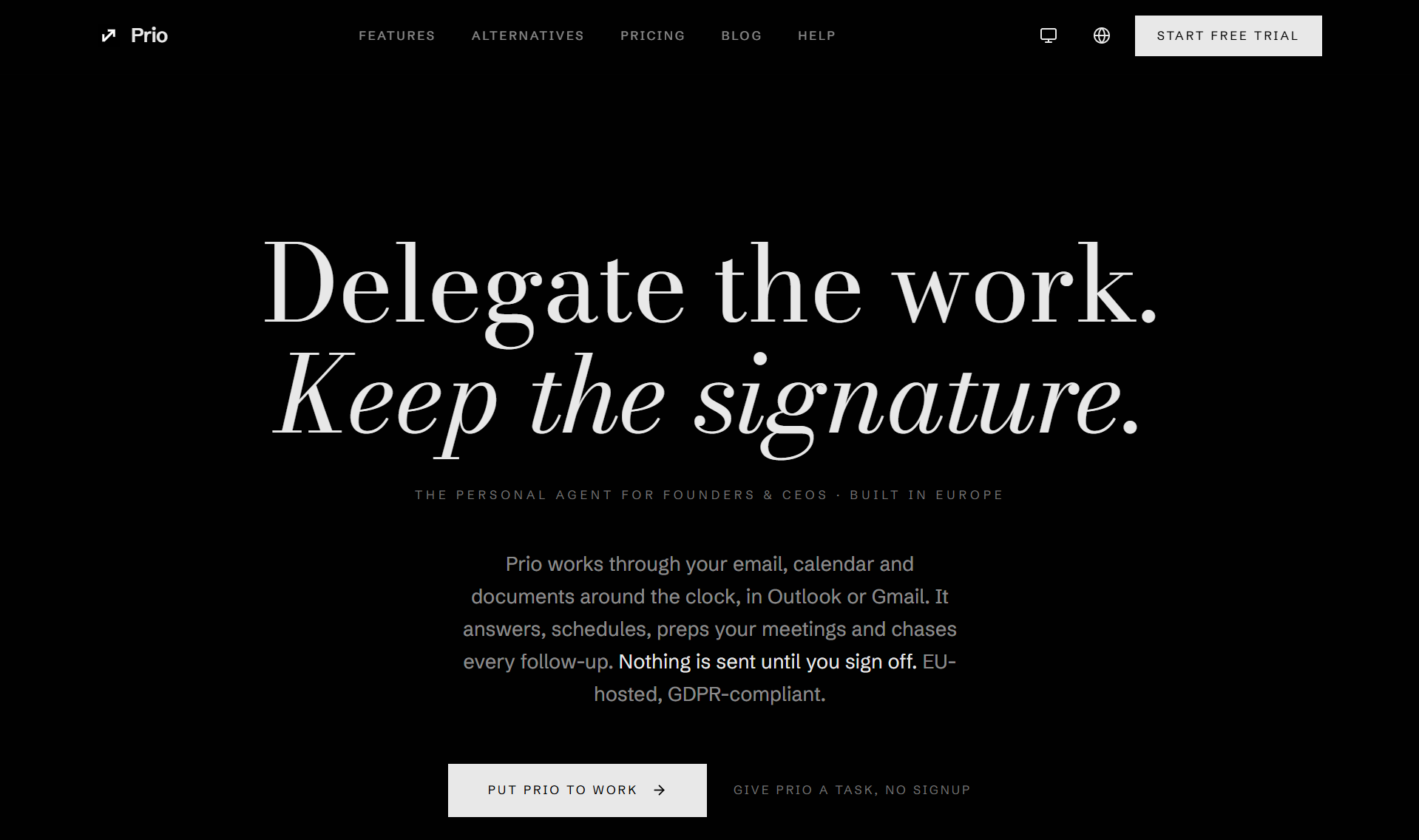
Fred van Rijswijk built Prio from the Netherlands as a solo founder and launched it in April 2026. It works like an AI chief of staff for your Outlook or Gmail inbox, and nothing goes out until you approve it.
Prio triages your email, drafts replies in your tone and preps your meetings with short briefs. Your data is stored and processed in EU data centres, which makes it a comfortable choice for founders who serve European clients.
Prio is best for
Best suited for busy founders who spend too much time managing emails, meetings, and schedules.
Prio pricing
Starter costs €29 per month and Pro costs €79 per month, with a 14-day free trial on every plan.
Stop Explaining the Same Business Context Every Time
Fluso Agents can reuse relevant project information and saved instructions across recurring tasks, so you can spend less time repeating details and more time reviewing results.
Create your agent in FlusoLangdock

Using Langdock, you can give your team one place to use different AI models and build agents that work with your company’s information. For example, your team can create agents to answer internal questions, find company documents, and help new employees get up to speed.
Langdock also lets you manage how your team uses AI without setting up separate tools for everyone. Your data is hosted in Frankfurt, Germany, and the platform holds ISO 27001 and SOC 2 Type II certifications.
Langdock is best for
A good option for founders growing their teams who want everyone to access and use shared company knowledge.
Langdock pricing
A Business Standard seat costs €25 per user per month and a Business Max seat costs €99 per user per month.
Sintra AI
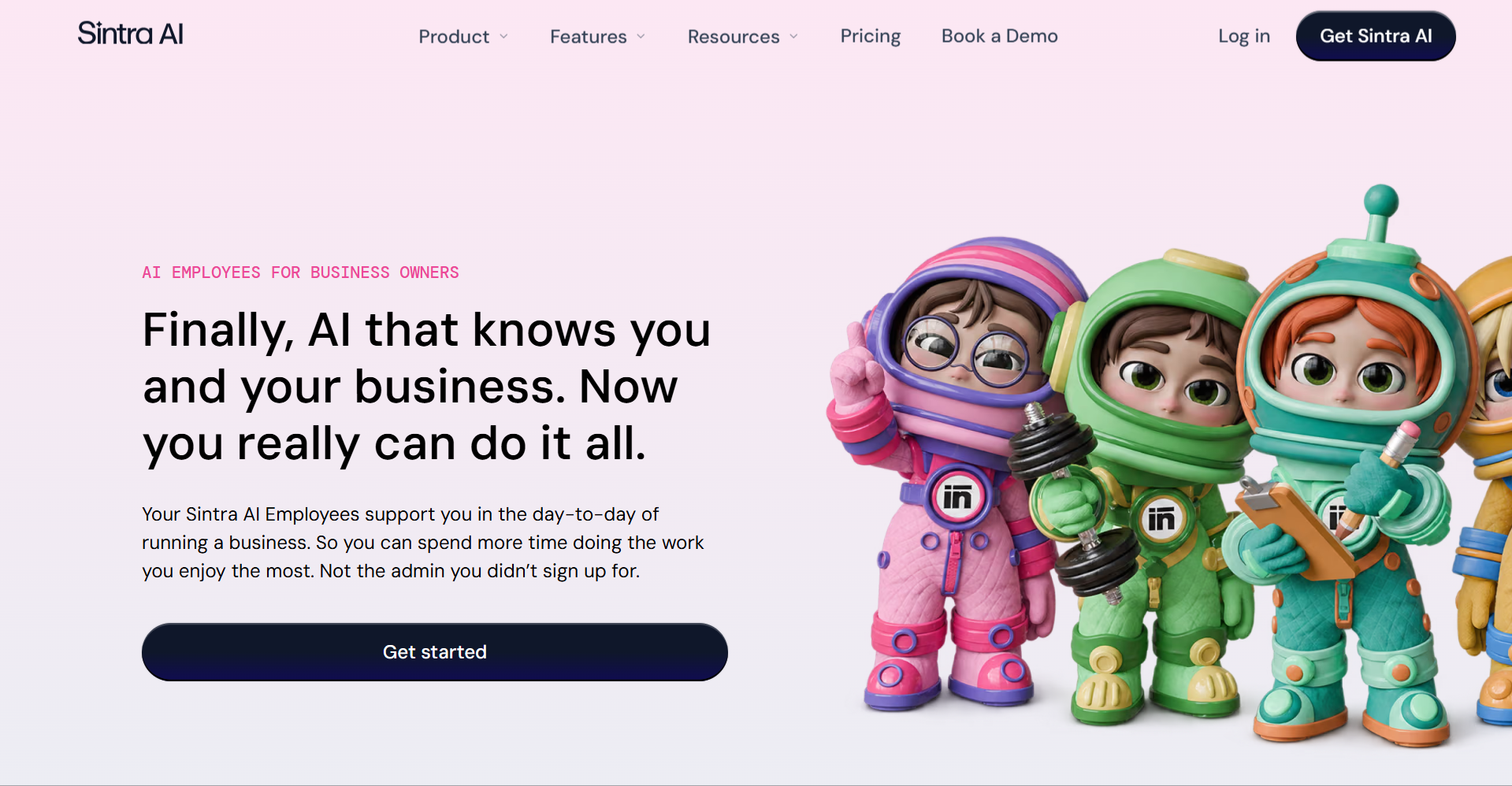
With Sintra AI, you get a team of 12 ready-made AI assistants that help with different business tasks, such as customer support, social media, and marketing. For example, you can use one assistant to create social media posts and another to draft customer replies.
Sintra also has a shared memory feature called Brain AI, where you can store your brand details, business information, and guidelines. This helps all 12 assistants understand your business and follow the same instructions without you having to explain everything again.
Sintra AI is best for
Ideal for founders who want ready-made AI assistants to handle different business tasks from day one.
Sintra AI pricing
Sintra X includes all 12 helpers and starts at $15.60 per month on a 12-month term.
Ready to Hand Off Your First Business Workflow?
Start with one recurring task, whether it's preparing meeting briefs, tracking team updates or creating weekly reports. Describe it in Fluso and build an agent to handle the work.
Create your agent in FlusoHow to choose the right AI agent for your business tasks
Before choosing an AI agent, check what tasks it can handle and how much control you have over its actions. Here are six things founders should look for.
Start with a task you want to automate
Choose a task you repeat every day or week, such as checking emails or preparing reports. Test whether the agent can complete it without needing instructions at every step.
With Fluso, you can create an agent for a morning email brief or weekly business update. You can also schedule it to run automatically, so you don't have to start the same task each time.
Check which business apps it can access
Your AI agent should work with the apps you already use. If your customer information is in Gmail, Slack, and Google Drive, check whether the agent can access the information it needs across these tools.
Fluso connects with apps such as Gmail, Google Calendar, and Slack. You can choose which apps each agent can use instead of giving it access to everything.
Decide what needs your approval
Not every task should run without your permission. An agent can prepare customer emails or reports, but you may want to review messages before they're sent.
Fluso lets you set Allow, Ask, or Deny rules for individual tools. For example, you can allow an agent to read emails while requiring approval before it sends a reply.
Check how your business data is handled
An AI agent may need access to customer details, financial records, and internal documents. Check where your data is stored and whether it's used to train AI models. Also check what security measures the provider offers.
Fluso hosts workspace data in Europe and states that private customer data isn't used to train shared AI models. This may be useful if your business handles sensitive information or works with European customers.
Test how well it handles longer tasks
Some AI agents can answer simple questions but struggle with tasks that involve several steps. For example, preparing an investor report may require checking emails and pulling together important numbers.
Fluso agents can split larger tasks into separate sessions and bring the results together. You can also use High mode for work that needs more careful reasoning.
Compare pricing based on actual usage
Check more than the monthly subscription price. Some AI agents charge per user, while others limit how many tasks or credits you can use. Think about how often you'll run your agent and whether the plan will support your workload.
Fluso offers a Free plan to get started, along with paid options. Check the current usage limits and features before choosing a plan, especially if you plan to run agents every day.
Fluso: Best AI agent for founders to manage everyday complex business workflows
Your business involves many recurring tasks that take up your time every day. With Fluso Agents, you can automate these tasks and focus on growing your business. Just describe what you want your agent to do in your everyday language, and Fluso will help you create an agent for that workflow.
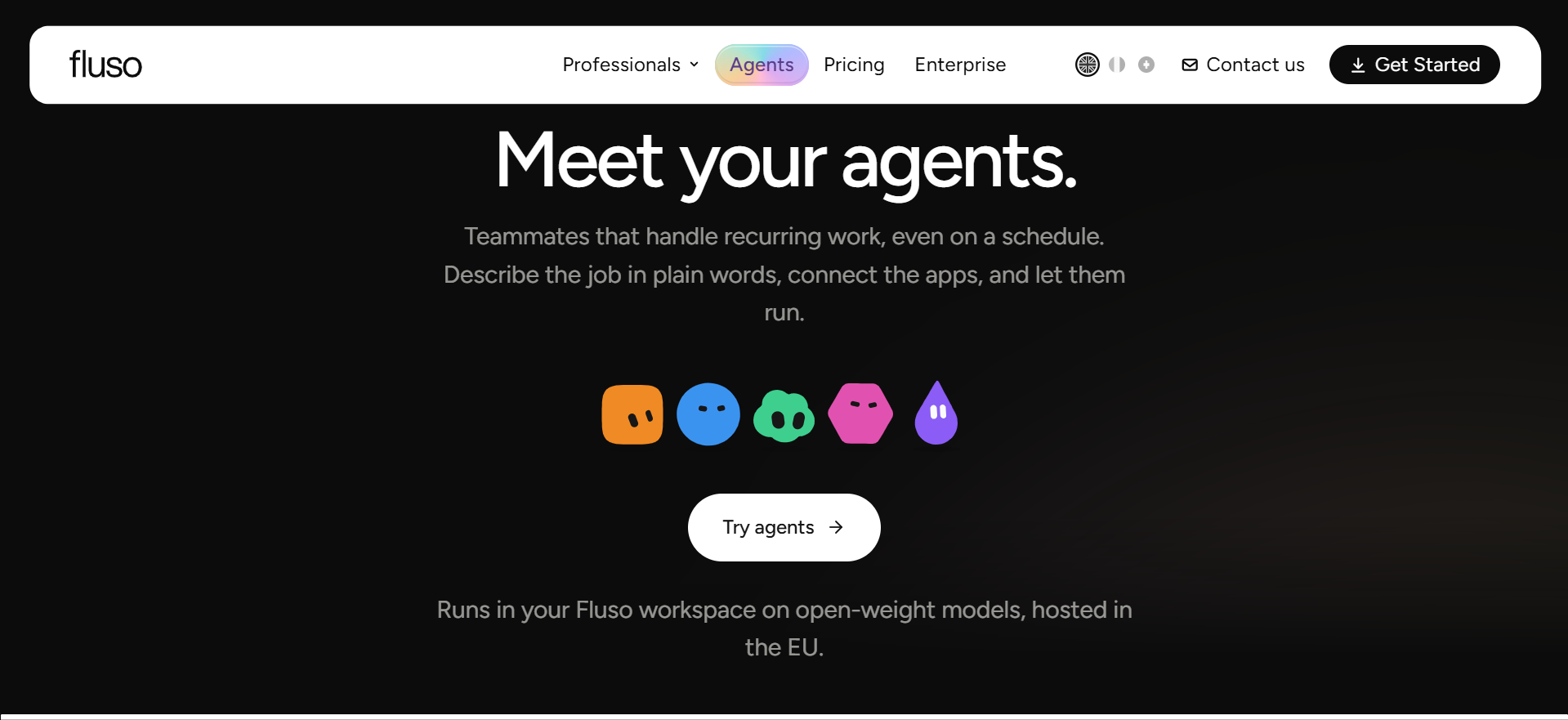
Fluso Agents run on open-source AI models hosted in European data centres, and your private data is never used to train AI models. You can schedule your agents to complete recurring tasks and review their results in one inbox. Your agents also remember relevant information from previous work, so you don't have to explain the same business context every time.
Download Fluso and start creating your Fluso Agents today and see how they can help you manage recurring business tasks and delegate complex workflows across your everyday business operations.
FAQs about AI agents for founders
What are AI agents for founders?
AI agents for founders are systems that can complete business tasks using connected applications. You can use them to prepare reports or manage recurring operational work. Unlike basic chat assistants, AI agents can follow multi-step workflows and carry out approved actions.
How can AI agents help you manage daily business workflows?
You can use AI agents to prepare meeting briefs and generate recurring reports. They can also review relevant information from connected business applications and identify pending tasks. This helps you spend less time gathering information while keeping important decisions with you.
Can AI agents help you prepare investor reports?
Yes. An AI agent can gather relevant updates from your connected files and prepare an investor report. You can configure it to follow your preferred reporting format and identify missing information. However, you should verify financial figures before sharing the final document.
Are AI agents safe for confidential business information?
AI agents can be suitable for confidential workflows when the platform provides appropriate safeguards. You should check the provider's data retention policies and hosting options before connecting sensitive information. It's also important to restrict agent permissions and require approval for sensitive actions.
Can you create AI agents without coding?
Yes. Platforms such as Fluso support chat-based setup for creating agents without writing code. You can describe your recurring task and configure the connected applications it requires. Complex workflows may still need testing and approval rules before you can use them reliably.
What is context compounding in AI agents?
Context compounding allows agents to build on relevant information from previous work. Your agent can reuse project instructions and business context instead of requiring the same explanation every time. This can make recurring workflows easier to manage as your business information develops.
How much do AI agents for founders cost?
Pricing varies by platform and usage. Some providers offer free plans while others charge monthly subscriptions or consumption-based fees. You should compare the cost of running your actual business workflows because higher execution volumes may increase your total subscription expenses.