9 Best AI Agent Platforms and Builders for Enterprise in 2026
On this page

An enterprise AI agent platform lets you build AI agents that handle tasks across your work tools, with rules that you set. The tools below range from no-code builders to cloud platforms and developer frameworks.
- Your agents can do multi-step jobs, like sorting your email, filing documents and preparing meeting briefs. You choose which actions need your approval first.
- Before you pick a tool, check where it runs, where it processes your data, who can access your data and how you can track what each agent does.
Fluso Agents lets you describe a job once in plain language, and your agent keeps those instructions for new work. You choose which actions need your approval before they run.
AI agents are moving from pilots into everyday business operations. KPMG’s Q3 2026 AI Pulse Survey asked 314 US leaders at companies with at least $1 billion in annual revenue about their AI plans. In 62% of their organizations, teams are building, deploying or developing AI agents. That is up from 53% in the previous quarter. Nearly six in ten leaders also reported measurable business value from AI, and productivity gains were the most common benefit.
Small businesses are seeing benefits too. In a Network Solutions survey of 187 US small business owners who use AI, 60% said AI tools save them at least two hours a week. Most respondents ran their businesses alone.
Whether you work alone or manage a large enterprise team, the right AI agent platform can help you automate recurring tasks and build agentic workflows with rules you control.
Below, we compare nine AI agent platforms, including Fluso, to help you find the right fit. First, let’s look at what an enterprise AI agent platform is.
What is an enterprise AI agent platform?
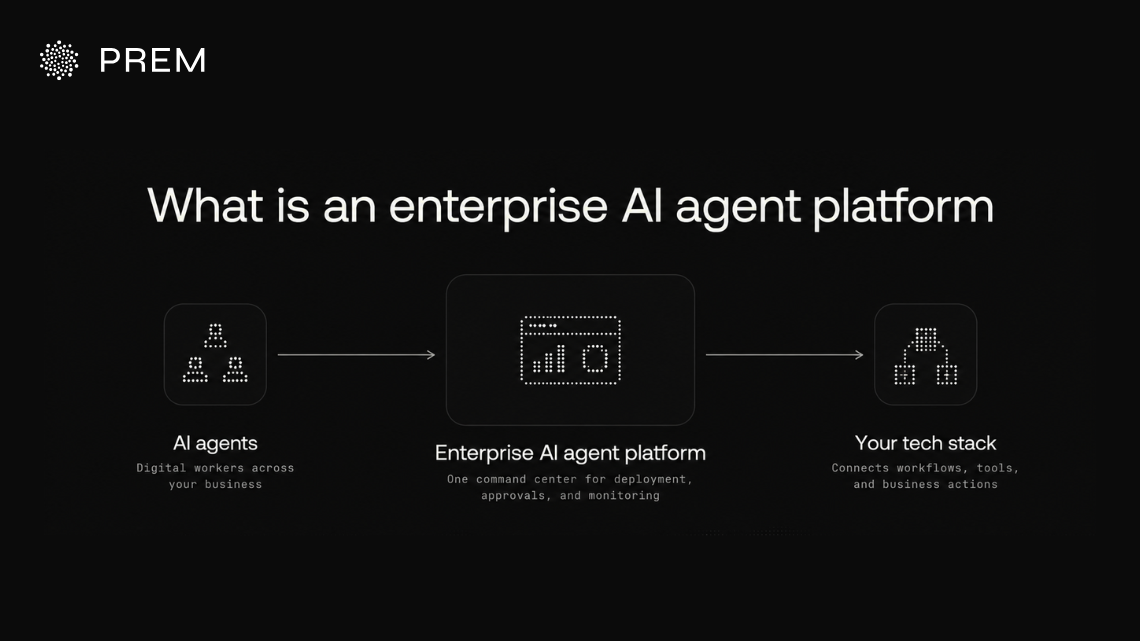
An enterprise AI agent platform provides a central place to deploy and manage AI agents across your business. It connects agents to your existing tools and systems so they can work with your business data and workflows.
Unlike basic chatbots that only answer questions, AI agents can handle multi-step tasks within the guidelines you set. You decide the approach it follows and the guardrails it stays within. For example, an agent can review your CRM and prepare record updates, but only the ones your rules allow. You can stay in control through approval rules that require your team to review actions before they go live. This aligns with OWASP’s AI Agent Security Cheat Sheet, which recommends human approval for high-impact or irreversible actions.
The tools in this guide fall into four groups:
- No-code and low-code builders let you create agents with little or no code.
- Cloud platforms host and run agents your engineers build.
- Developer frameworks provide code libraries your engineers use to build agents from scratch.
- AI assistants are ready-to-use agent products your team works with directly.
Builders and platforms usually include more built-in controls, while frameworks leave more for your team to build.
As your teams deploy more agents, managing their activity becomes harder. A good platform gives you one place to monitor agent activity, protect your data, and apply consistent security rules across your business.
Busywork Is Out. Your AI Teammate Is In.
Fluso Agents takes recurring jobs off your team’s plate and runs them on your schedule.
Meet Fluso AgentsWhat to look for in an enterprise AI agent platform
When you are choosing a tool, five areas deserve your attention: governance, security, deployment, integrations and monitoring.
Use this table to compare your vendors and see how Fluso matches up on each point. Then ask more detailed questions about how each tool would work with your systems and security requirements.
9 best AI agent platforms and builders for enterprise in 2026
These 9 platforms cover no-code builders, cloud platforms, developer frameworks and AI assistants. The table below compares them at a glance:
Note: Capabilities and enterprise controls vary by plan and deployment. Check each vendor’s current documentation to confirm which features are included in your chosen setup.
Fluso AI
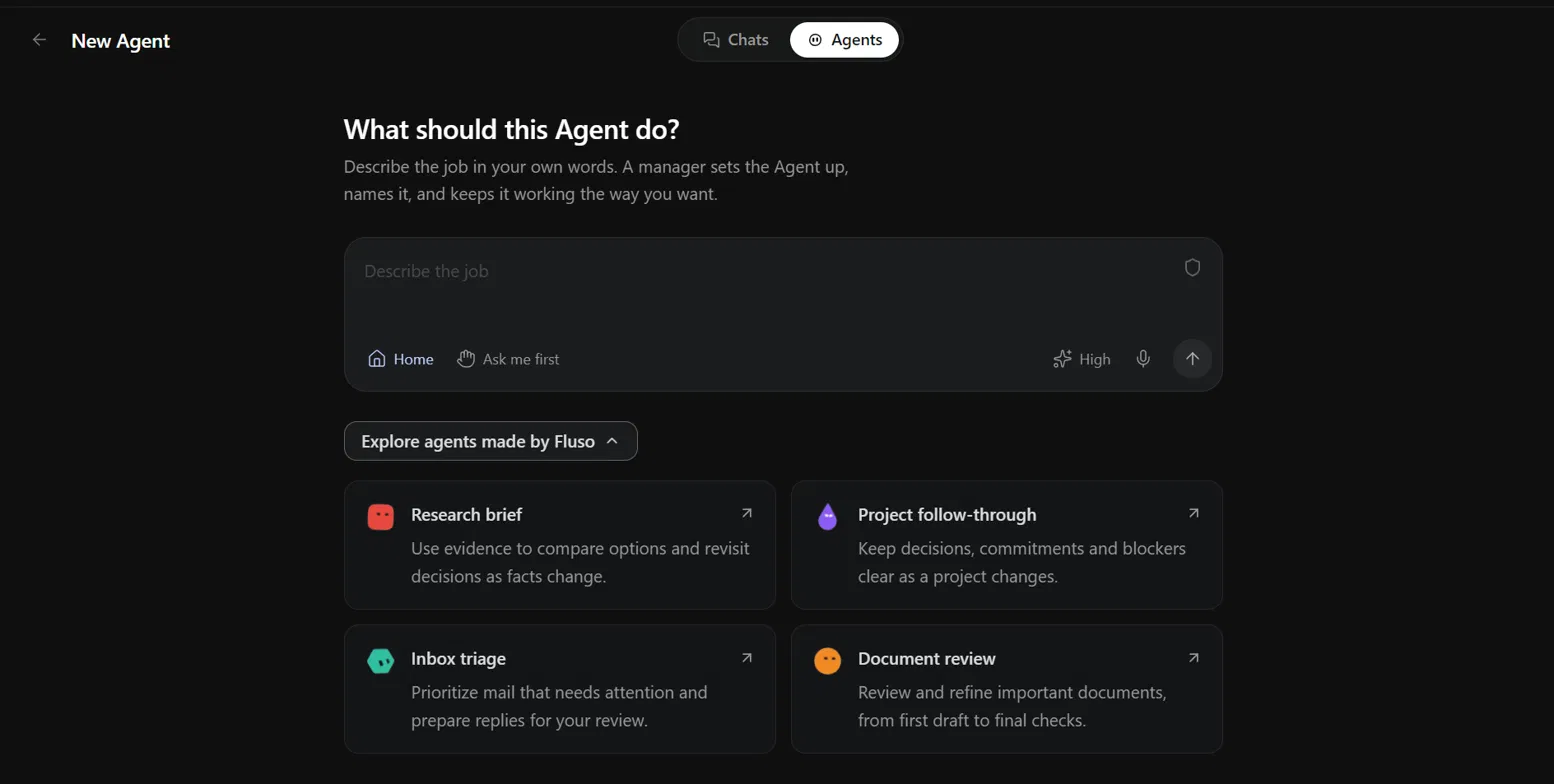
Fluso is a European AI workspace with a built-in AI agent builder. You describe a recurring job in plain words, connect the apps it needs, and let your agent run on a schedule. Get a closer look at how Fluso Agents work and how they fit into your everyday workflows.
What you can build with Fluso Agents
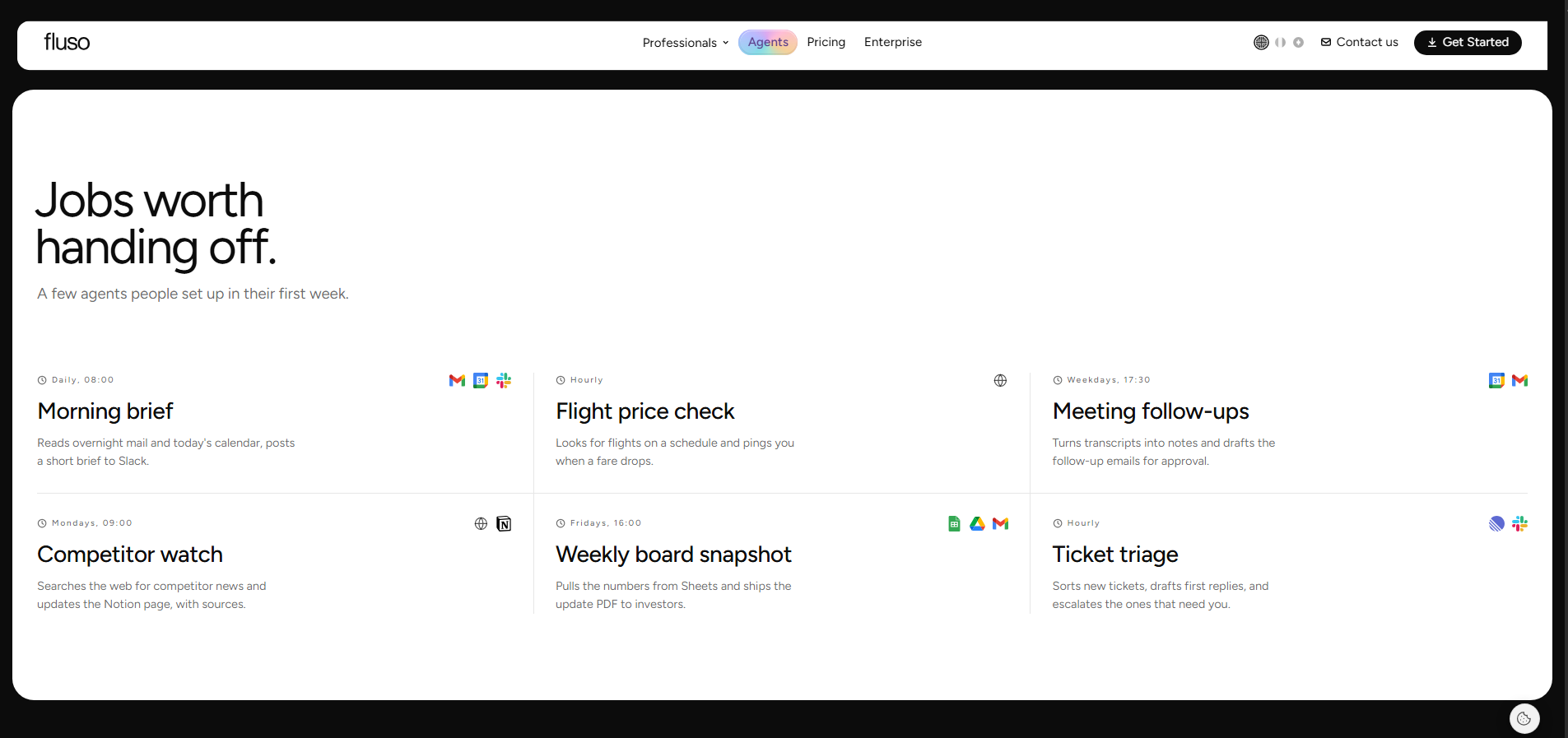
Here are a few examples of agents you can set up:
Morning brief
Collects overnight emails and your day's calendar events, then posts a short update in Slack.
Meeting follow-ups
Turns meeting transcripts into notes and drafts follow-up emails for your approval.
Competitor updates
Searches the web for competitor news and adds the findings and sources to a Notion page.
Weekly board report
Gets figures from Sheets and puts them into a PDF report for investors.
Ticket triage
Sorts new Linear tickets, drafts replies, and sends tickets that need attention to the right people in Slack.
Why Fluso Agents work for enterprise teams
Fluso Agents help enterprise teams automate recurring work while keeping control over how agents access data, take actions, and follow instructions.
Control and approvals
You choose which apps your agents can use and which actions need your approval.
Data privacy
We offer European hosting by default, and your data never trains shared models. You can also turn on confidential mode for added protection.
Verifiability
Confidential mode comes with proof you can verify.
Track what your agents did
Each agent keeps its work and history in its own conversation, and your Inbox collects approvals and results.
Agents that learn your way
Save your corrections as preferences and attach reference files, so your agents follow your rules next time.
Works while you’re away
Schedule your agents to run on their own, even when Fluso is closed.
Deployment options for Fluso
You can use Fluso on our cloud, with European hosting by default. If you’d like to run it on your own infrastructure or need a custom enterprise setup, talk to us.
Pricing of Fluso
Start free, with Fluso Agents included in every plan. Paid plans start at $10 per user a month, and Enterprise pricing is custom.
Describe It Once. Your Agent Remembers It.
Describe a job in plain words, and your Fluso Agent keeps those instructions for every new task.
Meet Your New AI TeammateGemini Enterprise Agent Platform
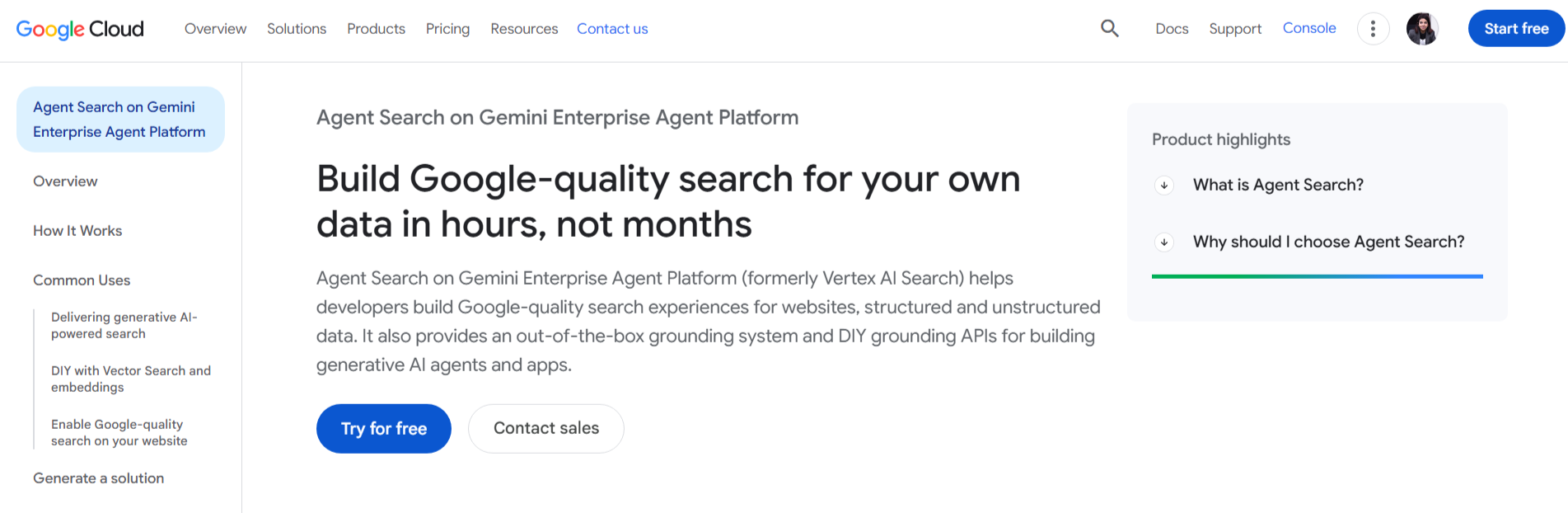
Gemini Enterprise Agent Platform (formerly Vertex AI Agent Builder) is Google Cloud’s platform for building, deploying and managing AI agents. It suits teams that already use Google Cloud.
Key capabilities of Gemini Enterprise Agent Platform
According to Google Cloud, you can build agents using its Agent Development Kit (ADK) and deploy them on Agent Runtime, a managed environment for running agents in production.
Governance and security of Gemini Enterprise Agent Platform
Google lists enterprise security controls for its agent runtime, including VPC Service Controls, customer-managed encryption keys and data residency. The support varies by service, so you can check Google’s documentation for the parts you plan to use.
Amazon Bedrock AgentCore
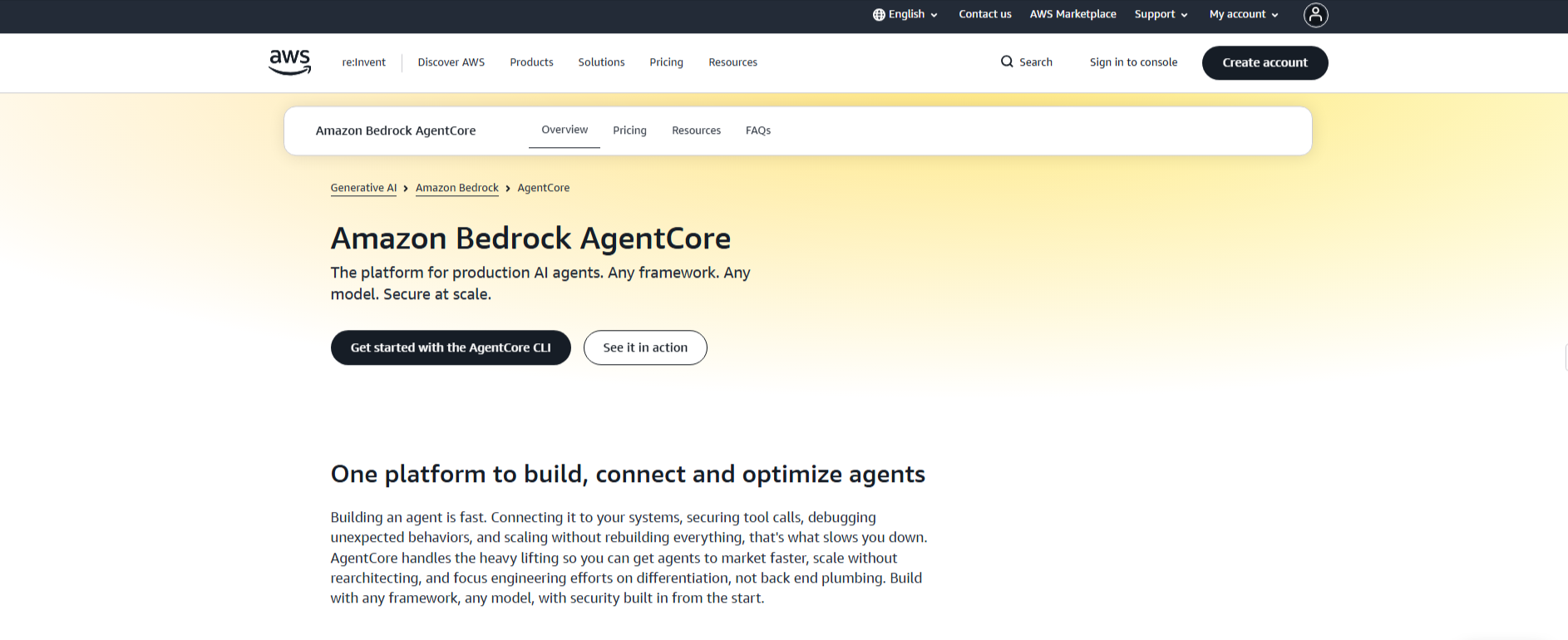
Amazon Bedrock AgentCore is AWS’s platform for building, deploying and managing AI agents in production. It suits engineering teams already on AWS.
Key capabilities of Amazon Bedrock AgentCore
According to AWS, AgentCore is a set of modular services, such as Runtime, Memory, Gateway, Identity and Observability, that you can use together or on their own.
Governance and security of Amazon Bedrock AgentCore
AWS says each session runs in isolation, and AgentCore supports VPC connectivity and PrivateLink. Its Policy service checks every tool call before it runs, so you define which tools your agents can use.
Too Many Tools, Not Enough Hours?
Fluso Agents work across your connected apps and handles the jobs that eat up your week.
Put Your Busywork on a ScheduleLangChain and LangGraph
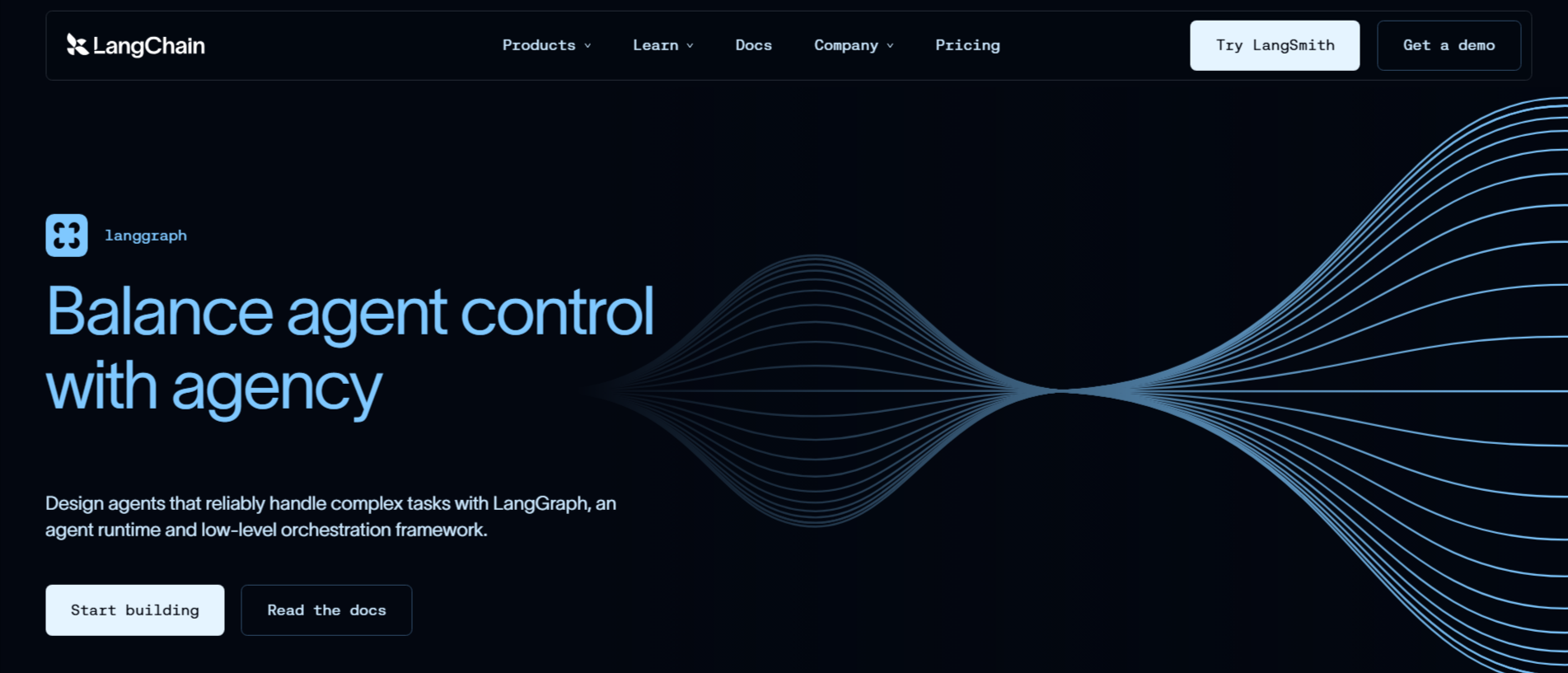
LangChain and LangGraph are open-source tools for building AI agents with code. LangChain gives you ready-made tools and components to get started. LangGraph lets you build more custom workflows and control how your agents work.
Key capabilities of LangChain and LangGraph
As per LangChain, it provides tools and integrations that help you build agents without starting from scratch. LangGraph lets you break a task into steps and decide how the agent moves between them. It can save the agent’s progress, so the workflow can continue after an interruption or failure. You can also combine fixed steps with decisions made by the AI.
Governance and security of LangChain and LangGraph
With LangGraph, you can pause an agent and ask someone to review or approve an action before it continues. You can also use LangSmith, a separate LangChain product, to track agent activity, test how well your agents perform, and monitor their results.
CrewAI
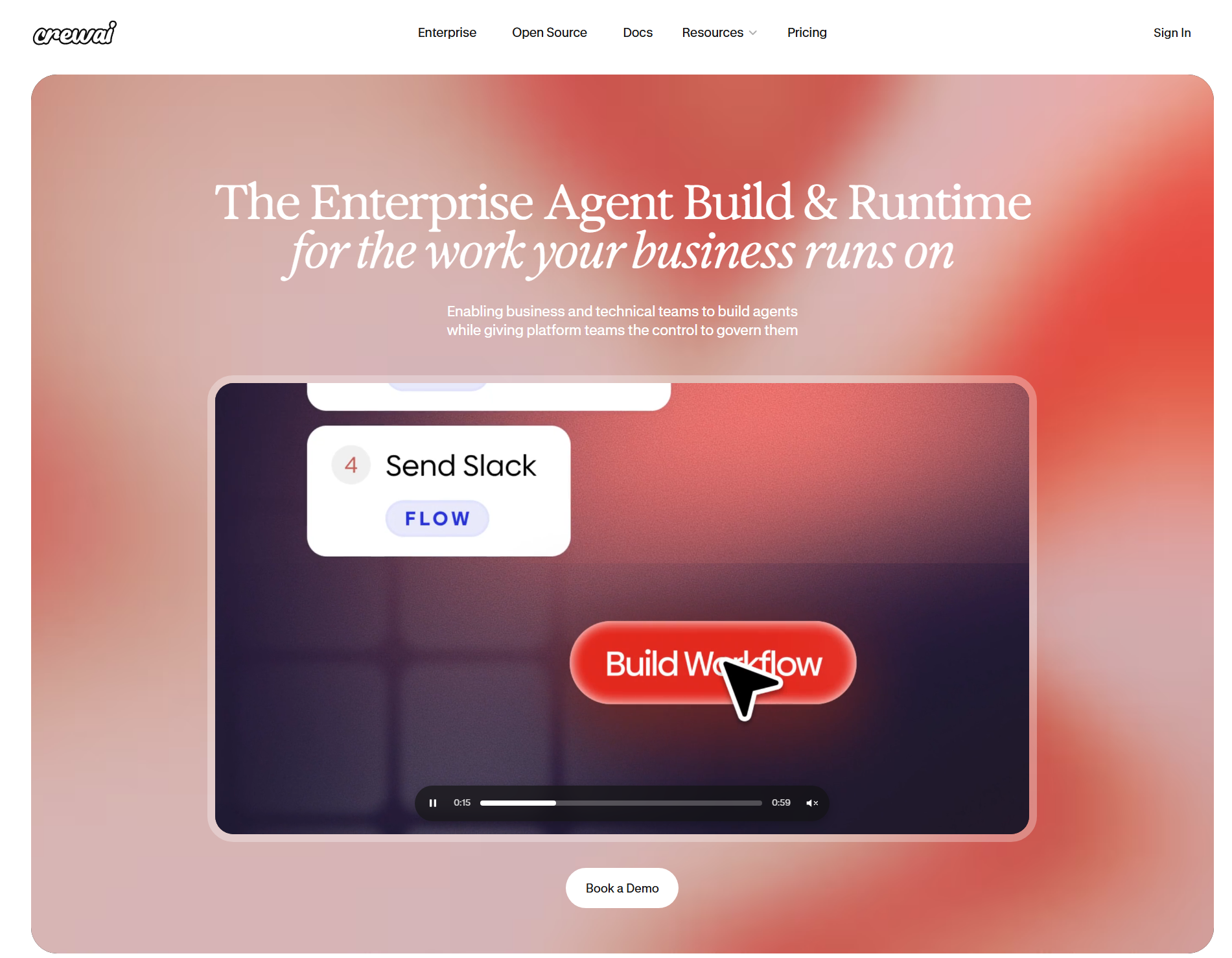
CrewAI is an open-source framework for building teams of AI agents with code. It also offers a platform where you can deploy and manage those agents. It suits engineering teams that want to define how their agents work and manage deployments through a central platform.
Key capabilities of CrewAI
According to CrewAI, you can build teams of AI agents that work together on tasks. Its platform provides traces and logs, so you can monitor agent runs and review their activity.
Governance and security of CrewAI
According to CrewAI, its Enterprise plan includes SSO, role-based access control, workload identity, PII redaction, and policy controls. You can use role-based access to control who can view traces and respond to requests that need human approval. CrewAI also supports deployment on its cloud, in your own VPC, or on your own infrastructure.
StackAI
StackAI is an enterprise platform for building and deploying AI agents. It suits teams that need compliance controls and private deployment options.
Key capabilities of StackAI
According to StackAI, you can build agents that read, write, and perform tasks across your existing systems through more than 100 enterprise integrations. The platform also supports different language models, so you can choose the model that fits each task.
Governance and security of StackAI
According to StackAI, its platform supports SOC 2 Type II, ISO 27001, GDPR, and HIPAA requirements. It also offers feature controls and audit logs to help you manage agent activity. You can add human approval steps at important points in a workflow, including approval and rejection buttons in Slack. StackAI also offers private deployment options, including deployment in your own VPC.
Your Work Keeps Moving After You Log Off
Fluso Agents run your recurring jobs on a schedule, and the results wait for you in one inbox.
See Fluso Agents in ActionRelevance AI
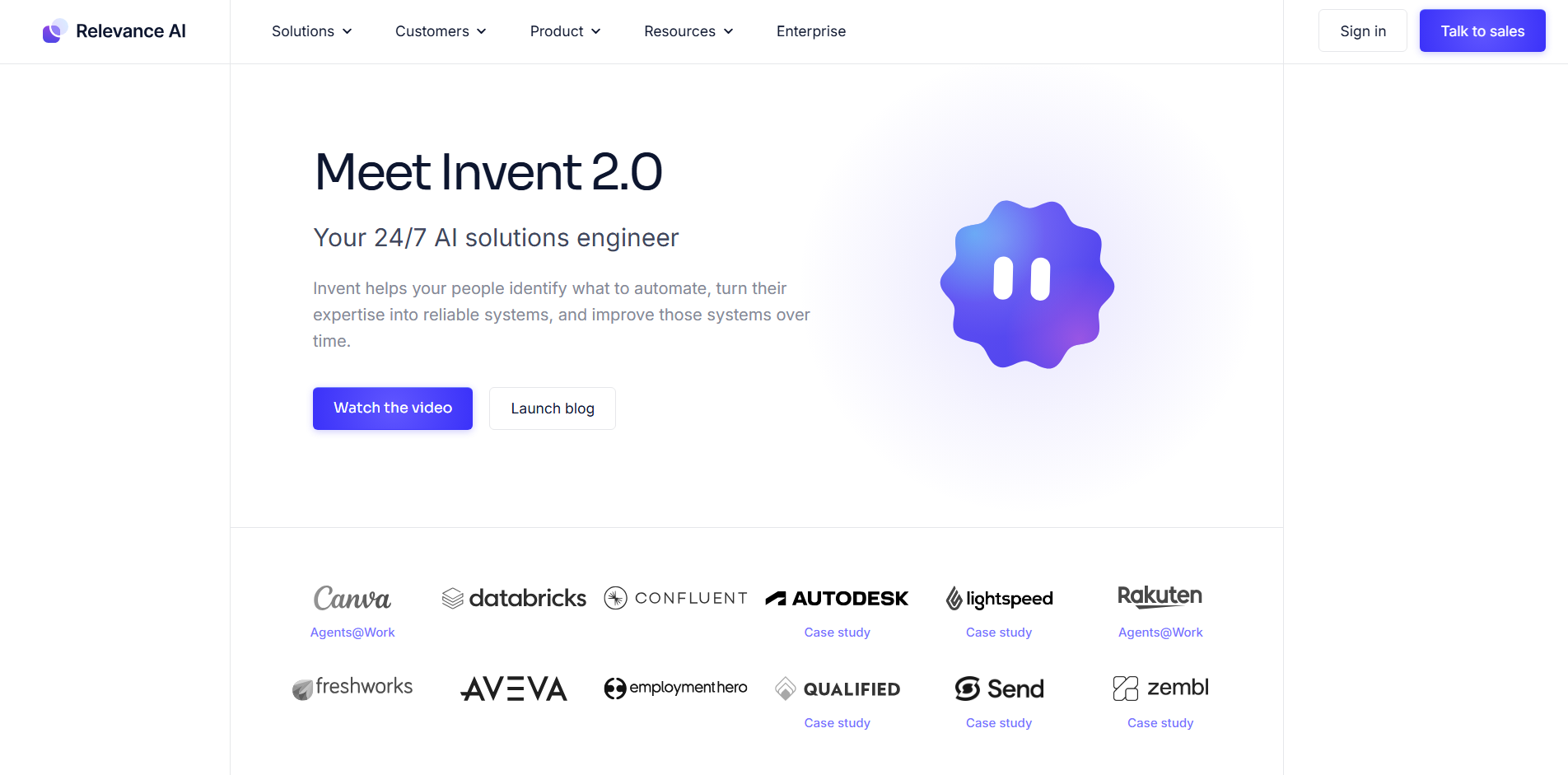
Relevance AI is a platform for building AI agents and teams of agents, which it calls workforces. It suits business and operations teams that want to build agents without writing code.
Key capabilities of Relevance AI
According to Relevance AI, you can build agents, tools and workforces using a drag-and-drop canvas. Its AI copilot, Invent, can set up tools, knowledge and evaluations for an agent based on your description. Your engineering team can also connect to the platform through MCP.
Governance and security of Relevance AI
According to Relevance AI, its platform supports SOC 2 Type II and GDPR requirements. It offers PII masking and human approval steps for agent workflows. The company also states that it does not use your data to train models. SSO, role-based access control and audit logs are available on its Enterprise plan.
Mistral AI
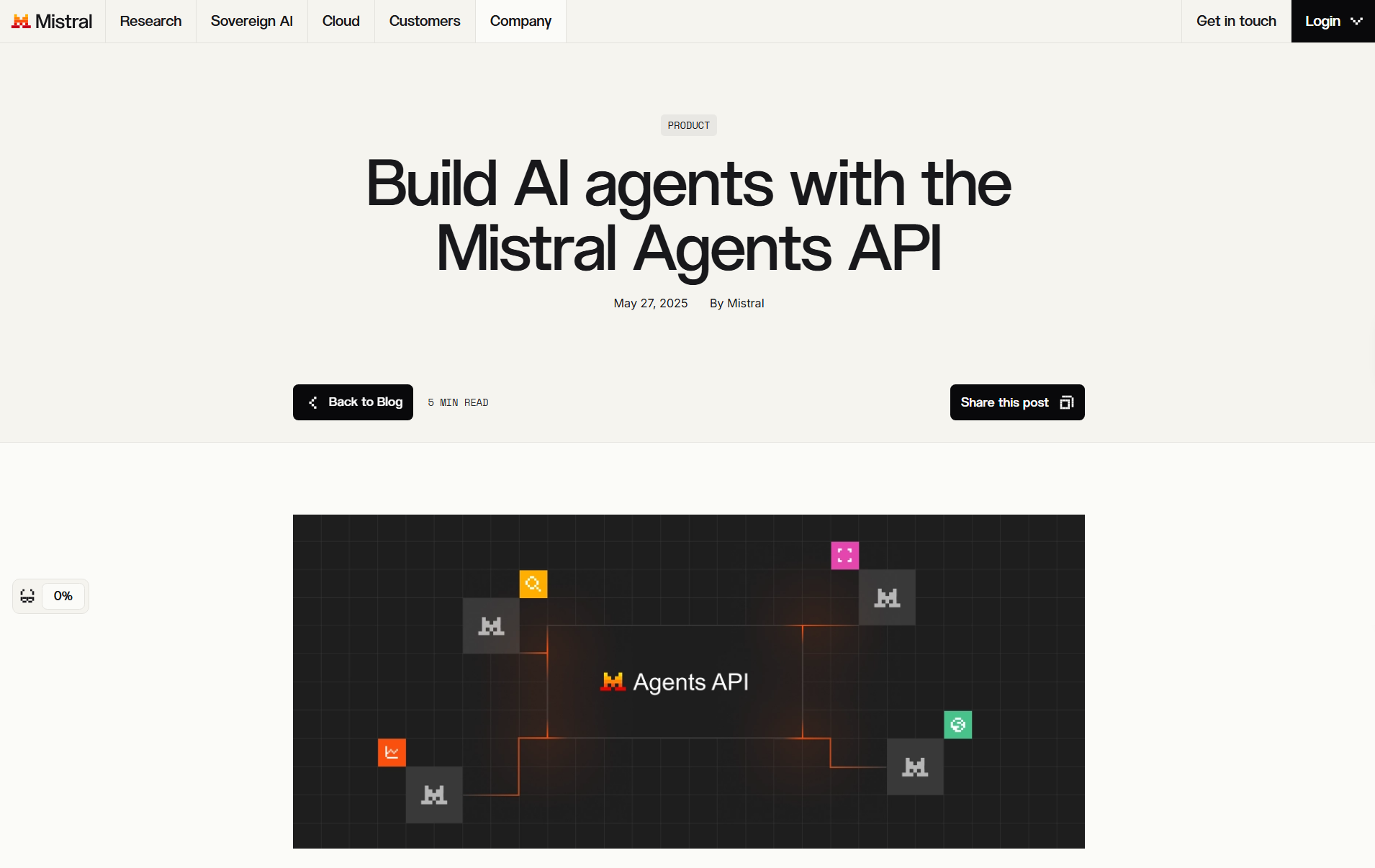
Mistral Vibe is an AI agent for professional work and coding. It helps you handle multi-step tasks across your connected apps, documents and codebase. It suits teams that want one agent for both business workflows and software development.
Key capabilities of Mistral AI
According to Mistral, Vibe has two modes: Work and Code. Work handles tasks such as research, document analysis, email follow-ups and recurring tasks across connected tools. Code helps developers work with codebases, run commands, fix bugs and prepare pull requests. You can connect tools such as Slack, Gmail, GitHub, Notion and Google Drive.
Governance and security of Mistral AI
Mistral Vibe asks for your approval before sensitive actions. You can also review its progress and tool activity while it works. According to Mistral, data accessed through its featured Connectors is not stored on its servers or used to train its models. For enterprise teams, Mistral provides SSO, access policies and audit logs through its Admin controls. Audit logs are available on Enterprise plans.
n8n
n8n is a platform for building AI agents and workflows. It combines a visual builder with the option to add custom code. It suits technical teams that want to connect their tools, customize workflows and keep control over how agents run.
Key capabilities of n8n
According to n8n, you can build AI agents that work with your data, models and tools. It offers more than 500 native integrations and lets you connect other services through APIs and MCP. You can build workflows visually or add JavaScript and Python code when needed. You can also connect different AI models and add human approval steps before agents take important actions.
Governance and security of n8n
According to n8n, you can watch agents work live or review past runs through workflow history and logs. You can self-host it on your own servers, and its Enterprise plan adds features such as SAML SSO, LDAP, role-based access control and audit logs. You can also add guardrails and evaluations to your AI workflows.
A Teammate That Never Needs a Coffee Break
Fluso Agents handles the repeat work and waits for your OK on the steps you choose.
Explore Fluso AgentsHow to choose an enterprise AI Agent platform
While choosing an AI agent platform, start with your security requirements, deployment preferences, integrations and level of control. Use them to narrow down the tools that fit your organization.
If you need ready-made integrations, governance controls and faster deployment, buy an existing platform. If your team has the engineering resources and needs deep customization, build your own.
Pricing is just one aspect; check your data privacy requirements, confirm the integrations you need and run a pilot before rolling out the platform across your organization. According to Gartner, over 40% of agentic AI projects will be canceled by the end of 2027 because of escalating costs, unclear business value or inadequate risk controls, so start small and set clear controls.
Build the best enterprise AI agents with Fluso
The best enterprise AI agents help you automate recurring work while keeping control over your data and actions. With Fluso Agents, you can describe a task once and let your Agent handle it on your schedule. You decide which actions need your approval.
Download Fluso and start free with Fluso Agents, no card needed.
Frequently asked questions about enterprise AI agents
What is an enterprise AI agent platform?
An enterprise AI agent platform is software that lets you build, run and control AI agents across your business systems. It adds the layer around the agent, including app connections, permissions, approval steps, logs and monitoring, so your agents can act on company data safely.
How do enterprise AI agent platforms handle data privacy?
Platforms handle privacy through access controls, approval steps, deployment options and data terms, and the depth varies. Check where your data is processed and whether it trains models. In Fluso, you choose which apps your agents can use and which actions need your approval.
Can enterprise AI agents run in private or EU-based environments?
Yes, if the platform offers it. Fluso offers European hosting by default, and Enterprise teams can talk to us about a custom setup. Also check where model providers process your data.
Should enterprises build or buy AI agents?
Buy a platform when you want to launch fast with permissions, approvals and logs built in. Build with a framework when agents are core to your product and you have engineers to maintain them. You can also combine both by buying a platform and building custom parts on top.
How much engineering effort does it take to deploy AI agents?
It depends on the platform. With Fluso, you describe the job in plain language and a setup chat builds your agent. Developer frameworks and cloud platforms need engineers to build the agent logic, and self-hosting adds infrastructure work. Start with one pilot workflow.