7 Best AI Productivity Tools in 2026 to Save Hours Every Week

On this page

No matter what industry you work in, your week fills up with the same small jobs. Whether you’re a business owner, a freelancer, or part of an enterprise, you always have email to sort and follow-ups to chase.
You start the week with a neat to-do list and feel on top of it. Then something lands at the last minute, and those small jobs quietly eat up the time you set aside for your real work. I’m sure you know the feeling.
AI agents built for agentic workflows like these can give you some of that time back. The St. Louis Fed surveyed professionals and found that workers using generative AI save around 5% of their work hours. That means you could get back roughly 2 hours in a typical 40-hour week.
In fact, about a third of daily users reported saving closer to 4 hours or more every week. The tools that save you the most time take on the work that repeats every week, like your briefs and scheduling, and you decide what they can do on their own.
I’ve shortlisted seven tools to help you get your week back. We built Fluso Agents inside the Fluso workspace. Our Fluso Agents work like a teammate for recurring jobs: you describe a job once in plain words, review the setup your agent drafts, and it runs on your schedule.
But first, let’s look at what you should check before you pick an AI productivity tool.
What to look for in an AI productivity tool
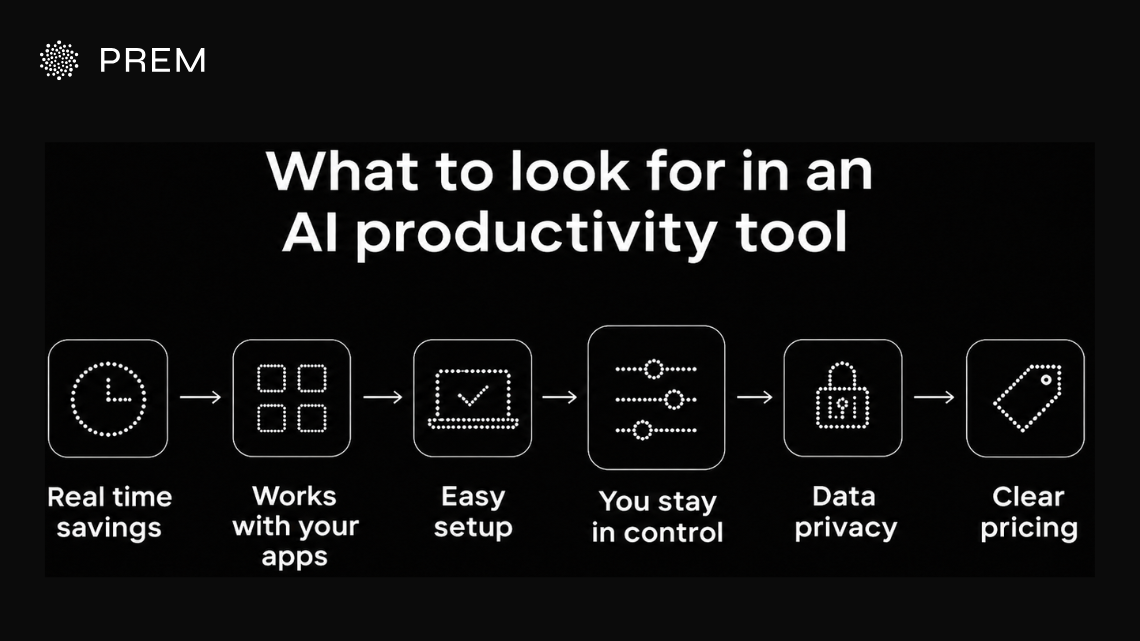
A good AI productivity tool saves you real time and tackles your actual day-to-day tasks. It works smoothly with the tools you already use and keeps you completely in charge of what it does.
Here are the six key things you should check before picking one:
Your Week Called. It Wants Its Hours Back.
Fluso Agents takes the jobs that repeat every week off your plate, so you save hours for your real work.
Meet Fluso Agents7 best AI productivity tools to save hours every week
Here’s a quick look at all seven tools before we dive into each one. Some run full agentic workflows for you, while others focus on one job, like meeting notes or your calendar.
Fluso Agents
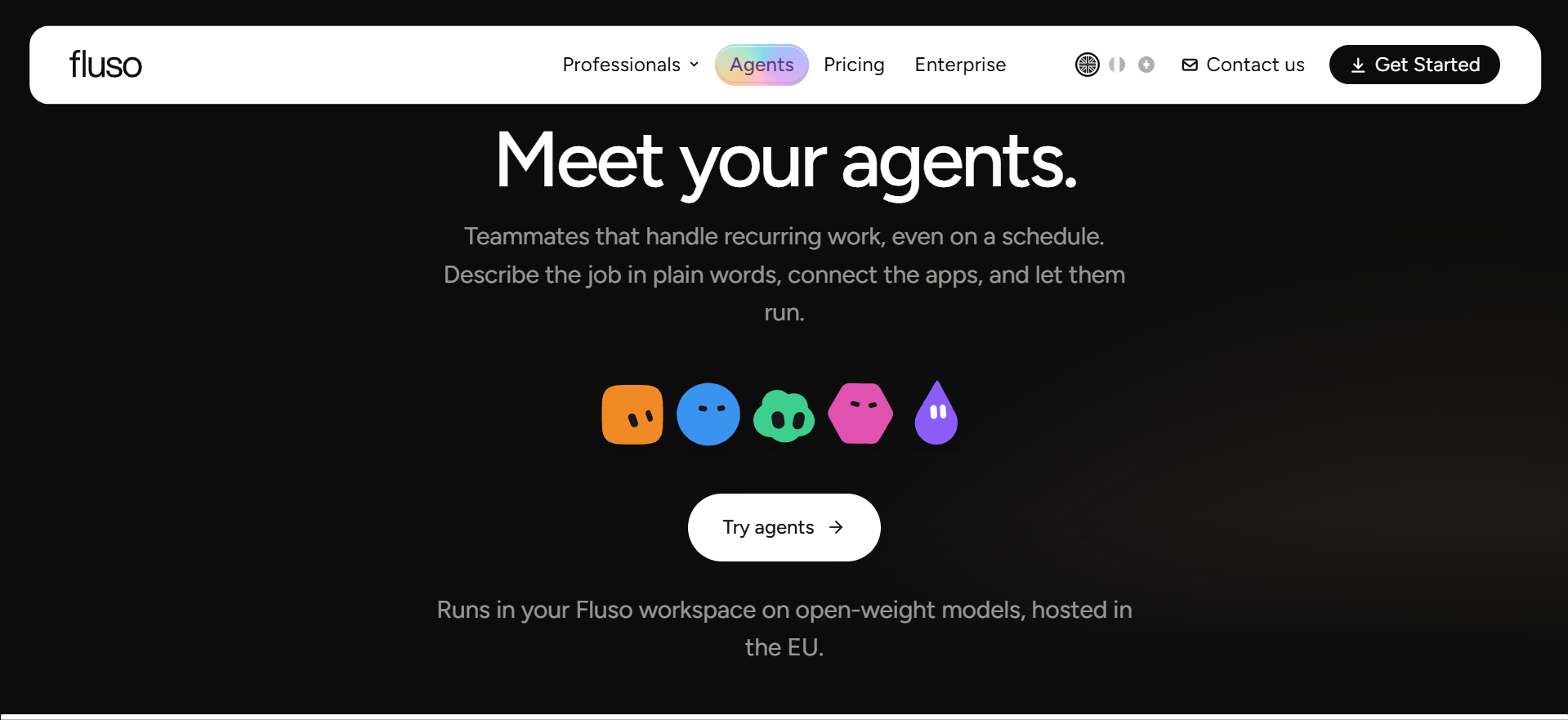
We built Fluso Agents to take care of the repetitive work that hits your desk every single week. As part of the Fluso workspace, it’s engineered by our team in Switzerland and is hosted securely in the EU. It has a chat-based setup where you just describe a job in plain, everyday words, and your agent drafts its own setup for you to look over before it runs.
From there, it runs your agentic workflow through integrations with the apps you choose to add and follows the schedule you select. Because our agent only sees the integrations you explicitly give it, your privacy stays completely in your hands, and the whole system runs on open-weight models hosted in the EU.
If you need hard proof for your security team, our Pro plan adds a confidential mode. It runs your inference inside a hardware-isolated enclave, and you get official attestation reports, so you can verify the setup yourself.
Your agents also keep getting smarter by building on what they learn through context compounding. Our workspace memory holds on to your personal preferences and project context from one session to the next, so you never have to explain things twice.
Who Fluso Agents is best for
People who want one agent to handle the work that repeats every week, such as email, briefs and follow-ups, while they stay in charge of what goes out.
Which recurring jobs Fluso Agents takes off your week
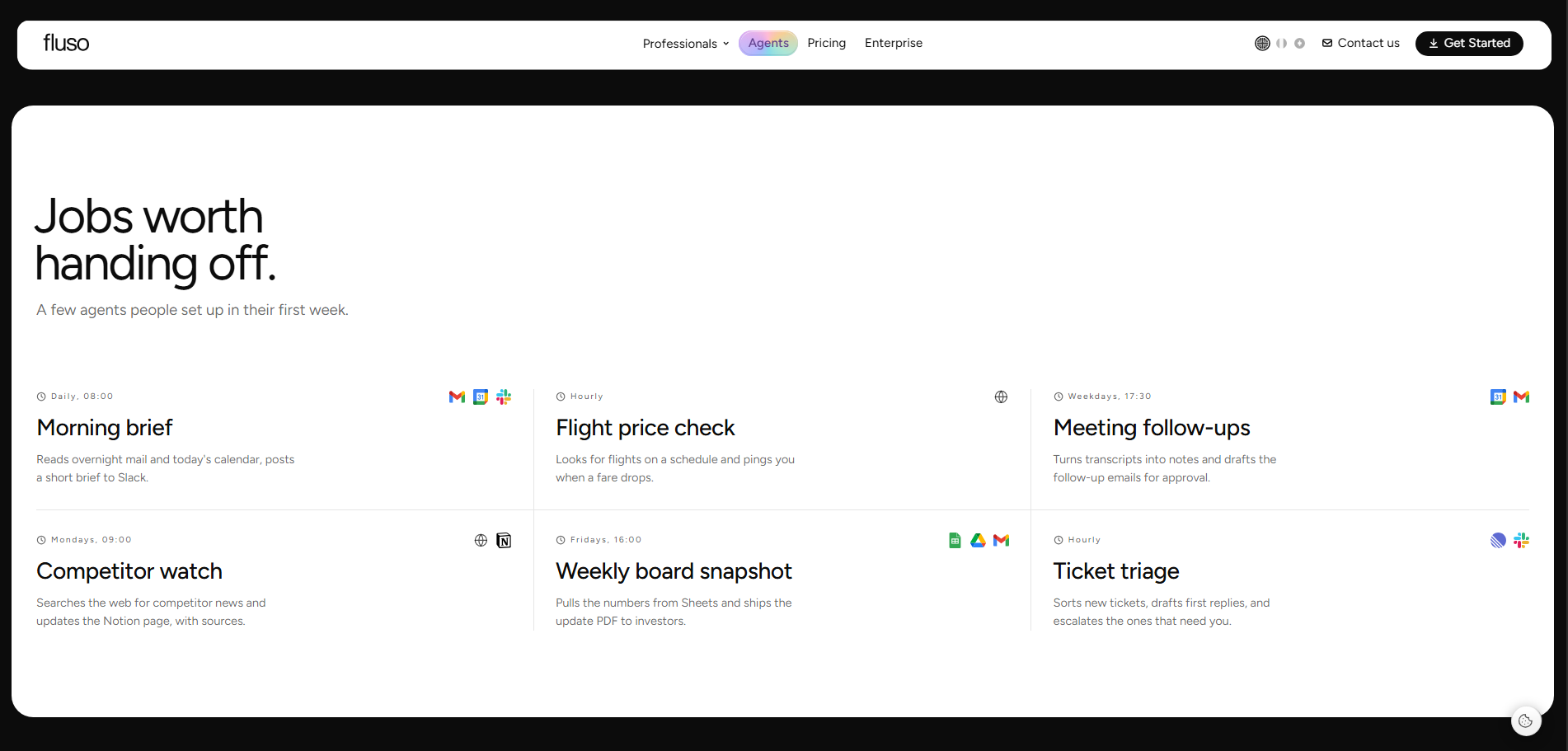
Weekly status with blockers
Collects the status of your team’s open projects from Slack and your tracker, flags anything blocked for more than three days, and writes a short summary you can paste into your team update.
A meeting, end to end
Prepares your brief before the meeting, turns the transcript into notes afterwards, and drafts the follow-up emails for your approval.
From a CEO request to a board deck
Takes a request, researches it across your files and the web, and builds a draft deck for your review.
Launch review
Splits a launch into parts, checks each one in its own session, and combines the findings into a single summary.
A bug to a PR
Reads a bug report, looks through your GitHub repository for the cause, and drafts a fix as a pull request for your review.
Key features of Fluso Agents
- Setup by chatting where you describe the job and the agent writes its own setup for you to review
- Change how your agent works anytime by telling Manager what you want, and Fluso saves each change as a new version
- Integrations with Gmail, Slack, Drive, Notion and Linear
- Runs on a schedule, daily, on weekdays or weekly, or whenever you ask
- Memory that keeps your preferences and project context across sessions
- Open-weight models hosted in the EU, with confidential mode on Pro
How you approve what Fluso Agents does
You can set each tool to Allow, Ask or Deny. Tools set to Ask show you the exact action before it runs, and when an agent needs you, the request lands in your inbox, where you can approve, reply or let it keep going. A denied tool stays blocked, and an agent only sees the integrations you add.
Pricing of Fluso Agents
You can start free, and Agents are included in every plan. Plus is $10 per user a month with 10 times the weekly usage of Free. Pro is $30 per user a month, with no weekly token limit and confidential mode, and Enterprise pricing is custom.
Busywork Eating Your Week? Feed It to an Agent.
Describe a weekly task once, and Fluso Agents runs it on your schedule so those hours come back to you.
Put Your Busywork on a ScheduleMake
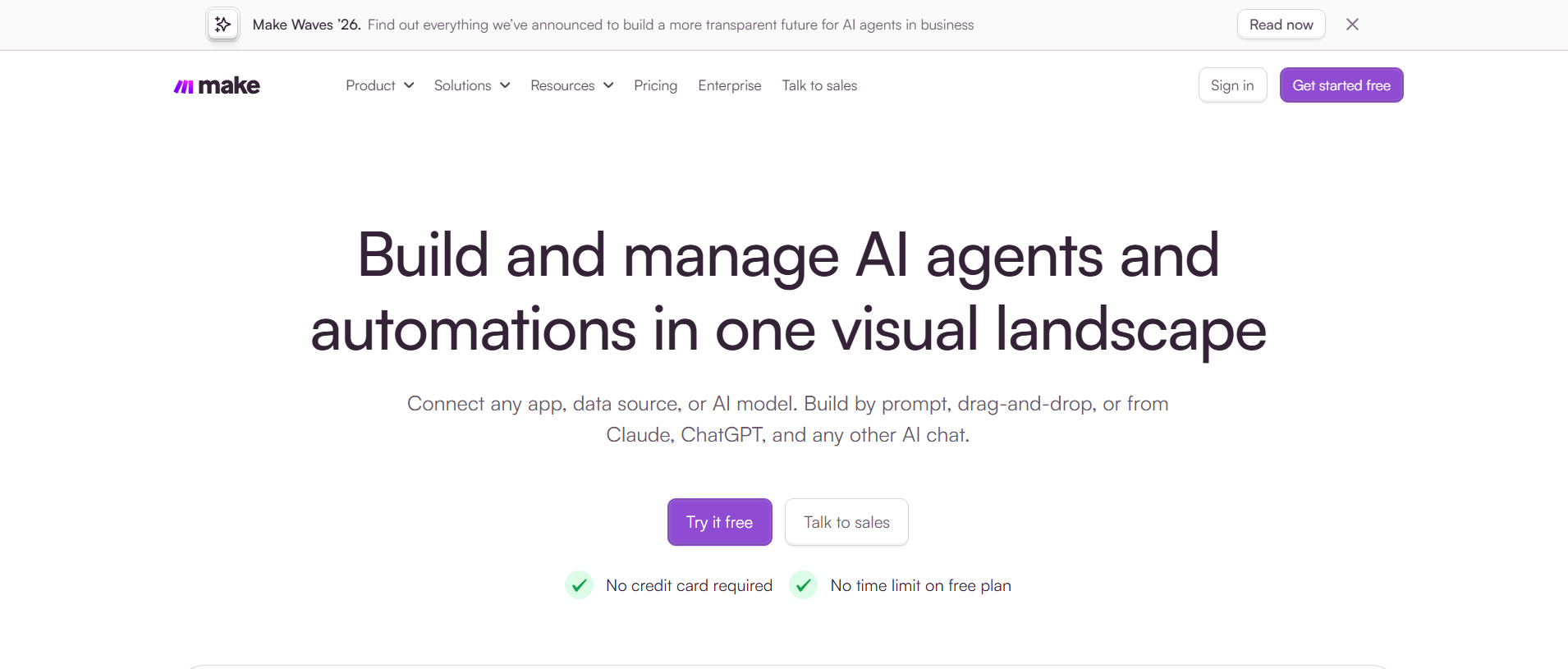
Make is one of the best AI agent platforms, a visual automation platform that connects your apps and automates the work between them. You can build workflows by prompt, by drag-and-drop, or straight from AI chats like Claude and ChatGPT.
Who Make is best for
Teams that want to automate repetitive work across many apps with a visual builder.
Key features of Make
- AI Agents where you set goals, give them tools, define limits, and see their reasoning
- Maia, which builds automations and agents through conversation
- Connections to 3,500+ apps, plus custom integrations
- Custom code in JavaScript or Python when you need it
Pricing of Make
The free plan includes 1,000 credits a month and 2 active scenarios, with no time limit. The Make Plan starts at $9 a month on annual billing, and Enterprise is custom.
Twin

Twin is a Paris-based platform for proactive AI that turns a job you describe once into an AI agent. The agent connects to your tools, browses the web when needed, and runs on its own.
Who Twin is best for
Business owners who want agents to handle sales, marketing, and admin tasks on autopilot.
Key features of Twin
- Setup by chatting, like you would with a teammate
- A review queue for every email, post, and reply before it goes out
- Morning reports posted in Slack
- Works with tools like Gmail, Slack, Notion, and HubSpot
Pricing of Twin
Pricing is flat, with no credits. Plus is $29 a month, Pro is $149 a month, and Store starts at $399 a month. You can book a demo to get started.
One Agent. Hours Saved. Every Single Week.
Fluso Agents handles your briefs, follow-ups, and inbox sorting while you focus on the work that matters.
Meet Your New AI TeammateLindy
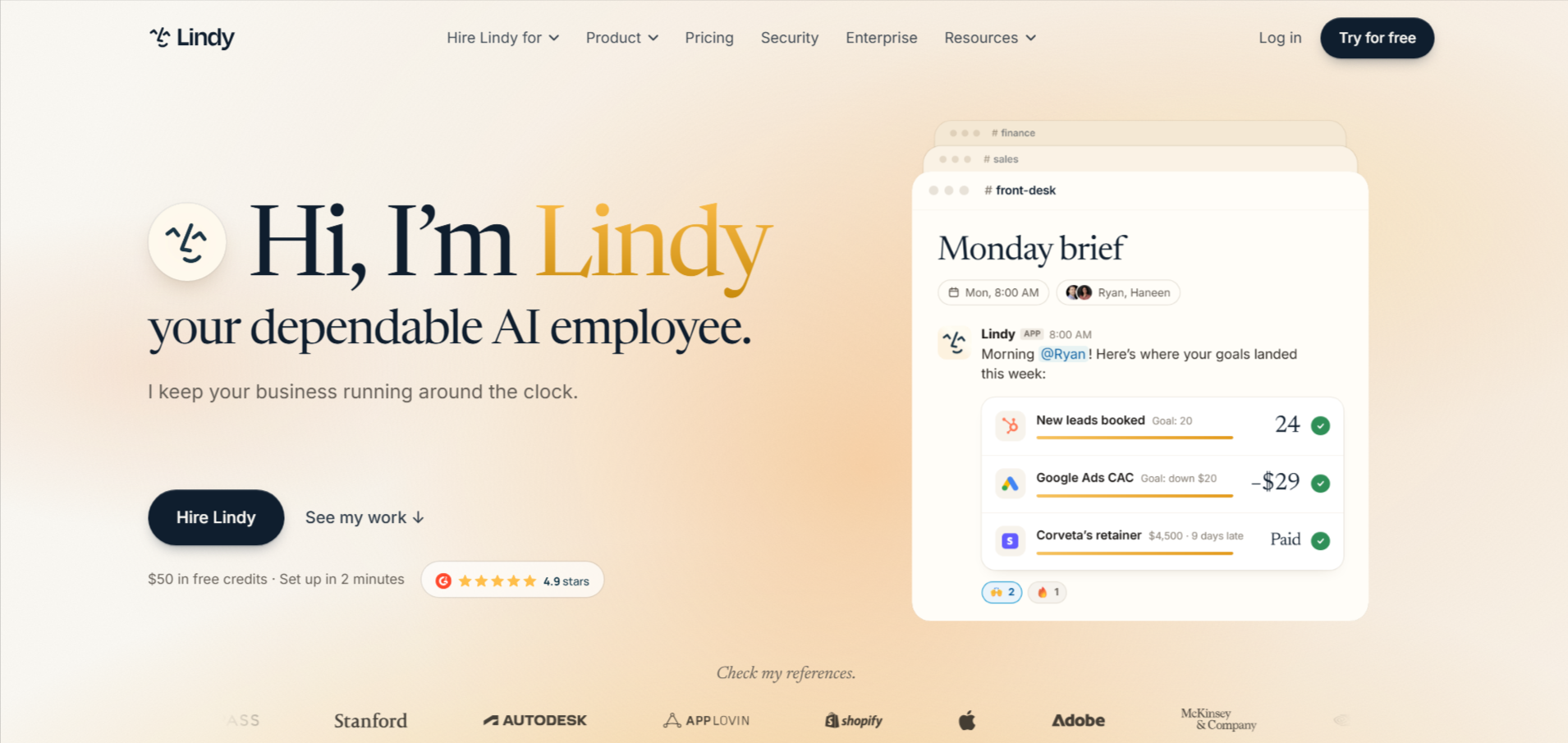
Lindy is a US-based AI assistant that handles your inbox, meetings, calendar, and follow-ups. Your team can also share one Lindy in Slack.
Who Lindy is best for
Busy professionals who spend a big part of their day on email and scheduling.
Key features of Lindy
- Help with email, meetings, scheduling, and daily briefs
- Approval before any action with outside impact, like sending an email
- Your choice of AI model for each task
- 1,500+ integrations, plus MCP support
Pricing of Lindy
You start free with $50 in credits that last 7 days, with no card needed. Team costs $49.99 per active user a month for 5,000 credits, and Enterprise is custom.
Granola
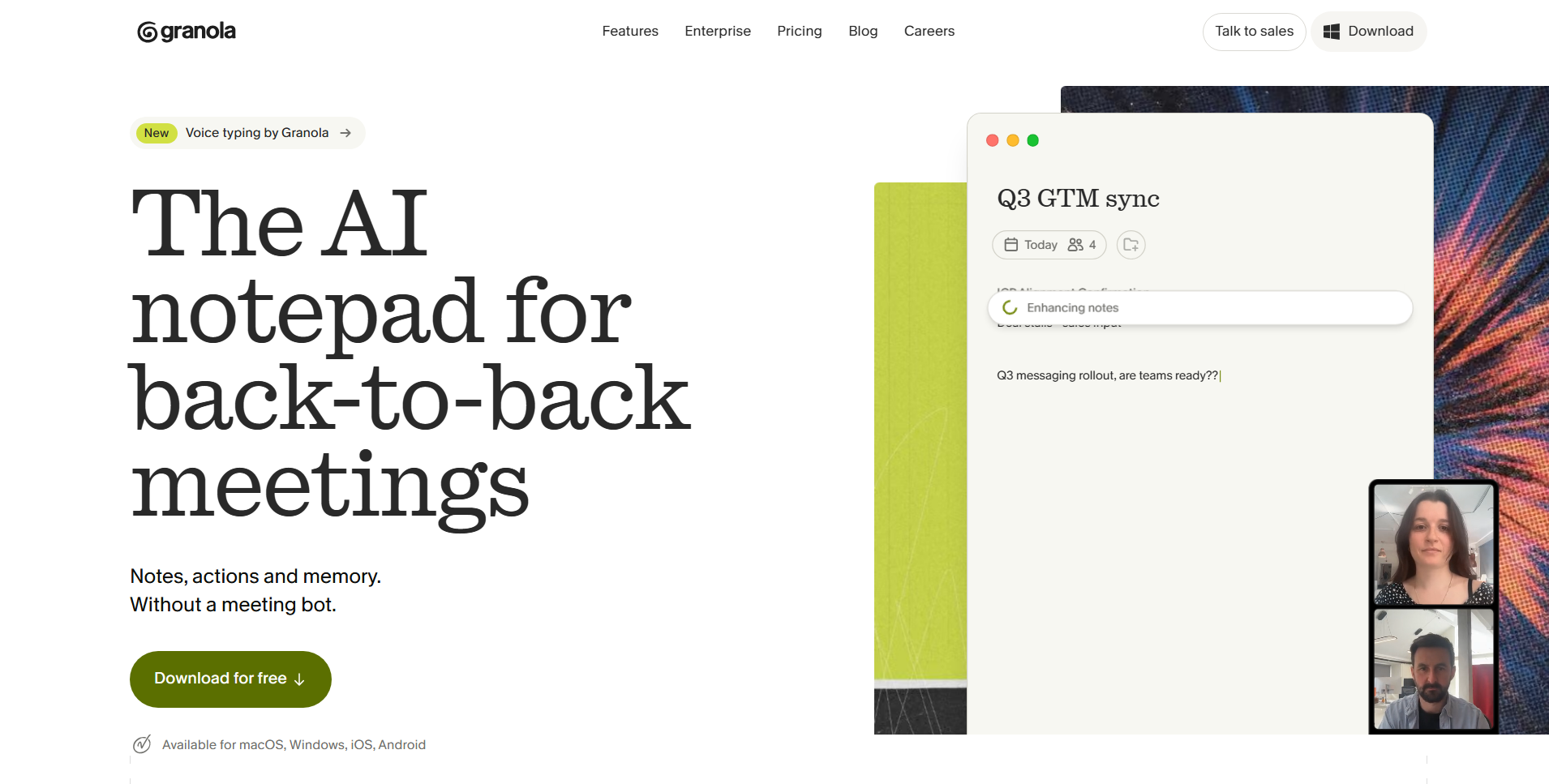
Granola is a London-based AI notepad for people in back-to-back meetings. It captures your device’s audio, so no bot joins your call, then turns your quick notes into full notes.
Who Granola is best for
People in back-to-back meetings who want clean notes without a bot joining the call.
Key features of Granola
- Your notes in black, with AI additions in gray
- Chat across all your meetings, with links back to the transcripts
- Apps for Mac, Windows, iPhone, and Android
- Audio deleted after transcription on every plan
Pricing of Granola
Basic is free with unlimited meeting notes and 30 days of history. Business is $14 per user a month, and Enterprise is $35 per user a month.
Save Hours Without Losing the Final Say
Fluso Agents handles the repeat work and waits for your OK on the actions you choose.
Explore Fluso AgentsReclaim.ai
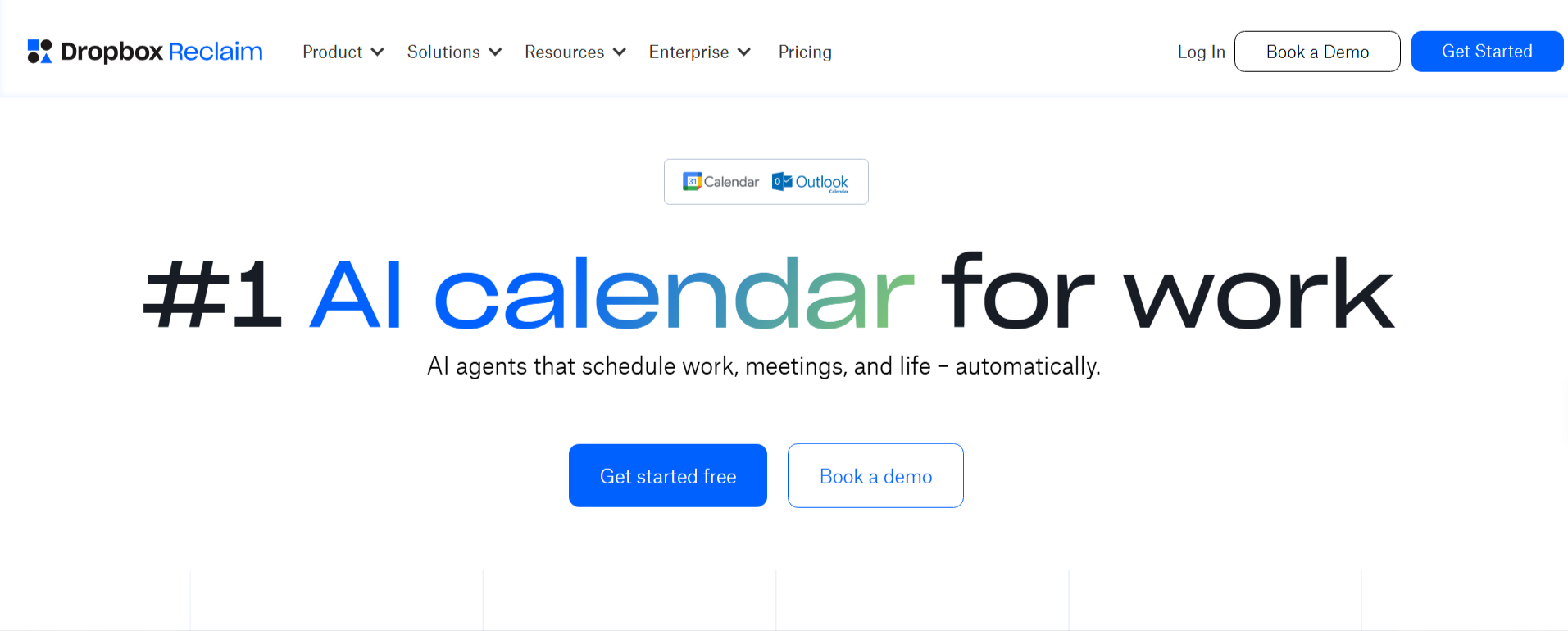
Reclaim.ai, from Dropbox, is an AI calendar tool that protects time for your most important work. It schedules tasks, habits, and focus time around your meetings, and works with Google and Outlook calendars.
Who Reclaim.ai is best for
Anyone whose calendar keeps getting crowded out by meetings and who needs more focus time.
Key features of Reclaim.ai
- Focus time that the AI defends on your calendar
- Habits that move to the next open slot when a meeting takes over
- Smart meetings scheduled around everyone’s calendars
- Task sync with ClickUp, Asana, Todoist, Linear, and Jira
Pricing of Reclaim.ai
Lite is free forever. Starter is $10 and Business is $15 per seat a month, and Enterprise is $22 per seat a month, all on yearly billing.
Klaio
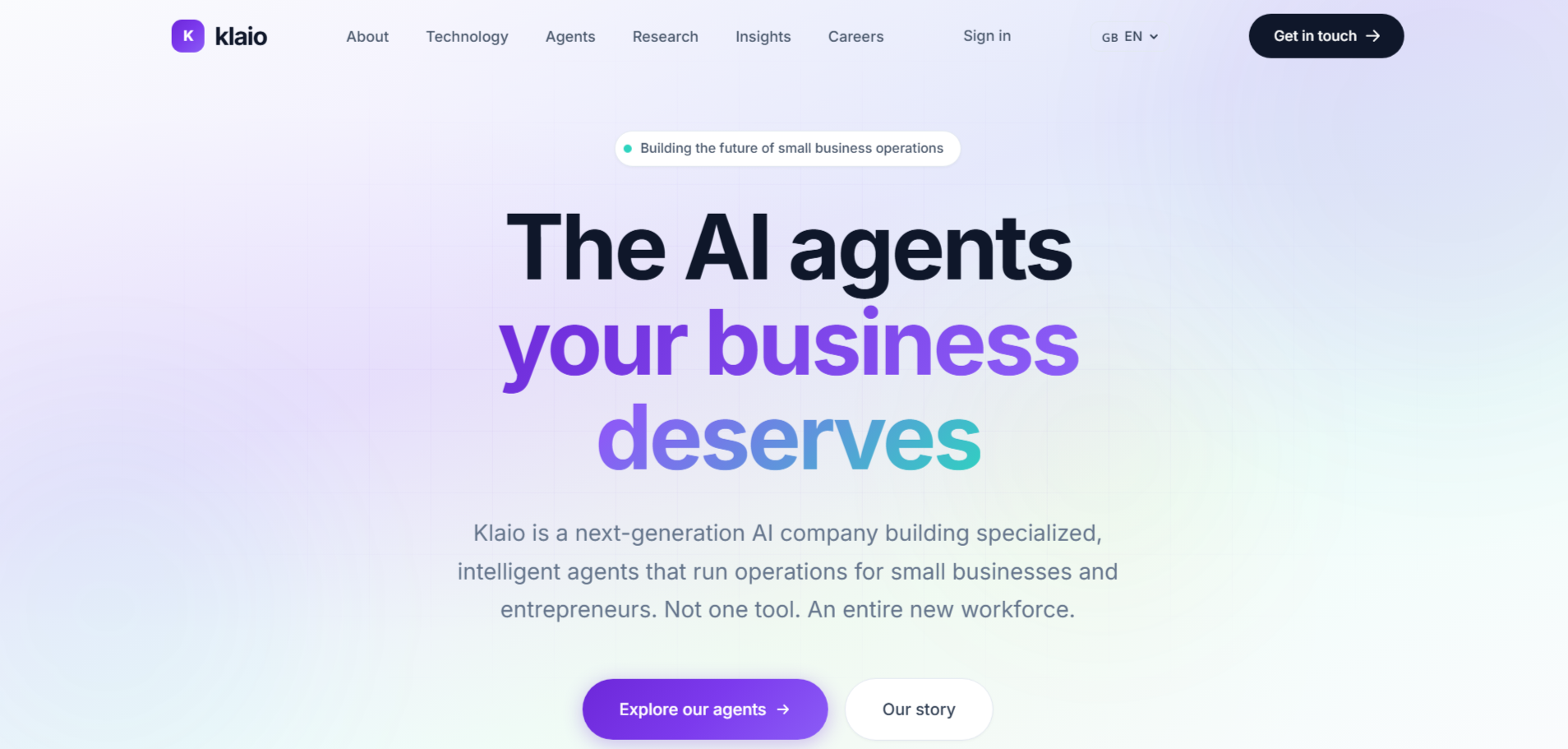
Klaio is a European company that builds AI agents for small businesses. Its AI chief of staff gets its own name and an email address on your domain, and you message it through Telegram or email.
Who Klaio is best for
Executives and small business owners who want a dedicated AI assistant built in Europe.
Key features of Klaio
- Reads, sorts, summarizes, and replies to your email
- Books, moves, and cancels meetings across everyone’s calendars
- Creates proposals, invoices, and meeting notes, and saves them to Drive
- Built and hosted in the EU, with a zero-training policy
Pricing of Klaio
Klaio costs $290 a month, with free setup and a 3-month commitment.
Get Your Week Back for $0
Fluso Agents comes with every plan, including the free one, so you can start saving hours today.
Meet Fluso AgentsSave your hours every week with Fluso Agents
Every hour you spend on busywork is an hour taken from your real work. The right AI productivity tool gives those hours back.
Fluso Agents take on the tasks that repeat every week, like sorting email, prepping briefs, and sending follow-ups. You explain the job once, and your Agent keeps it running on schedule while you focus on bigger things. You still approve anything important before it goes out.
Ready to get your week back? Download Fluso and set up your first Agent for free.
Frequently asked questions about the best AI productivity tools
What are AI productivity tools?
AI productivity tools use AI to handle repetitive work like sorting email, taking meeting notes, scheduling, and sending follow-ups. Some focus on one job, while others run full tasks across your apps so you get hours back every week.
How much time can AI productivity tools save?
It depends on how much repetitive work you hand off. Start with one weekly task, like sorting your inbox or writing follow-ups, and track the time you get back before adding more tasks.
What should I look for in an AI productivity tool?
Look for a tool that handles real tasks, connects to the apps you already use, and lets you approve important actions. Also check where your data is stored and whether a free plan lets you test it first.
What's the difference between an AI assistant and an AI agent?
An AI assistant mainly answers questions and helps when you ask. An AI agent takes action for you, like drafting replies or updating documents, and can keep running agentic workflows on a schedule without you starting it each time.
Are AI productivity tools safe to use with work data?
They can be, if the tool gives you clear controls. Check where your data is stored, whether it trains AI models, and whether you can approve or block actions before they happen.
Are there free AI productivity tools?
Yes. Many AI productivity tools offer a free plan or free trial, so you can test them on real work first. Check what the free plan includes, since some limit features, history, or how often tasks run.
Do I need technical skills to use AI productivity tools?
Not usually. Many tools let you set things up by describing what you want in plain words. Some workflow builders give you more control but take longer to learn, so pick one that fits your comfort level.
What can Fluso Agents do for my productivity?
Fluso Agents handles recurring jobs like sorting email, preparing briefs, and drafting follow-ups. You describe the job once in plain words, and your Agent runs it on your schedule, with results landing in one inbox.
How do I stay in control of what Fluso Agents does?
You set each tool to Allow, Ask, or Deny. Tools set to Ask show you the exact action before it runs, and a denied tool stays blocked, so nothing important goes out without your OK.
Are Fluso Agents free to use?
Yes. Agents are included in every Fluso plan, including the free one, with no card needed. Paid plans start at $10 per user a month and add more usage, while Pro unlocks confidential mode.