7 Best AI Tools for Freelancers in 2026 to Manage Clients, Email and Projects

On this page

AI agents help freelancers automate recurring tasks and spend more time on paid client work. They can manage multi-step workflows across your connected apps while keeping you in control. From client emails to project updates, these tools help reduce the admin work that fills your week.
- Client communication helps you organize emails and draft replies for your approval.
- Meeting management turns client discussions into notes and follow-ups.
- Project management helps you track tasks and deadlines along with project updates.
- Workflow automation lets you schedule recurring tasks and reminders across your apps.
With the help of Fluso Agents, you can automate these workflows in one private EU-hosted workspace. You can describe your tasks through a chat-based setup and connect the apps you already use.
Your agents can prepare inbox summaries and draft client follow-ups on your schedule. They can also create weekly project reports while you control sensitive actions. With agents included in the free plan, you can automate everyday admin and focus on your client work.
Last month I tried to count how many hours of my week went into work that no client ever pays for. Follow-up emails and invoice reminders took a big chunk of it, and so did meeting notes and project updates. By Friday, the total was close to a full working day.
That number pushed me to look at AI agents properly to manage my work. I had used chat assistants for drafts before, but an agent works differently because it carries a job from start to finish on its own.
I was not alone in that search. Upwork’s Future Workforce Index for 2026 found that 41% of freelancers already use AI agents for autonomous task execution, and freelancers doing AI work earn 34% more per hour than those who skip it.
That gap matters when you are the whole company. Every hour you spend chasing a late payment is an hour you cannot bill, and an agent that handles the chase gives that hour back to your client work.
Let's check out some of the best AI tools for freelancers to automate your recurring work.
7 best AI tools for freelancers in 2026
Fluso
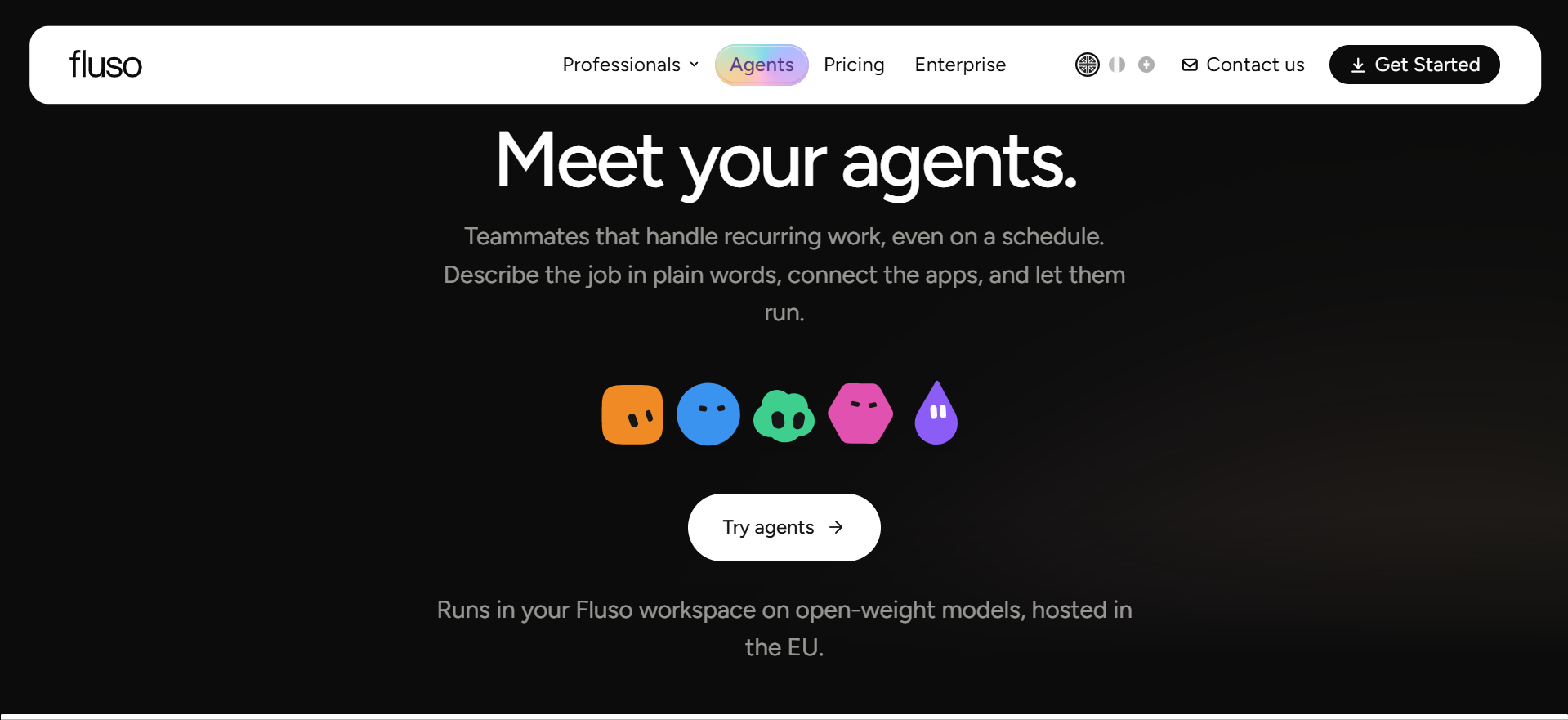
We built Fluso Agents for freelancers who repeat the same admin every week and want it handled without adding another big subscription. You describe a job in a chat and connect the apps you already use, then the agent runs on a schedule you pick.
Each agent breaks a job into steps like research and drafting, then checks and revises its own work before anything comes back to you. You get autonomous agents that finish multi-step tasks for you instead of a chat reply you still have to act on. Fluso runs on a multi-model approach built on several open-source models, which keeps this kind of task automation cost-effective for a solo budget. Your files stay private and are never used to train any model.
Key features of Fluso as a best AI tool for freelancers
How freelancers can use Fluso Agents
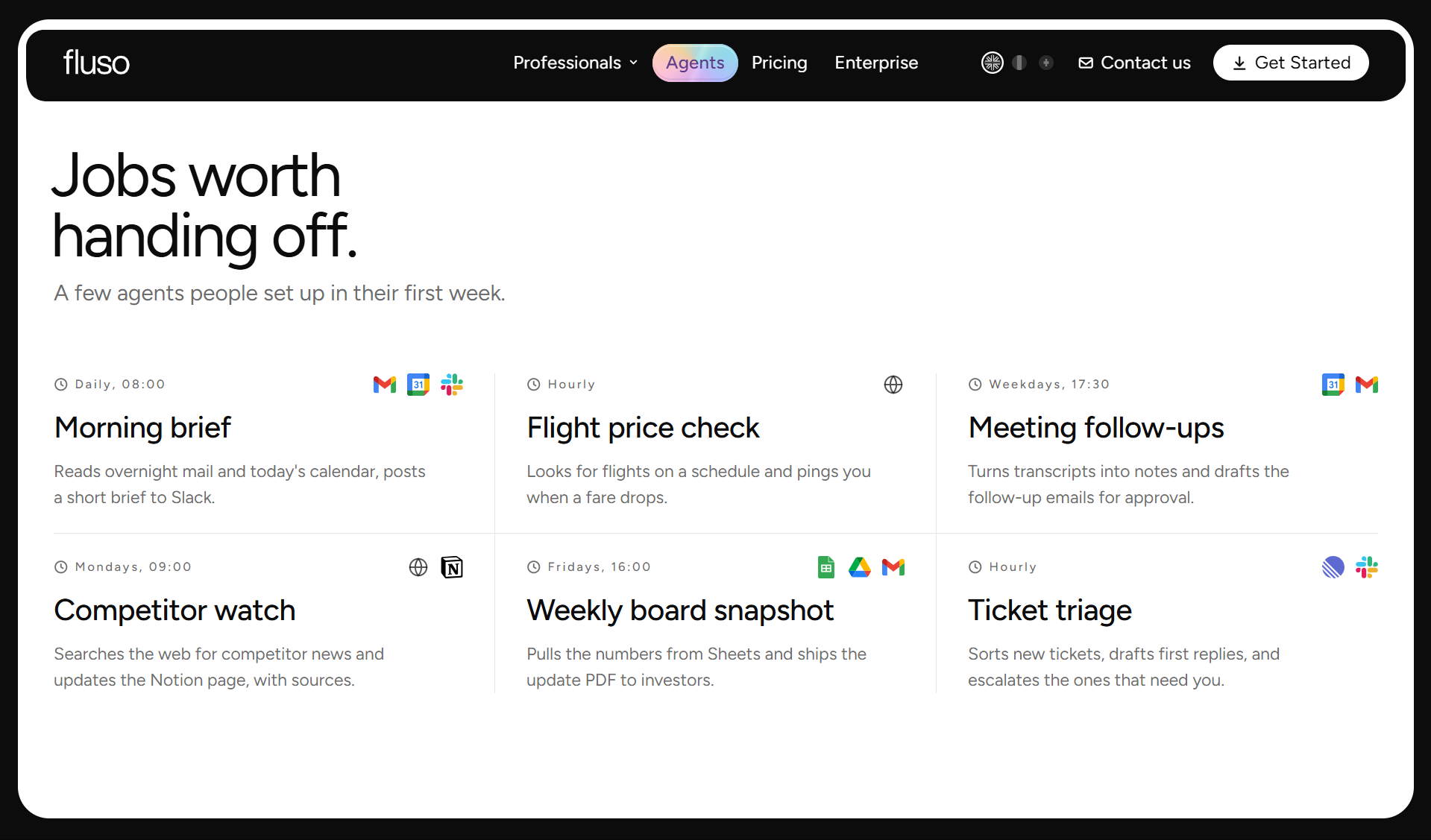
These are the recurring jobs freelancers hand over to Fluso Agents within their first few weeks.
Morning inbox triage
Your agent reads new client mail each morning and sorts it into what needs you and what can wait. It prepares reply drafts so you start the day editing instead of writing.
Client call briefs
Before each client call, Fluso pulls the calendar invite together with recent emails and Slack threads. You walk in knowing every open question and commitment.
Meeting notes and follow-ups
After a call the agent turns the transcript into clean notes with clear action items. It also drafts the follow-up email and holds it for your approval.
Weekly client reports
Every Monday an agent reads the latest numbers from Google Sheets and highlights what changed. You get a short update with links back to the sources ready to send.
Deadline and commitment tracking
Fluso reads across Gmail and Slack as well as Drive and Calendar to find what you promised each client. Each commitment gets a deadline and a link to where it came from.
Proposal and contract drafts
Ask for a proposal or project brief and the agent drafts it from your past client context. You can edit it and export it to Word or PDF without losing your changes.
Client industry research
An agent can search the web for news in a client's industry on a set schedule. It updates your Notion page with every source linked.
Client request triage
New requests in Linear get sorted and receive a first reply drafted in your tone. Anything that needs your judgment goes straight to your inbox.
Follow-Ups in your voice
Follow-ups to clients who stopped replying get drafted in your voice and queued in Gmail. Nothing leaves your outbox until you approve it.
Travel fare alerts
Freelancers who travel for client work can set an agent to check flight prices on a schedule. It pings you the moment a fare drops on your route.
What makes Fluso the best AI tool for freelancers
Fluso puts your inbox and calls alongside your files and client reports in one private workspace. Every agent asks before it acts and gets sharper with each run, so you hand over more work without losing control. It runs on open-source models with your client data kept private and never used for training.
Pricing of Fluso
Fluso offers a free plan and a paid plan at $10 per month. For larger teams and enterprises, you can contact our team for custom plans and pricing based on your requirements.
Twin AI

Twin AI comes from Paris, where Hugo Mercier and João Justi founded Twin Labs in 2023. Twin AI is one of the best AI agent builders for automating workflows across apps. You give its agents a goal and they plan the steps using app APIs or a browser when no API is available.
As a freelancer, you can use Twin AI to find prospects with verified email addresses and draft outreach messages in your voice. You can also schedule follow-ups for overdue invoices.
When should you choose Twin AI
Twin AI makes sense when your biggest gap is finding new clients and keeping your marketing running. It also helps if you rely on websites without APIs, since its browser agent can work inside them on the Pro plan.
Pricing of Twin AI
Twin offers flat monthly pricing with no usage caps: Plus at $29, Pro at $149, and Store starting at $399 for freelancers managing client agents.
Spend Less Time on Admin and More on Client Work
Set up Fluso AI Agents to manage recurring emails, prepare client updates, and handle follow-ups on your schedule.
Create your agent in FlusoFlexibles AI
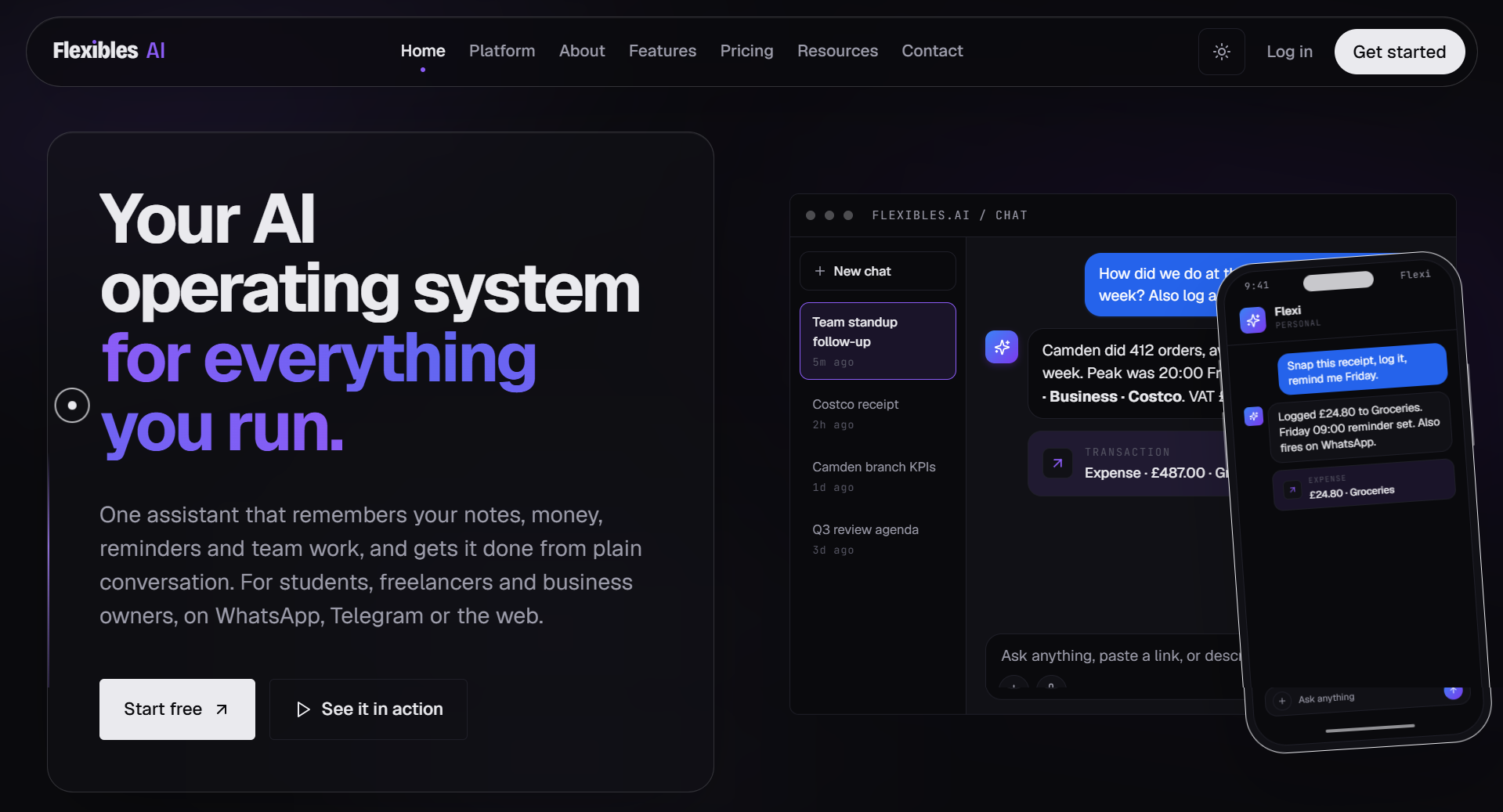
London-based IIkaya Solutions UK Ltd builds Flexibles AI, with founder Harshvardhan Mahida behind the platform end to end. You can use Flexi through the web or directly on WhatsApp and Telegram to log expenses or set reminders from your phone. Flexi keeps your notes and tasks alongside your invoices and client details in one place.
When should you choose Flexibles AI
Flexibles AI fits you if your work happens on your phone and you want notes, money and reminders in one chat. It also suits freelancers who juggle more than one small business, since each one gets its own workspace.
Pricing of Flexibles AI
The Free plan includes chat, notes, tasks, and reminders. Plus costs $9.99/month, Pro costs $19.99/month, and new accounts get 14 days of Plus free.
Klaio
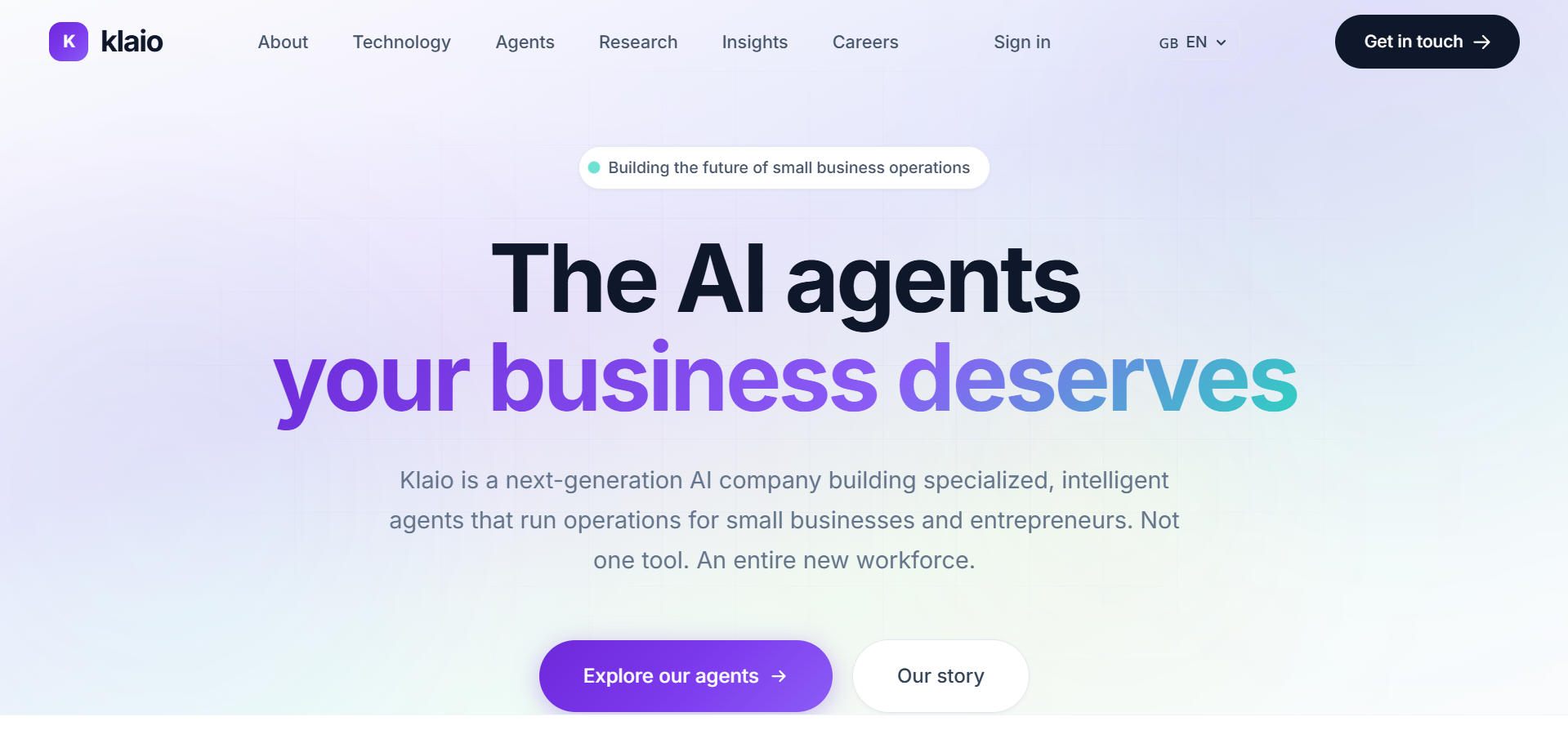
Klaio is a French startup led by co-founders Jérôme Mouthon and Ali Naguib, and it builds specialised agents for freelancers and small businesses. You can use Envoy as your AI chief of staff with its own name and email address. It can book or reschedule meetings in your Google Calendar and draft emails in six languages. You stay in control because Envoy asks for your approval before sending any email.
When should you choose Klaio
Klaio is a good match when you work with clients across several languages and want one agent to own your calendar and follow-ups. It also suits freelancers who prefer a guided setup, since onboarding starts with a call where the team learns your workflow.
Pricing of Klaio
Envoy costs €290 per month with unlimited interactions and no per-task billing. You can start with a 14-day pilot that runs on your real workflows.
Manage Your Recurring Work with One AI Agent
Use Fluso to handle inbox triage, meeting preparation, and client reports across your connected apps without switching between tools.
Create your agent in FlusoMake
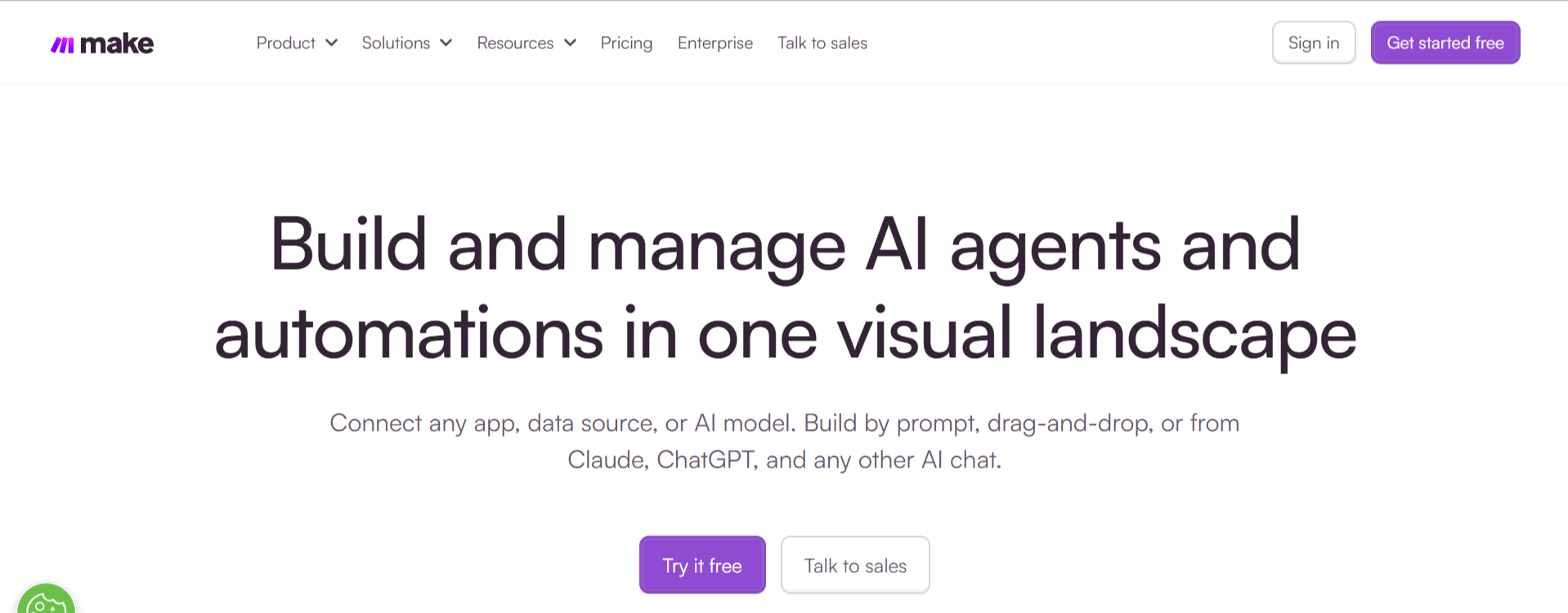
Make began in Prague in 2012 as Integromat under founders Ondřej Gazda and Patrik Šimek. You can use Make to connect more than 3,000 apps through its visual workflow builder. Now part of Celonis, Make lets you build drag-and-drop workflows and use AI agents to make decisions within them. As a freelancer, you can create a workflow that automatically adds new client form submissions to a spreadsheet and creates projects in your task management app.
When should you choose Make
Make is a strong pick if you enjoy building your own systems and want full control over each step. The learning curve is steeper than a chat-based tool, so it suits freelancers who are comfortable mapping out a process first.
Pricing of Make
Make has a Free plan with 1,000 credits per month. Core starts at $9 per month billed yearly or $10.59 billed monthly for 10,000 credits. Pro and Teams cost $16 and $29 per month on yearly billing.
Fyxer AI
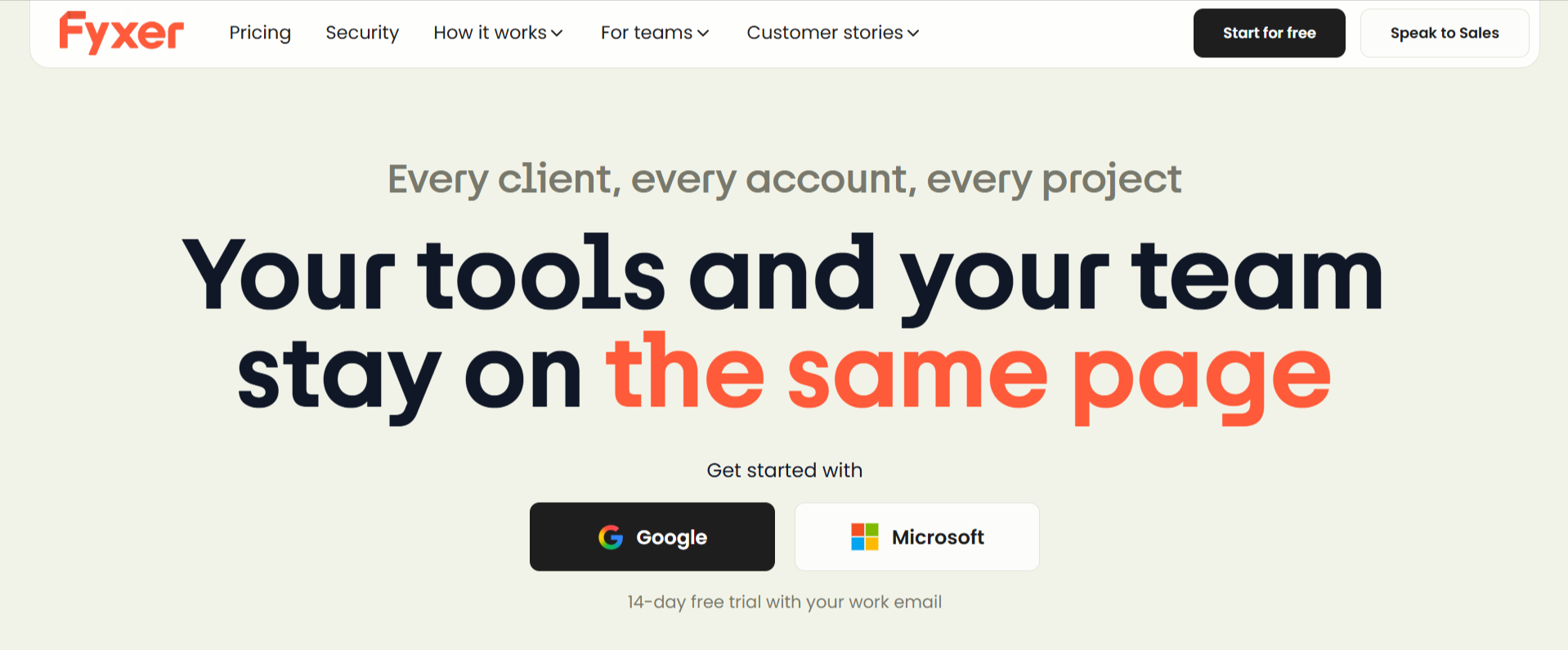
Brothers Richard and Archie Hollingsworth launched Fyxer AI in London in 2024 with CTO Matthew Ffrench after six years of running a human executive assistant service. You can use Fyxer AI to organize your Gmail or Outlook inbox and draft replies that match your writing style. It can also take notes during your meetings and prepare follow-up emails for you to review before sending.
When should you choose Fyxer AI
Fyxer AI suits freelancers whose biggest time sink is email, especially if you handle many client threads each day. It works inside the inbox you already use, so there is very little new to learn.
Pricing of Fyxer AI
Fyxer offers a 7-day free trial instead of a free plan. Starter costs $30 per user per month or $22.50 billed annually. Professional costs $50 per user per month and adds multiple inboxes and HubSpot.
Build AI Agents Without Complex Workflows
Describe your task in Fluso's chat-based setup, connect the apps you use, and choose when your agent should run.
Create your agent in FlusoGranola
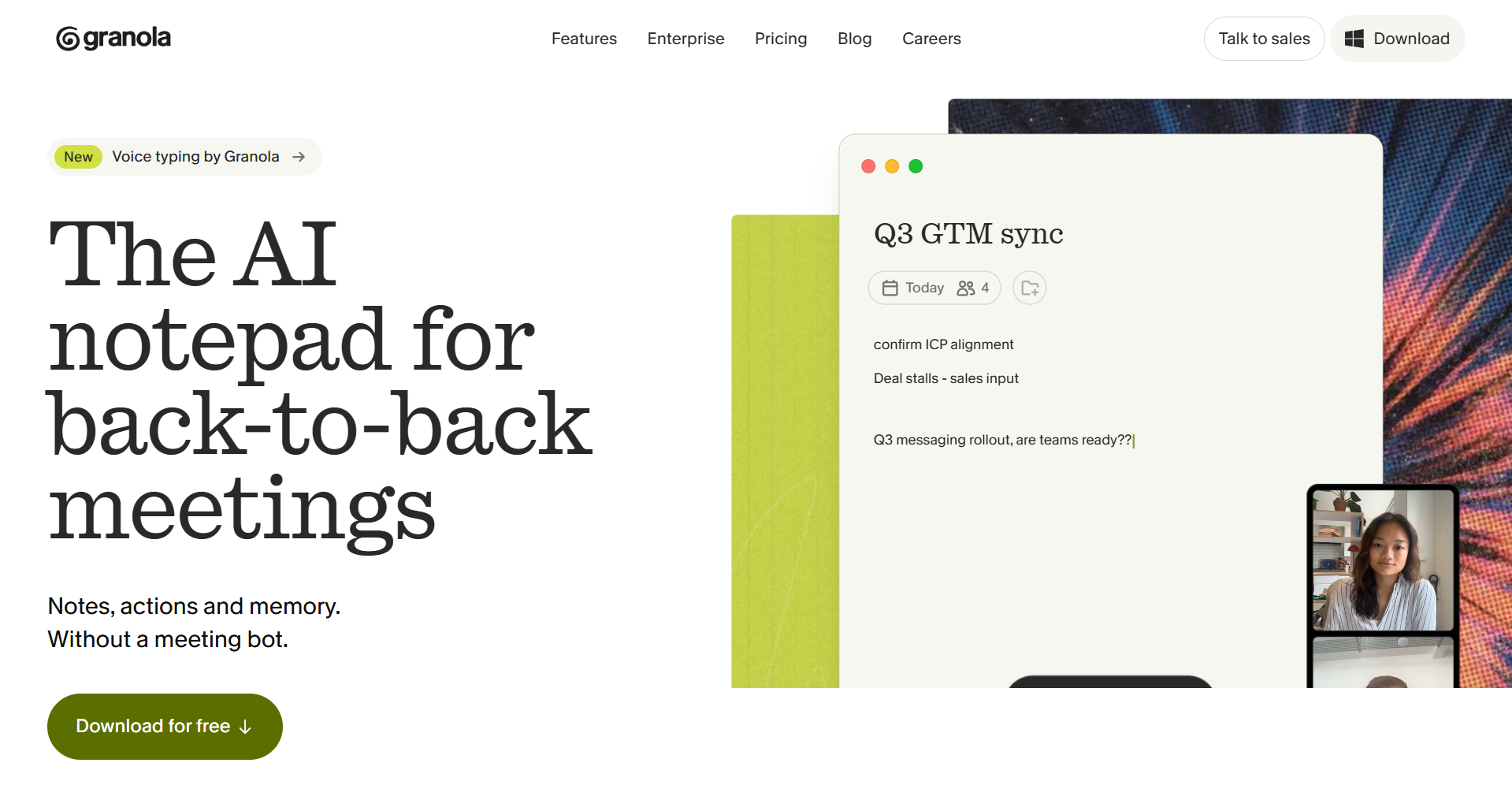
Chris Pedregal and Sam Stephenson founded Granola in London in March 2023 to make meeting notes less painful. You can use Granola to capture meeting audio directly from your device without adding a bot to your calls. It combines the audio with the notes you take during the meeting. After each call, you get a clear summary of key decisions and next steps.
When should you choose Granola
Granola is the right call when your week is full of discovery calls and client check-ins. Clients never see a bot join, which keeps your calls feeling personal.
Pricing of Granola
Granola has a free Basic plan for individual use. Business costs $14 per user per month and Enterprise starts at $35 per user per month.
Keep Your Agent Workflows in the Region You Choose
You can use Fluso's EU-hosted cloud or choose a private deployment when you need more control over where your agents and data run.
Create your agent in FlusoHow to choose the right AI agent for your freelance work
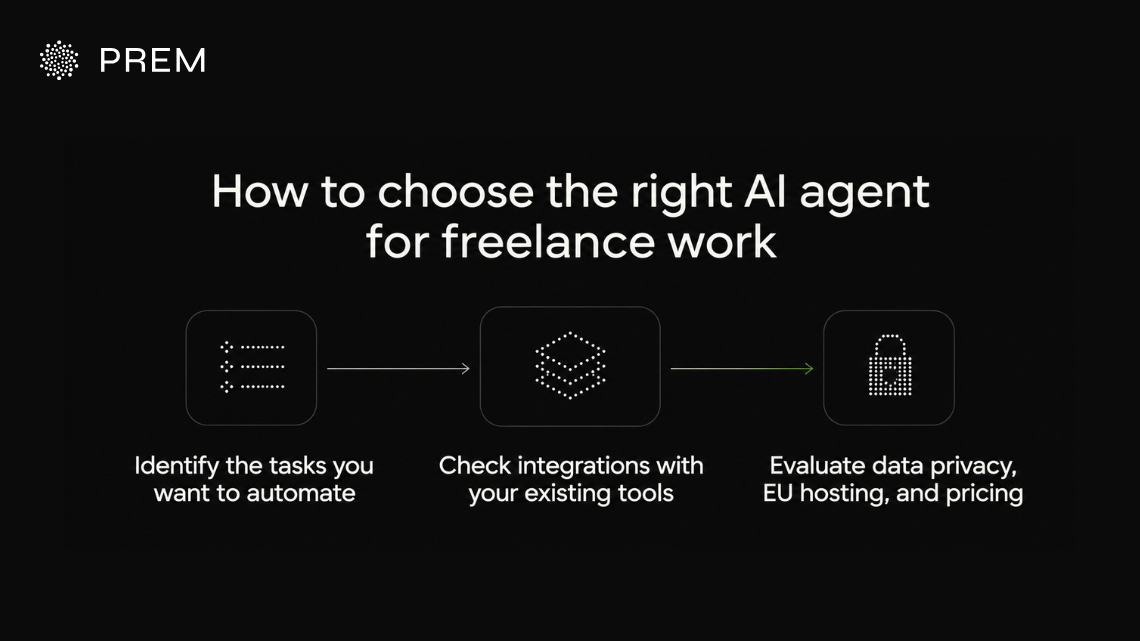
The right pick depends on which tasks drain your week and where your client data needs to live. Run your shortlist through the checks below before you commit to a paid plan.
Identify the tasks you want to automate
Start by listing the jobs you repeat every week and how long each one takes. Email triage and invoice reminders are good starting points because they follow a clear pattern and eat time without earning you money. Pick one job first and give it to an agent for two weeks before you add more. Freelancers who automate everything at once often end up fixing broken setups instead of billing clients.
Check integrations with your existing tools
An agent is only as useful as the apps it can reach. Check that it connects to your email and calendar along with the files and task tools you open daily. Look at permissions as well, since you want an agent that can draft a client email without sending it until you approve.
Evaluate data privacy, EU hosting, and pricing
You hold contracts and invoices for every client, so where an agent processes that data matters. EU-hosted tools that never train on your data make it easier to meet your GDPR duties and keep client trust. Compare each free plan against the usage you expect because credit-based plans can run out faster than flat ones.
Automate your freelance work with Fluso AI agents: the best ai tool for freelancers
Freelancing gives you control over your work, and the right agent gives you back the hours that admin takes away. We built Fluso Agents so you can describe a job in a chat and connect your apps, then let it run on your schedule while your data stays private and protected.
Fluso Agents takes over the recurring tasks that fill a freelance week, like sorting the morning inbox and preparing call briefs or sending the Monday client report. Because agents come with every plan, you add that help without paying for an extra hire or a stack of separate tools. Fluso is built for everyone who runs on recurring admin, from your first client to your fiftieth.
Download Fluso and set up Fluso Agents for free and hand over your first recurring task today.
FAQs about best AI tools for freelancers
What are the best AI tools for freelancers in 2026
Fluso Agents is our top pick because it handles email and meeting prep alongside client follow-ups in one EU-hosted workspace. You set up each agent through a chat and it runs on a schedule you choose.
How can AI help with project management for freelancers
An AI agent can track commitments across your email and calendar and remind you before a deadline slips. With Fluso Agents you can also schedule weekly status reports that pull numbers from Sheets and wait in your inbox for review.
Are AI agents safe to use with client data
They are safe when you control what each agent can access and where the data is processed. Fluso runs on open-source models hosted in the EU and never trains on your files or conversations.
Do I need coding skills to use AI for freelancers
No coding is needed with Fluso Agents. You describe the job in a chat and the manager drafts the agent for you to review.
How much do AI tools for freelancers cost
Prices vary widely depending on usage and features. Fluso has a Free plan with agents included, and paid plans start at $10 per user per month.