7 Best AI Agents for Law Firms in 2026: Private AI Legal Assistants Compared

On this page

An AI agent for a law firm handles legal tasks for you, like reviewing documents, drafting, and recurring jobs, and a lawyer checks the work before it goes to a client.
- You can use it to review a folder of contracts, flag unusual clauses, and prepare a summary for you. It follows the rules you set across the apps you connect.
- Before you pick one, check whether it trains on your client data, where your data is stored, whether you can verify its sources, and whether you can approve actions first.
- Start with one routine task, like summarizing documents or drafting follow-ups. Review the output, then add more.
Fluso Agents lets you describe a recurring legal task once in plain language, and your Agent runs it on open-weight models hosted in the EU. You set each tool to Allow, Ask, or Deny, so you decide what it does on its own.
I was reading a report on how law firms are using AI agents and found that more than 15% of law firms already use them. As per the Thomson Reuters report, around 20% plan to start using them, while 30% are considering it. This means almost half of the firms are either planning to use AI agents or looking at how they could fit into their work.
This got me thinking. When you're handling multiple cases and tight deadlines, having an AI agent take care of repetitive research or document reviews could save you hours. You could use that time for work that needs your legal expertise.
But how comfortable would you be giving an AI agent access to confidential client files or sensitive legal documents? And what happens if it gives you incorrect legal information or cites a case that doesn't even exist? In legal work, even a small mistake can have serious consequences. You need to know where your data goes and be able to verify the answers your AI tools provide.
So, how do you use AI agents to save time while keeping your client data secure and your work reliable?
I've put together a list of seven reliable AI agents for law firms in 2026. I've compared what they can do, the legal workflows they support, and the privacy controls they offer to help you find the right fit for your firm.
We'll also look at AI Agent by Prem AI and how you can use Fluso Agents to automate recurring workflows with connected apps and approval controls.
What are AI agents for law firms?
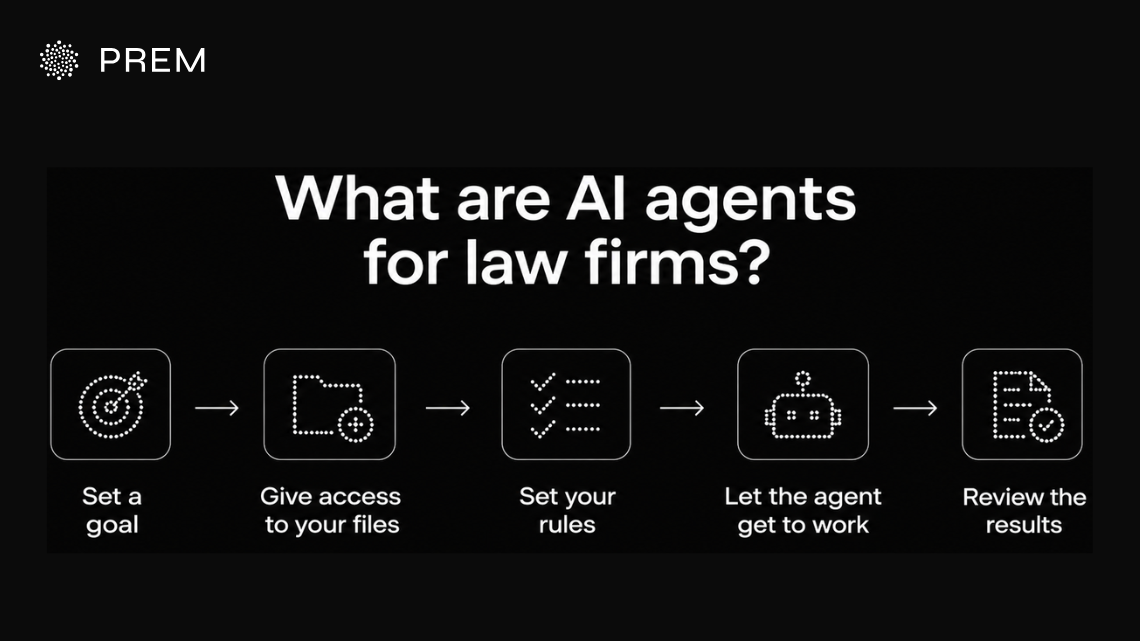
AI agents for law firms are smart tools that handle tasks by following your instructions across your connected apps. You give your agent a goal and access to your files. You also set your rules. It then breaks your task into steps and finishes it with little oversight from you.
For example, you can ask your agent to review a folder of contracts and flag unusual clauses. It will then prepare a summary for your review.
How AI legal assistants differ from AI agents
Your AI legal assistant usually responds to your single prompts. You ask it to research a case or summarise a document or draft a clause. You choose your next step and give another instruction.
An AI agent takes your work further by running multiple steps in your workflow. It reviews your documents and organises findings and prepares your report using your connected tools.
The main difference is how much work your tools handle alone. Your AI legal assistant helps you finish single tasks while your AI agent manages a whole sequence of tasks toward your bigger goal. You still need clear permissions and your human review before relying on its output for legal decisions.
Less Admin. More Lawyering.
Fluso Agents takes recurring work like client follow-ups and briefs off your desk, so you can focus on your cases.
Meet Fluso AgentsWhat to look for in an AI agent for law firms
Before you choose an AI agent for your law firm, look for its features. You want to be sure how it treats your client info and where your data sits and how much control your team holds over its actions.
Use this checklist to evaluate your options:
The right AI agent should fit your firm's legal workflows and security requirements. Make sure you can verify its outputs and control what it can access or do before giving it access to sensitive client information.
7 best AI agents for law firms in 2026
I looked at AI agents that handle real legal work, from research and drafting to document review, and checked where each one hosts your data. Here’s a quick look at all seven, global and European, before I dive into each one.
Fluso Agents
We built Fluso Agents to take recurring work off your plate, across the apps you already use.
It’s the agent feature in Fluso, our AI workspace. You set the schedule, and your agent does the job. It asks for your approval before it takes any sensitive action.
Privacy is built in. Your agent only sees the integrations you choose to connect, and it runs on open-weight models hosted in the EU. For law firms, that means you get a private AI for legal work that you stay in control of.
Fluso isn’t a legal-only tool, and it doesn’t come with a case law database. It works best as the agent that handles the routine work around your matters, like client emails, follow-ups and status reports.
Who Fluso Agents is best for
Small and mid-sized law firms, solo lawyers and in-house legal teams that spend hours on recurring admin and want a private AI agent to handle it. It also suits European firms that want EU-hosted models and control over what the agent can access.
Key features of Fluso Agents
Fluso offers a range of features to help you automate daily tasks and stay in control of your workflows. Here are its key features:
Routines and Inbox
Set routines to run once, hourly, daily, on weekdays or weekly without keeping Fluso open. Check your Inbox for approvals, failures and routine results.
Approvals and app access
Set Allow, Ask or Deny rules for each tool, and choose Allow, Read-only or Deny access for each app. Your agents only get access to the apps you connect and select in their setup, such as Gmail, Google Calendar and Slack.
Instructions and knowledge files
Use Manager to change your agent’s instructions in plain language. Add up to 25 knowledge files per agent for checklists, policies and writing guides.
Larger tasks and modes
Let your agent split larger tasks into sessions and bring the findings together. Choose between High and Fast modes. High allows more careful reasoning, while Fast delivers quicker responses.
Sharing
Share an Agent with a colleague through a link to your setup. Conversations, routines, project files and account credentials aren’t included.
Use cases of Fluso Agents for law firms
These are examples of jobs you can set up with Fluso’s routines, integrations and knowledge files.
Morning matter brief
Every morning, your agent reads your overnight client emails and today’s calendar, ranks what’s urgent, lists today’s deadlines and hearings, and posts one short brief to Slack.
Client follow-ups
After a client call, your agent turns your notes into a summary with decisions, action items and owners. It then drafts the follow-up email to the client and waits for your approval before anything is sent.
Matter status across the team
Every Friday, your agent collects updates from Slack and email for each open matter, flags anything blocked for more than three days, and writes a short status note for each one.
Contract review in parallel
Your agent splits a folder of contracts into parts, reviews each part in its own session against your clause checklist, and combines the flagged clauses into one summary for your review.
Regulatory watch
Every Monday, your agent searches the legal topics you list, summarizes what changed with sources, and sends you one digest.
Inbox triage to drafts
Every hour, your agent sorts client emails by urgency, flags the ones that need a reply, and drafts responses in the chat. You review and send them.
Deadline tracker
Each morning, your agent scans your calendar and email for filing dates, hearings and promised responses, and lists what’s due this week with the email it found each one in.
Intake review
When a new enquiry comes in, your agent pulls out the key facts, checks them against your intake criteria, and drafts a short note and a reply for your approval.
Weekly client updates
At the end of each week, your AI agent reviews each client’s emails and case notes, then writes a short update for you to check and send.
Meeting prep brief
Before a client meeting, your AI agent reviews past emails and notes, then gives you a short summary of key points, decisions to make, and questions to ask.
Reply chaser
Your AI agent finds client emails that haven’t received a reply and drafts polite follow-up messages for you to review and approve.
Closing checklist
For a deal or filing, your AI agent checks emails against your document checklist, shows which documents have arrived and which are missing, and drafts reminders for the missing ones.
Your AI agent can run tasks even when you're away. However, tools set to Ask won't work during these tasks. Set the necessary tools to Allow, and let your agent prepare email drafts for you to review and send yourself.
Security and compliance of Fluso Agents
We host your data in Europe. We use open-weight models only, and your work never trains shared models. We build Fluso to be GDPR-aligned. SOC 2 Type I & II is in place. On Pro, you also get confidential mode.
Pricing of Fluso Agents
We include agents in every plan. You can start on Free, then move to Plus at $10 or Pro at $30 per user per month. Pro gives you confidential mode. Enterprise is custom.
Explain the Task Once. Your Agent Handles Every Repeat.
Describe a recurring legal job in plain words, and Fluso Agents runs it on your schedule.
Put Your Busywork on a ScheduleHarvey
Harvey is a legal AI platform for law firms and in-house teams. Its agents split large tasks and return review-ready outputs. According to Harvey, more than 3,500 law firms and in-house teams use it.
Who Harvey is best for
Large law firms and corporate legal teams that want one platform for agents, document review and contract work across big matters.
Key features of Harvey
- Agents that run tasks in parallel or on a schedule, with plans you review and approve before they start
- Auditability, where every claim has a citation and every step is logged
- Agent Builder for custom agents that capture your firm’s expertise
- Connectors to Microsoft, document management systems and other tools
- Memory that applies how you work across sessions
- SOC 2 Type II, ISO 27001, ISO 27701, ISO 42001 and GDPR, with SSO, audit logs and IP allow-listing
Legora
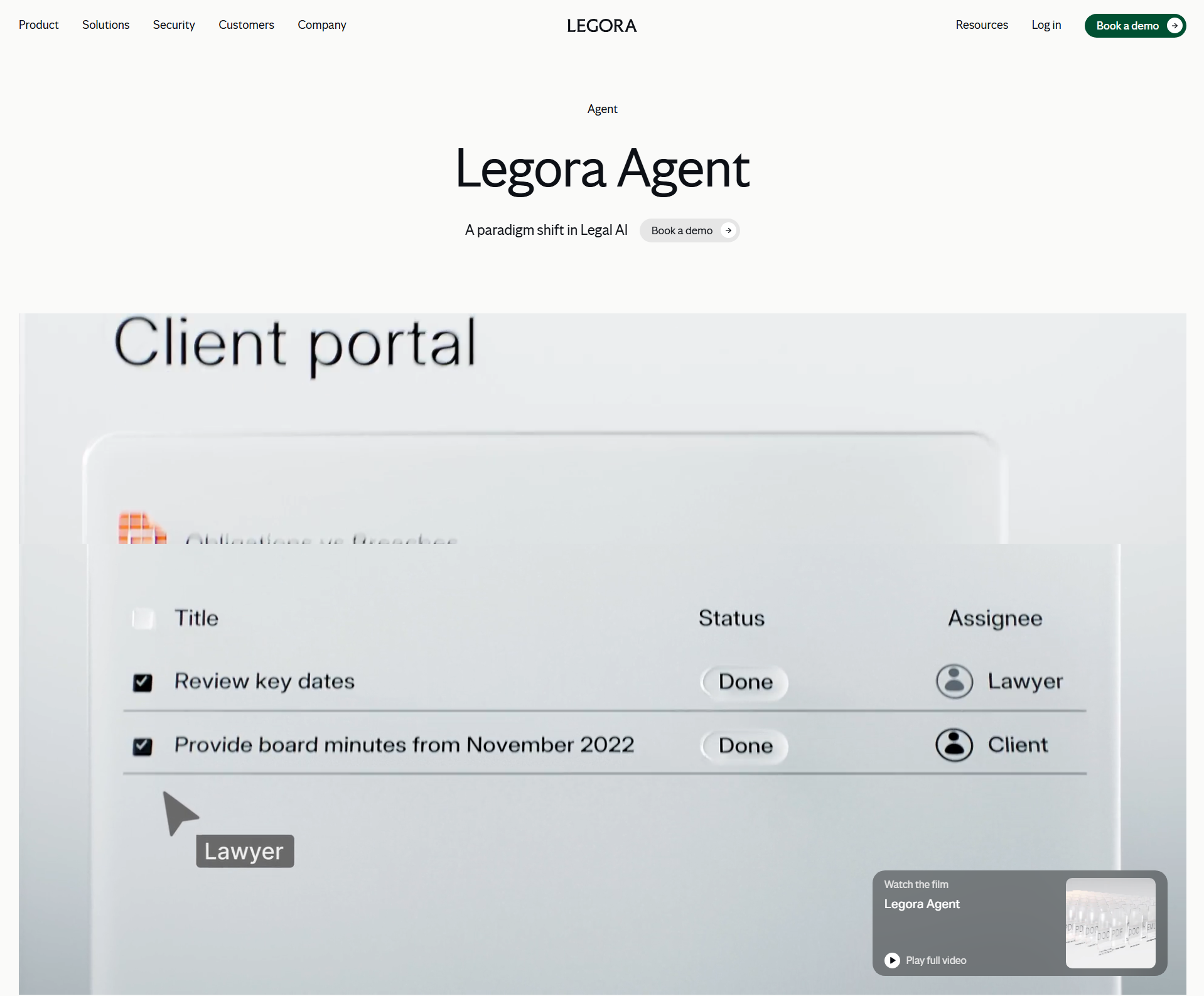
Legora is a legal AI platform built around what it calls the Legora aOS, an agentic operating system for legal work. Its Agent plans, executes, reviews and delivers complex tasks, so lawyers can focus on decisions. It works across M&A, litigation, banking, tax and insurance, for law firms and in-house teams.
Who Legora is best for
Law firms and in-house teams that want collaborative AI for complex work, from intake to final delivery.
Key features of Legora
- Agent for end-to-end execution of complex legal work
- Monitors that continuously scan global regulation
- Lists the Agent generates from your documents
- Tabular Review, Legal Research, Workflows and Portal
- Add-ins for Word and Outlook, plus a mobile app
- SOC 2 Type II, ISO 27001, ISO 42001, GDPR and HIPAA, with no AI training on your data, according to Legora
Objection! To Doing Admin by Hand.
Fluso Agents handles the routine work around your cases so your team can spend more time on legal judgment.
See Fluso Agents in ActionDeepJudge
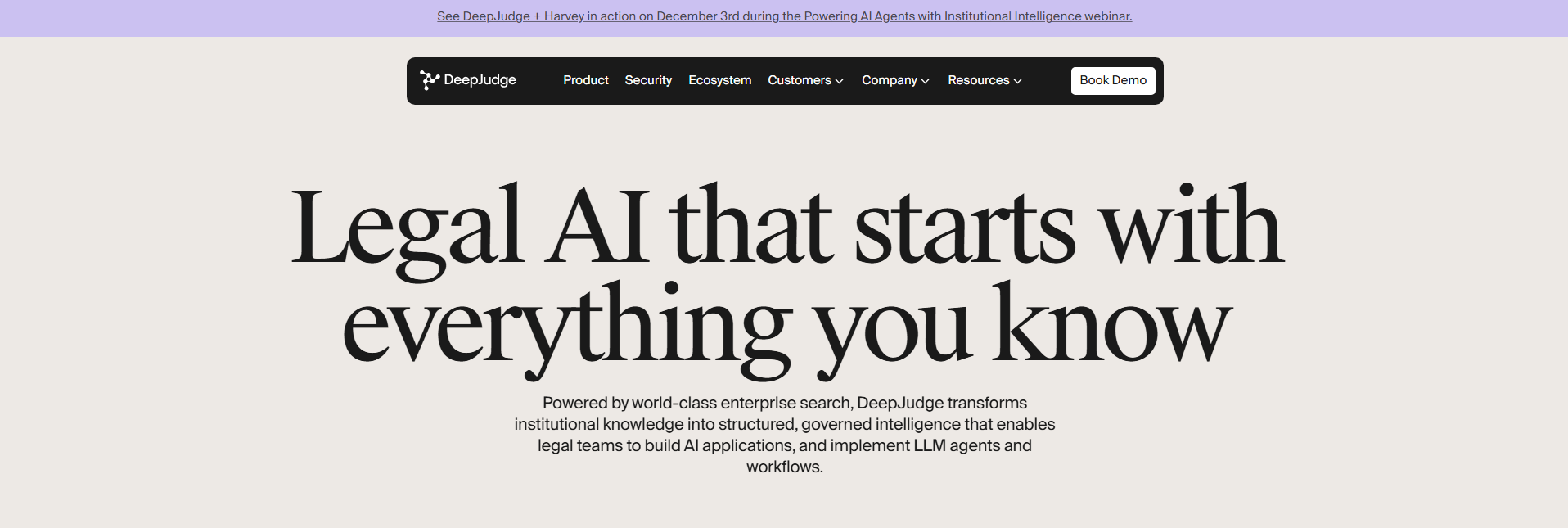
DeepJudge is a legal AI platform founded by ex-Google search engineers and legaltech veterans. It indexes your firm’s documents wherever they live, then lets you build AI workflows and agents on top. According to DeepJudge, there’s no data migration.
Who DeepJudge is best for
Law firms that want to reuse their own precedents and past matters, and connect AI agents to that knowledge.
Key features of DeepJudge
- Knowledge Search across SharePoint, HighQ, OneDrive, document management systems and email
- Multi-Document Chat for questions about a client-matter folder
- Negotiation Intelligence to check what opposing counsel agreed to before
- Matter and Client Overview that builds a timeline from your documents
- AI Workflows to build, deploy, orchestrate and govern agents across multiple sources
- Used by firms including Homburger, Gunderson Dettmer and Freshfields
Lexis+ with Protégé
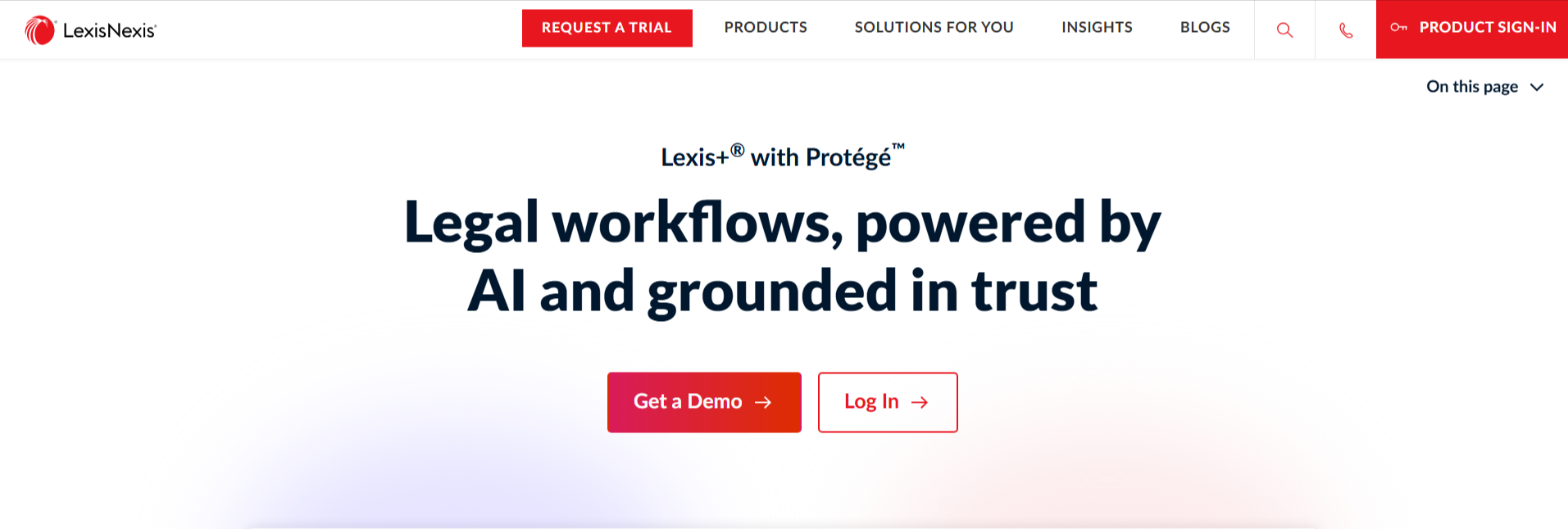
Lexis+ with Protégé (formerly Lexis+ AI) is LexisNexis’s legal AI for drafting, research and analysis. It combines the Protégé assistant with trusted LexisNexis sources. Its workflows are secure, repeatable processes that run in a private workspace secured to European-grade standards, according to LexisNexis.
Who Lexis+ with Protégé is best for
Small and large law firms, corporate legal teams and universities that want AI built on authoritative legal content.
Key features of Lexis+ with Protégé
- Legal research, drafting and analysis in one solution
- Protégé workflows for repeatable work, such as contract review and clause extraction
- Extractive, generative and agentic AI
- Drafting in Microsoft 365 through Lexis Create+
- A 2025 CODiE Award for Best AI Tool for Lawyers (for Protégé)
- No use of customer data to train AI models, according to LexisNexis
Your First Legal Agent Is on the House
Fluso Agents comes with every plan, including the free one, so you can test it on one real legal task today.
Meet Fluso AgentsVincent by Clio (formerly vLex)
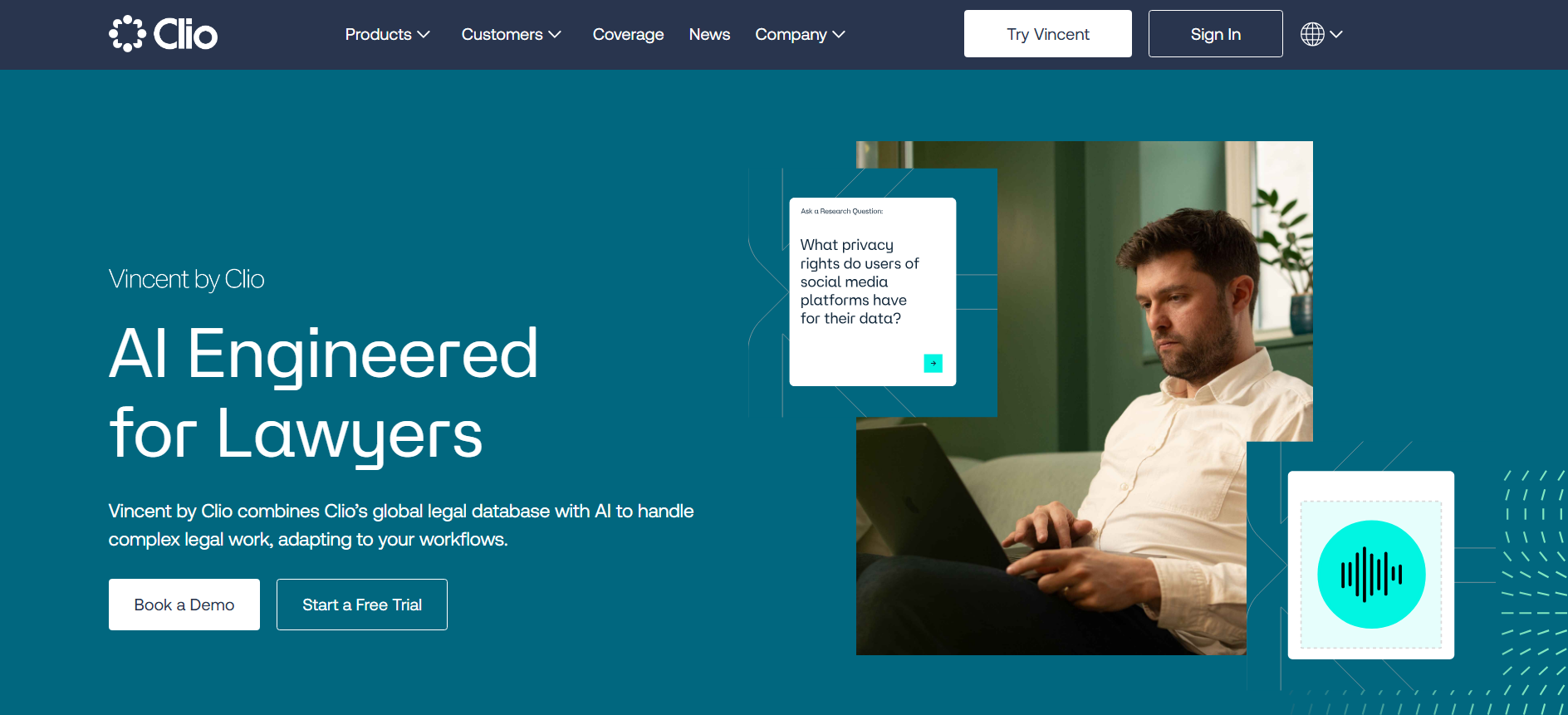
Vincent by Clio combines Clio’s global legal database with AI for complex legal work. It covers research, litigation and transactional workflows, with fully cited answers. According to Clio, 8 out of 10 of the world’s top law firms use it.
Who Vincent is best for
Big law, in-house teams and small practices, especially those with international or cross-border matters.
Key features of Vincent
- Research workflows, including a fully cited memo and 50-state surveys
- Jurisdiction coverage that includes the EU, France, Ireland, Italy, Portugal, Spain and the UK
- Contract analysis, redline analysis and document comparison
- Litigation workflows, such as analyzing complaints and profiling judges
- Vincent Studio for custom no-code workflows
- SOC 2, ISO 27001 and zero-retention agreements with LLM providers, according to Clio
Noxtua
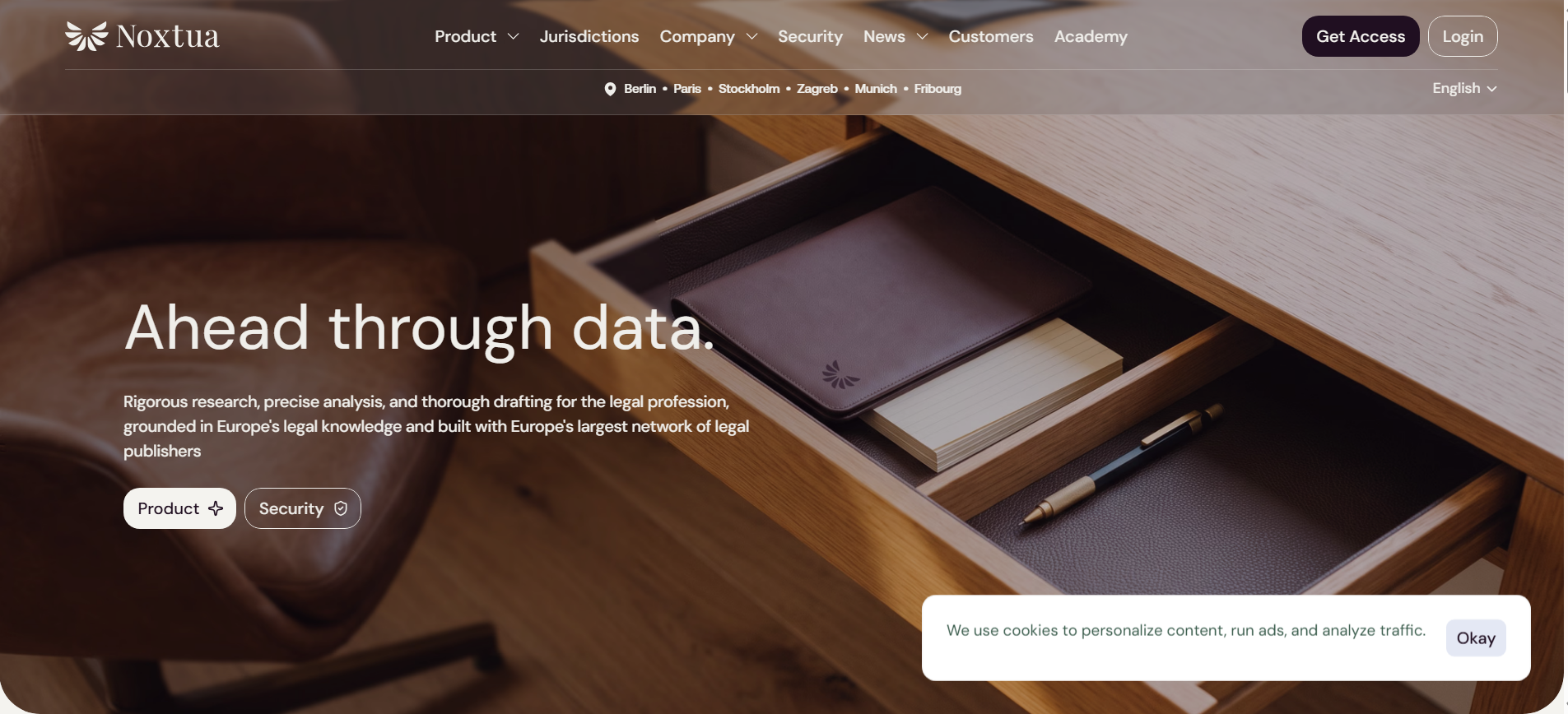
Noxtua is a legal AI built around Europe’s legal knowledge, with offices in Berlin, Paris, Stockholm, Zagreb, Munich and Fribourg. Its agentic AI uses content from 19 legal publishers in eight countries. According to Noxtua, it covers more than 210 million searchable documents.
Who Noxtua is best for
European law firms that want research and drafting grounded in European legal sources, with strong confidentiality.
Key features of Noxtua
- Research, Projects and an Editor that edits Word files directly
- Skills you define once and apply automatically
- 15.8 million court decisions and 250 years of European legal material, per Noxtua
- A two-tier model system: the Minerva Agent, with frontier models and data kept on European-controlled infrastructure, and the Athena Agent, hosted fully on sovereign European-controlled infrastructure
- Confidentiality undertakings that cover lawyers’ professional secrecy
Case Files Piling Up? Put an Agent on the Docket.
Fluso Agents works through multi-step legal admin across your connected apps, and you approve the steps that matter before anything reaches a client.
Meet Your New Legal TeammateWhat European law firms need from an AI legal assistant
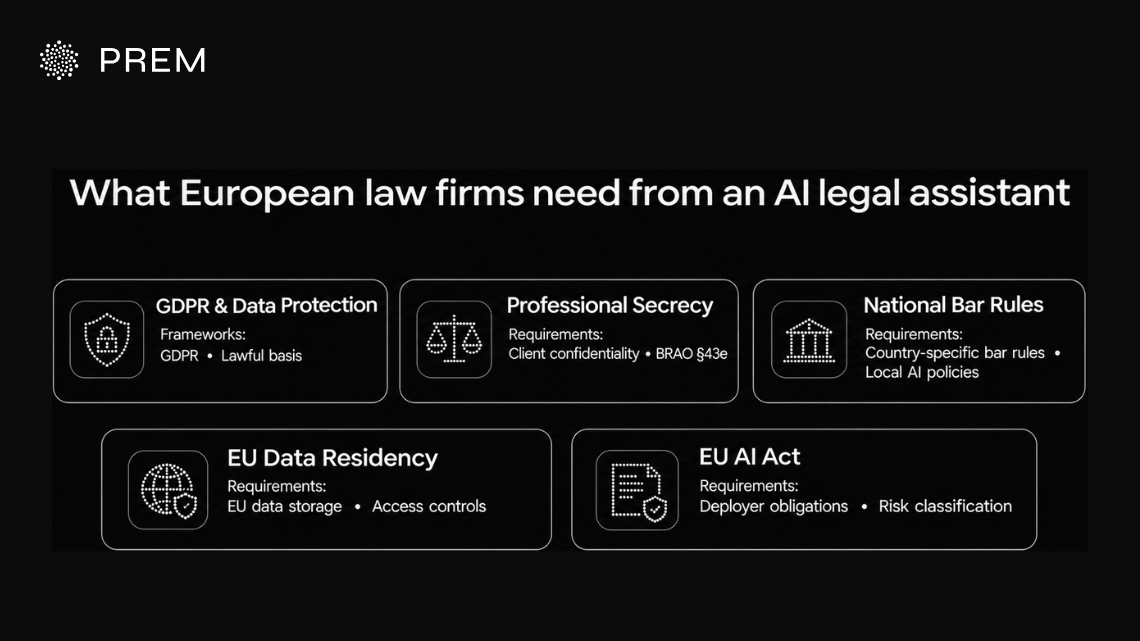
European law firms handle client files under strict confidentiality rules. An AI legal assistant has to fit those rules, not just save time. Three things matter most: how the tool treats client data, where it runs, and how the law around AI is changing.
GDPR and professional secrecy requirements
Client files often contain personal data, so the GDPR applies as soon as a firm puts them into an AI tool. The firm needs a lawful basis, a data processing agreement with the vendor, and clear limits on how the data is used. Firms should also check whether client data is used to train the vendor’s models.
Professional secrecy adds a second layer on top of data protection. In Germany, for example, Section 43e of the BRAO (the Federal Lawyers’ Act) sets conditions for lawyers who use outside service providers. Section 203 of the German Criminal Code covers breaches of client confidentiality.
The CCBE guide on generative AI for lawyers (October 2025) says lawyers stay responsible for checking AI output and protecting client information. So pick a tool that gives you control over what it can access and what it keeps.
Rules differ by EU country
These rules aren’t the same in every country. Each EU member state has its own bar rules, professional secrecy laws and guidance on outsourcing and AI. A setup that works for a firm in Germany may need changes for one in France or Spain. Check your local bar association’s guidance before rolling out any AI tool.
EU data residency and sovereign AI infrastructure
Where your data is processed matters. If a vendor sends client data outside the EU, the firm has to check the GDPR rules on international transfers. Many firms avoid the question by choosing tools hosted in the EU.
Vendor location alone isn’t enough, though. Ask where the data is stored, where the model runs, and who can access it. Prem covers this in more depth in its guides on sovereign AI and AI data residency requirements.
The EU is also working on this at policy level. In June 2026, the Commission proposed the Cloud and AI Development Act (CADA). It is still a proposal and mainly targets the public sector. Even so, it shows where EU rules on cloud and AI infrastructure are heading. Prem breaks it down in its CADA guide.
EU AI Act obligations for law firms using AI
GDPR isn’t the only EU rule a law firm needs to think about. The EU AI Act also applies to firms that use AI tools, and the law calls them “deployers”. Under Article 4, firms must take measures to support AI literacy among the people who use these tools. That means your team should understand what the AI can and can’t do before it touches client work.
The Digital Omnibus pushed the rules for high-risk AI systems back to December 2027. Many legal research and drafting tools won’t count as high-risk, but it’s worth asking your vendor how it classifies its system. For a deeper breakdown, read Prem’s guide to EU AI Act compliance.
Do Your Client Cases Need Confidentiality?
Fluso Agents only sees the apps you connect, and your client files never train shared models.
Explore Fluso AgentsGet private AI to automate your legal work with Fluso Agents
Legal work doesn’t have to mean choosing between speed and privacy. Fluso Agents is one of the best AI agents for law firms that help you with both. You get an AI legal assistant that handles research, drafting and recurring tasks.
It only sees the integrations you connect and runs on open-weight models hosted in the EU. You also decide what it can do on its own with Allow, Ask, or Deny approvals.
Download Fluso for Mac or Windows and put one weekly legal task on autopilot, on the free plan with no card needed.
Frequently asked questions about AI agents for law firms
What are AI agents for law firms?
AI agents for law firms are AI tools that complete legal tasks for you, not just answer questions. They can research, draft, summarize documents and run recurring jobs, while a lawyer reviews the output before it goes to a client.
Are AI agents safe for confidential client work?
It depends on the tool. Check where it hosts your data, what it can access and whether it trains on your files. Fluso Agents only see the integrations you connect and run on open-weight models hosted in the EU.
Can AI replace lawyers?
No. An AI legal assistant speeds up research, drafting and routine work, but a lawyer still has to check the output and make the call. The CCBE guide says lawyers stay responsible for AI output and for protecting client information.
What is the best AI for lawyers?
There’s no single best AI for lawyers. It depends on your firm’s size, practice area and privacy needs. Compare tools on data hosting, pricing and how much control you get, then test one or two on real work before you commit.
How much does Fluso Agents cost?
Fluso has a Free plan, Plus at $10 and Pro at $30 per user per month, plus custom Enterprise pricing. Agents are included in every plan. Confidential mode is on Pro. Check Fluso’s pricing page for current details.
How do I get started with AI agents in a law firm?
Start small. Pick one routine task, like summarizing documents or drafting follow-ups, and connect only the integrations you need. Set approvals so the agent asks before acting, then review its output and expand slowly.