7 Best AI Agents to Automate Customer Support Workflows in 2026
On this page

An AI agent for customer support handles support work for you, like sorting tickets, drafting replies, and passing tricky cases to a person.
- You can use it to sort new tickets, write first replies, send follow-ups after calls, and catch up on overnight emails. You choose which actions need your approval before anything reaches a customer.
- Before you pick one, check which support tasks it can do, which apps it connects to, how it hands cases to a person, and where your customer data is stored.
- Start with one routine job, like ticket sorting. Review how it runs, then add more.
Fluso Agents lets you describe a support job in a quick chat, and your Agent drafts replies for you to approve. You set each tool to Allow, Ask, or Deny, so you decide what gets sent.
If you’ve ever worked in customer support, you know how quickly a simple request can spin into a long checklist. You have to sort incoming tickets and deal with those tricky, high-stress situations.
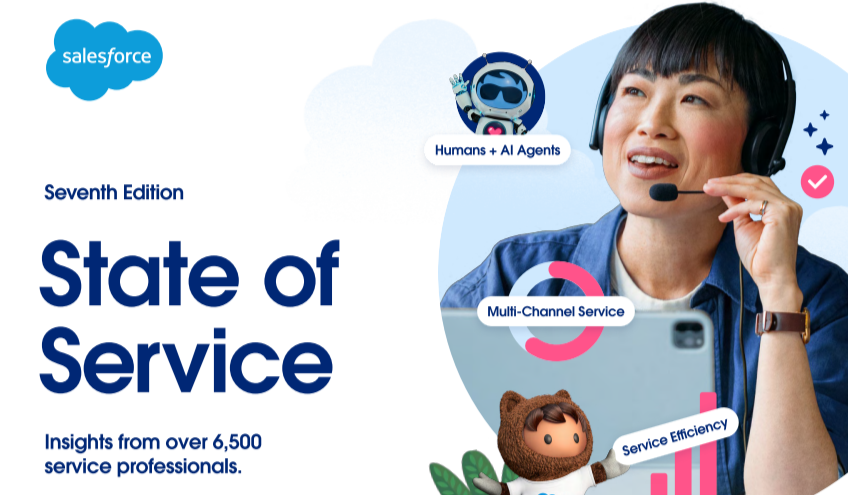
In fact, more than 45% of your time is spent just interacting directly with customers. The rest of your day gets taken up by admin tasks and internal work. That stat actually comes straight from Salesforce’s 2025 State of Service report, where they surveyed over 6,500 customer service professionals.
Imagine having automated tools handle your follow-ups and repetitive tasks. You’d have more time to focus on complex customer issues that need human attention.
Around 80% of service leaders also believe investing in AI tools helps businesses keep up with growing demands. As teams adopt AI, enterprise AI governance becomes important for managing access and approval controls.
If you want to automate your customer support workflows, you’re in the right place. We built Fluso Agents to help support teams automate routine tasks while keeping control of customer interactions. You can see how Fluso Agents work on incoming tickets and prepare follow-ups across your connected apps.
I’ve shortlisted seven AI agent options to help you manage customer requests and improve team handoffs. We’ll compare their features and pricing.
But first, let’s look at what matters when choosing AI agents for customer support.
What to look for in an AI Agent for Customer Support
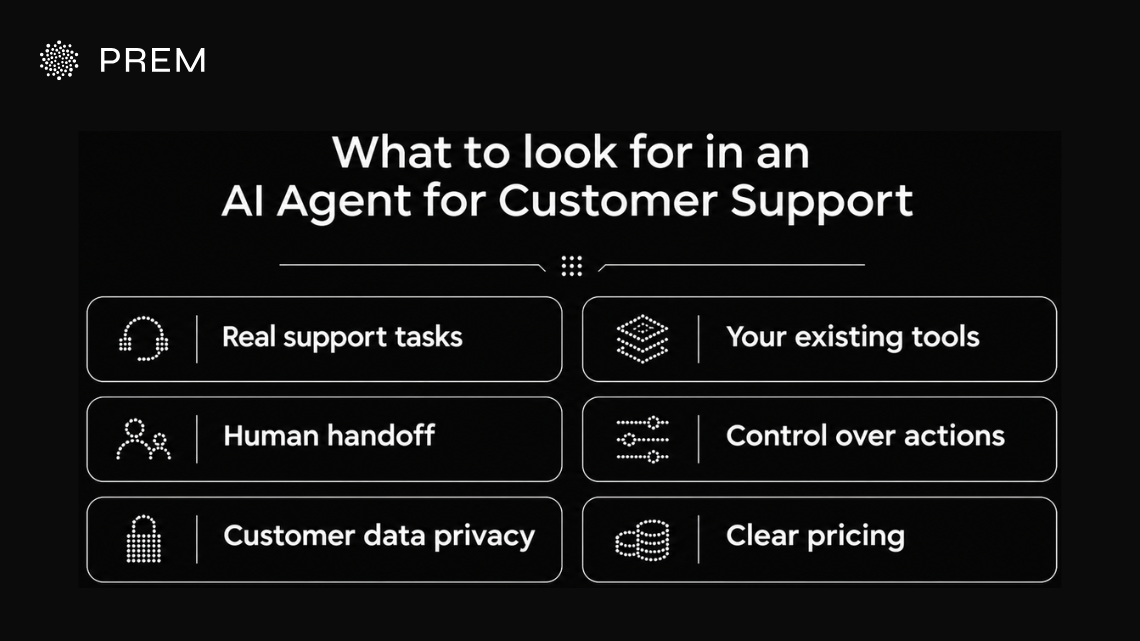
A good AI support system handle real support tasks and hand complex cases to a person. Because it handles your customer interactions and uses their data, it also requires clear controls.
Here are six things to check before you choose one for your support automation:
Tickets Piling Up Faster Than Coffee Refills?
Fluso Agents sorts new tickets and flags the ones that need a human, so your team tackles what matters first.
Meet Fluso Agents7 Best AI agents to automate customer support workflows
Your teams spend all day repeating routine tasks like sorting incoming tickets and checking customer details. As enterprise AI adoption grows, AI tools can handle this work for you, but they vary in what they automate and how much control you keep.
Here is a quick glance at how the seven options stack up before we dive into each one in detail.
Fluso Agents
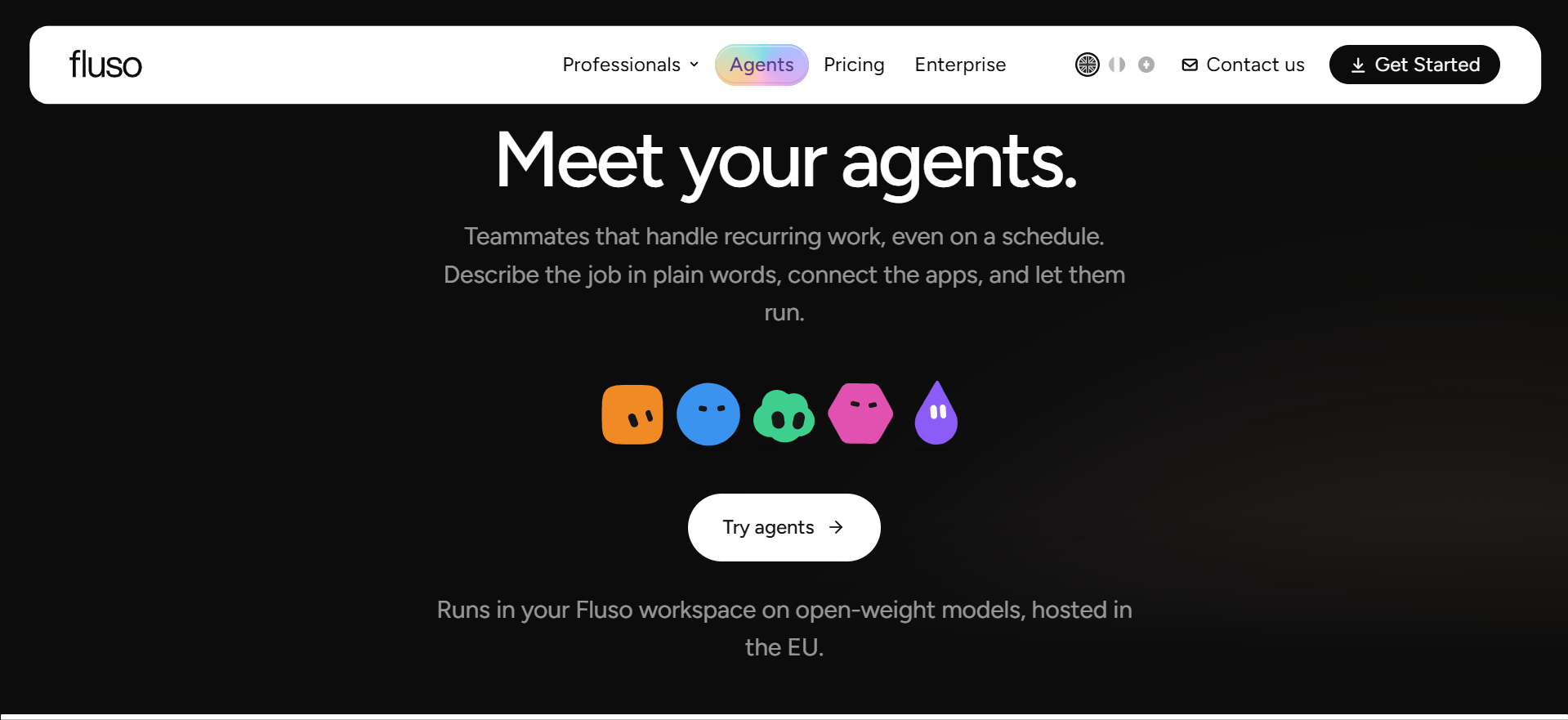
We built Fluso Agents to take care of all that repetitive work piling up around your support inbox, right inside your Fluso workspace.
All you have to do is describe the job in a quick chat, and our agent will write up the whole setup for you to look over before it goes live. After that, it gets to work across the different apps you connect, like Gmail, Slack, and Linear.
Key Features of Fluso Agents
Beyond triage and first replies, Fluso Agents come with a few more features that help you run your support workflows with more context and control.
Knowledge files
Give your agent your internal files, such as refund rules or help articles. It keeps them in context for every run.
Two modes
You can set your agent to High mode for careful, complex cases or Fast mode for quickly handling straightforward ones.
Skills
Our agents use the same skills as the rest of your Fluso workspace, so they easily handle your meeting notes, spreadsheets, documents and PDFs.
Sharing
You can share a setup with a teammate, who can import it and start fresh on their side.
Security and compliance
As for Prem’s compliance, we have attained SOC 2 Type I and Type II. Fluso Cloud stores your workspace data in the EU by default, and we build it to be GDPR-aligned.
How Fluso helps with approvals and permissions
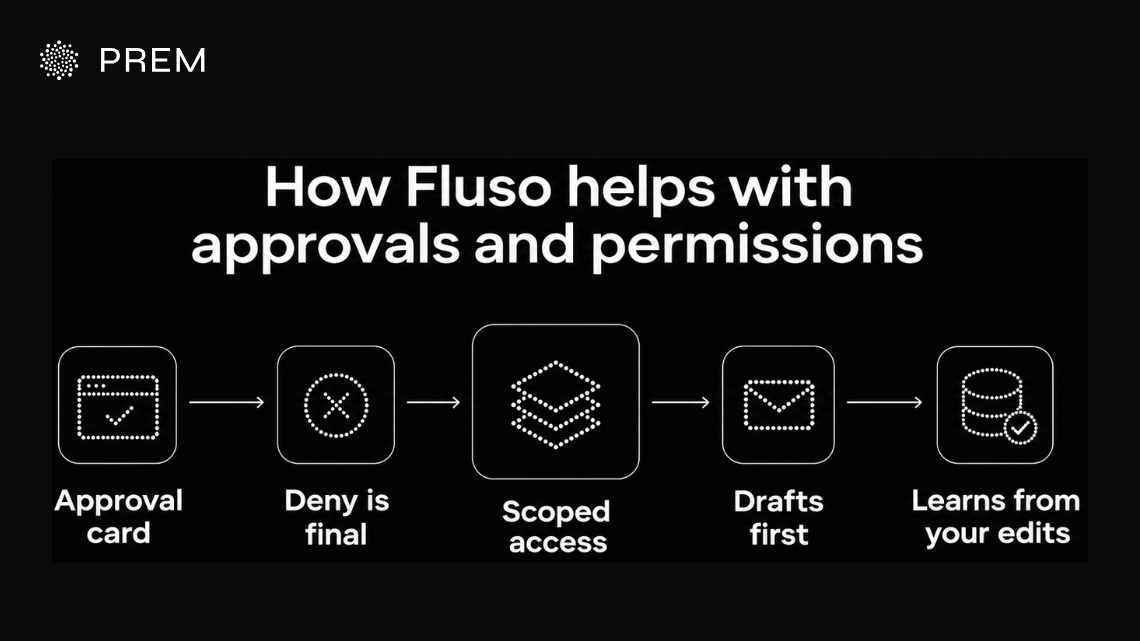
We know customer-facing replies need a real person’s sign-off, so approvals are a core part of how we built Fluso. Whenever your agent needs a decision, the request lands right in your inbox where you can approve it, reply, or just let it keep going.
Approval card
Before any action runs, you get to see the connection and all the details. You can choose to allow it just this once, always allow that specific tool, or deny it on the spot.
Deny is final
You can switch each tool's settings between Allow, Ask, or Deny using Fluso’s per-tool approval settings. A denied tool stays completely denied, even if the chat itself is set to allow everything.
Scoped access
Our agent only sees the apps you choose to connect, meaning you are the one who decides which customer data it can actually reach.
Drafts first
When it comes to emails and external messages, you can check the recipients and the content before anything gets sent out.
Learns from your edits
When you give a clear correction, your agent can save it as a lasting preference, so it doesn’t repeat the same mistake. Fluso’s memory feature keeps stable facts instead of logging every message, and you can review what it remembers or ask it to forget something. Plus, all our agents run on open-weight models that are hosted in the EU.
Who Fluso Agents suit best
We built Fluso Agents to fit customer service teams of any size, whether you are a freelancer, a founder, or managing a large Enterprise support department.
It is perfect if you want automated tools to help sort incoming customer requests and write up drafts right inside the service software you already use, while keeping a real person in charge of approving what goes out to the client.
Fluso Agents’ pricing
We offer a free plan to get started. Plus costs $10/month, while Pro costs $30/month with higher weekly token limits and confidential mode. All plans include agents, and Enterprise pricing is custom. Check out Fluso pricing for details.
Typing the Same Reply Again (and Again)?
Fluso Agents drafts replies for you first, so you can approve them before they reach a customer.
Put Your Busywork on a ScheduleDecagon
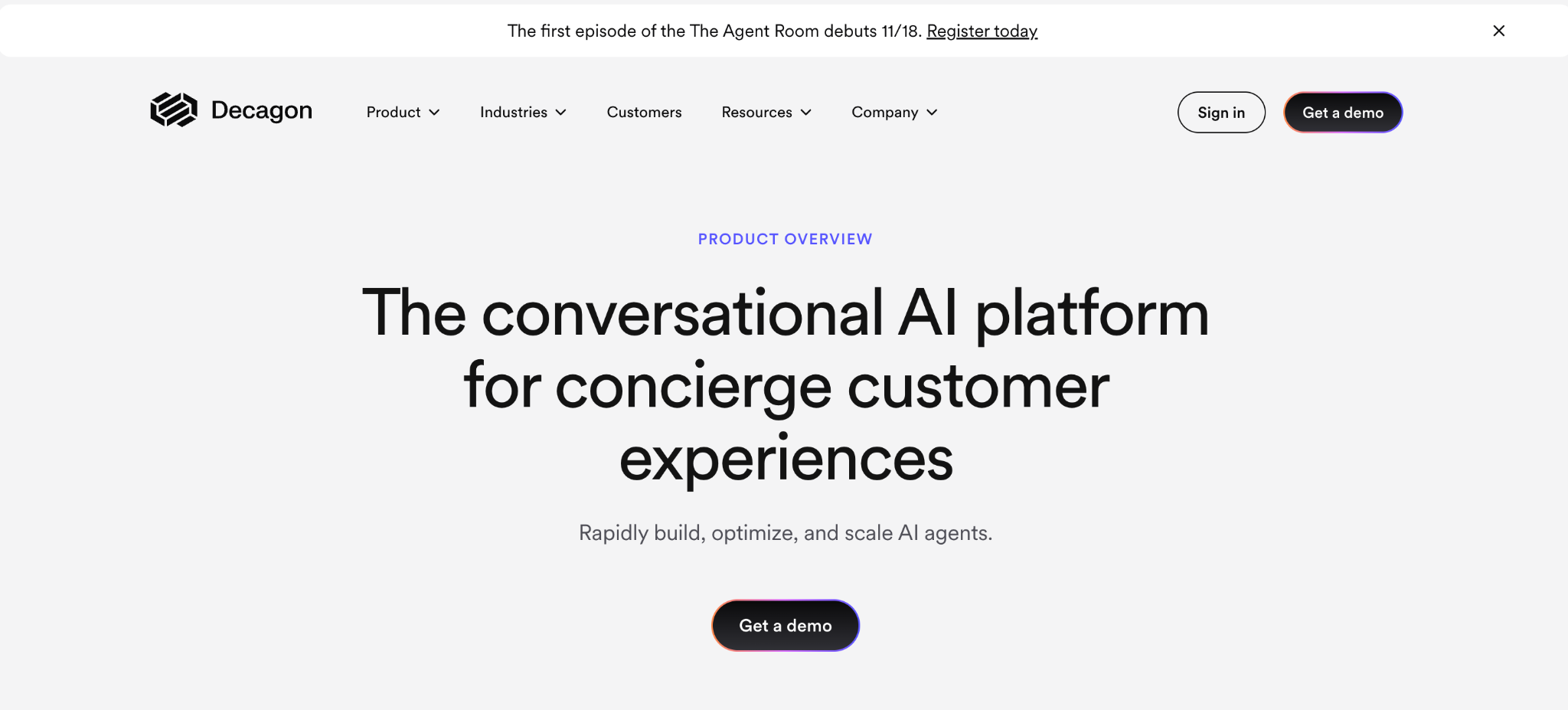
According to Decagon, this conversational AI platform is built to help your customer service teams easily create and scale their automation. Your non-technical staff can write the system logic in everyday plain language, while your technical team retains full control over safety guardrails and integrations.
Its single setup works seamlessly across chat, voice, and email, giving your customers a consistent experience as you scale your agentic workflows.
Key Features of Decagon
- Your team can type out the exact work they want in everyday language, completely skipping the engineering tickets.
- It tracks down workflow gaps in your customer conversations, then automatically builds, tests, and polishes those procedures for you.
- It links right up with your ticketing platforms, CRMs, knowledge bases, CCaaS providers, and any custom tools you already use.
- You get tight security controls over high-stakes steps like verifying customer identities or issuing refunds.
- It runs simulated chats, manages A/B tests, and uses Watchtower monitoring to verify your quality before and after you go live.
Pricing of Decagon
Decagon does not share a standard public price sheet online. They build custom enterprise contracts for you based on your exact usage volume and deployment needs.
Parloa

According to Parloa, this customer service platform is built to handle your automated conversations smoothly across both voice and chat channels. It takes care of things like replacing old IVR phone systems, running authenticated actions, and more. Your support staff can build and fine-tune these tools without waiting on specialists, making it easy to run your agentic workflows all from one place.
Key Features of Parloa
- Your everyday team members can build their own custom systems without needing any special technical skills.
- The software improves automatically with every conversation, making noticeable jumps in days instead of weeks.
- Every project kicks off by digging up the hidden gaps and blind spots in your customer journeys.
- Your automated systems can actually log in and finish real tasks for verified customers, rather than just repeating FAQ answers.
- Parloa features a heavy-duty security stack, backing up their platform with ISO 27001, SOC 2 Type II, HIPAA, PCI DSS, DORA, and EU AI Act badges shown on its site.
Pricing of Parloa
Parloa uses usage-based pricing, charging per minute for voice and per interaction for chat. It doesn’t publish its rates, so you will want to reach out to them for a custom quote.
Let Your Agent Handle the Admin. You Handle the Humans.
Fluso Agents takes routine support chores off your plate, so your team has more time for tricky customer conversations.
Meet Your New AI TeammateSierra

According to Sierra, this conversational AI platform is designed for businesses that want to look past standard customer service and actively drive revenue growth. Your team can build out these systems with or without extra engineering support, and then deploy a single setup across chat, SMS, WhatsApp, email, voice, and ChatGPT.
Key Features of Sierra
- You just upload your SOPs, chat transcripts, or recordings and it creates a multilingual, multichannel setup with built-in safety guardrails.
- You can use Explorer, Monitors, Experiments, and Observability dashboards to see exactly why chats get escalated and track what the system did at every step.
- It uses a smart memory feature to link your conversations, internal systems, and customer touchpoints together seamlessly.
- Your systems can automatically launch next-best-action steps the moment they pick up specific real-world signals.
- They take security seriously, backing their platform with SOC 2, ISO 27001, ISO 42001, HIPAA, GDPR, EU AI Act, FedRAMP, and PCI DSS badges.
Pricing of Sierra
Sierra stands out because they use outcome-based pricing, meaning you only pay for the actual value the platform drives for your business. Since they do not post flat rates online, you will just need to chat with their team to get a quote.
Cognigy
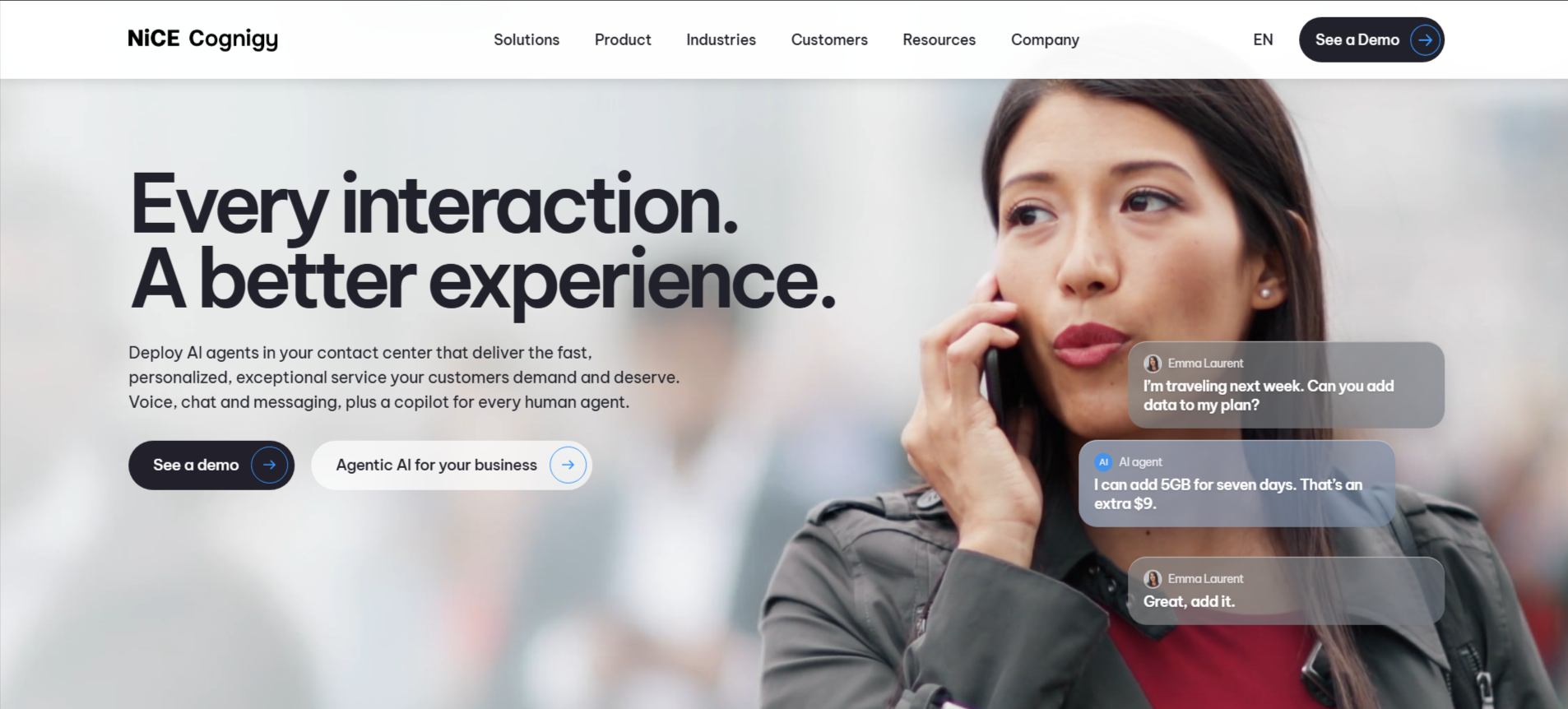
According to NiCE Cognigy, you can deploy advanced automation straight into your contact center for voice, chat, and messaging, while giving every single human agent a smart digital copilot. It plays nice with all the major CCaaS platforms, like Amazon Connect, Avaya, Genesys, and NiCE CXone. This means you get to keep your current setup exactly as it is and just layer new agentic workflows right on top.
Key Features of Cognigy
- It blends flexible, independent problem-solving with fixed, rigid rules for times when you absolutely need compliance and predictability.
- You get more than 110 prebuilt integrations ready to go, plus two-way MCP to connect into anything else you run.
- It speaks over 100 languages right out of the box, making it easy to support a global audience.
- Built-in short and long-term memory ensures your customers never have to repeat their issues to a new tool or person.
- You get full traceability for every single action, automatic PII data scrubbing, policy checks, and a clear audit history for both automated and human chats.
- The platform earned top marks recently, with Forrester naming it a Leader in their 2026 Wave for conversational AI platforms for customer service.
Pricing of Cognigy
Cognigy does not put their price tags on the main website. You just book a quick demo with their team to get a tailored quote for your business.
Wake Up to a Support Inbox That’s Already Sorted
Fluso Agents reads your overnight mail and posts a quick brief to Slack before your shift starts.
See Fluso Agents in ActionAda
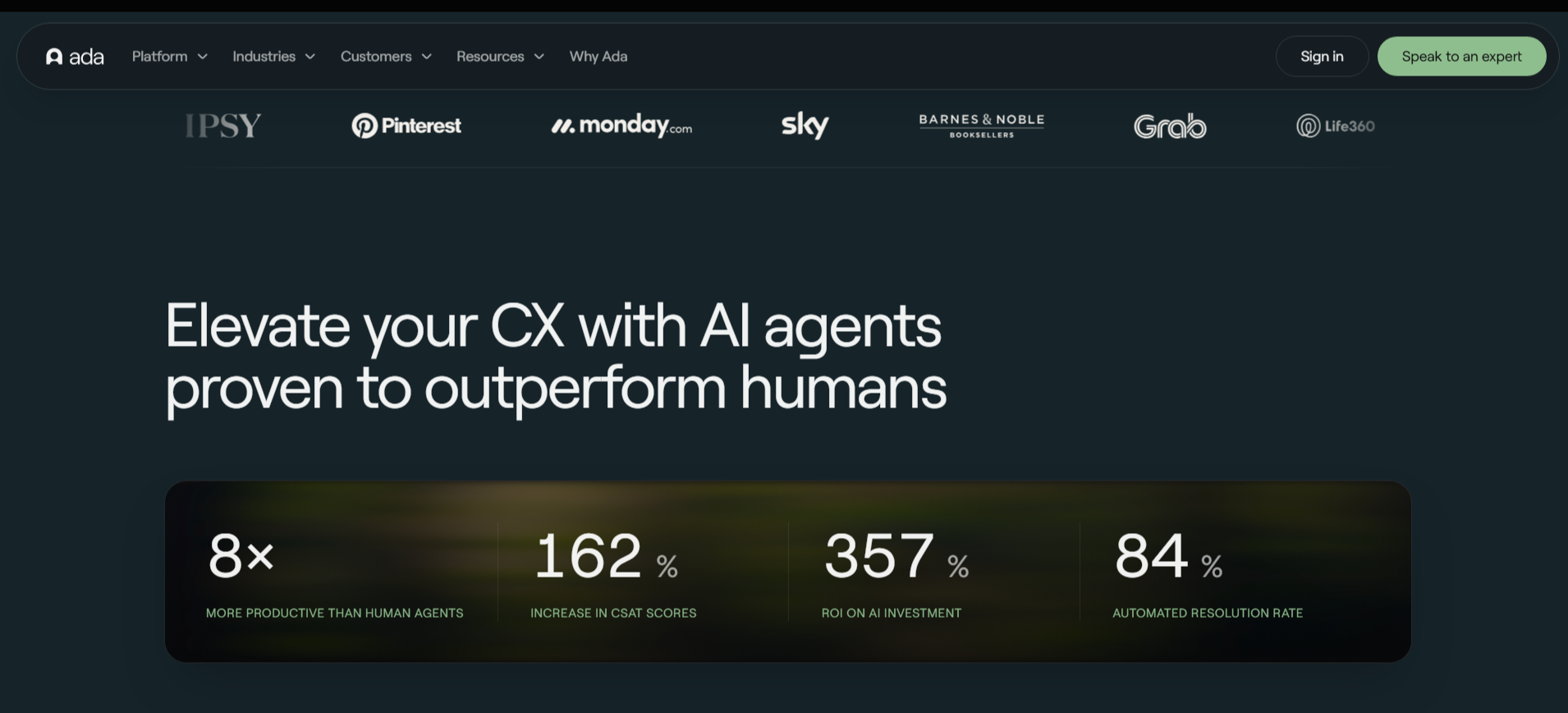
According to Ada, its ACX platform helps you manage AI agents that resolve customer questions across voice, email, chat and messaging apps. Ada says its agents resolve 84% of inquiries automatically, and one shared engine keeps your answers consistent on every channel, so you can run your agentic workflows from one place.
Key Features of Ada
- Playbooks let your AI agent follow multi-step procedures using real-time data, without rigid scripts.
- Coaching lets you give feedback on past conversations, and Ada applies it to future ones.
- The Performance Center gives you tools to build, launch, scale and improve your agent, including simulations.
- Ada Computer lets your agent act in your systems through API, code and MCP tools that you switch on and control.
- It integrates with Zendesk, Salesforce, Twilio, Genesys, ServiceNow and more.
- According to Ada, it shows SOC 2, HIPAA, GDPR, PCI DSS and AIUC-1 badges, and has zero data retention policies with LLM providers.
Pricing of Ada
Ada does not list prices on its site. You can speak to their expert to get a custom quote.
Forethought
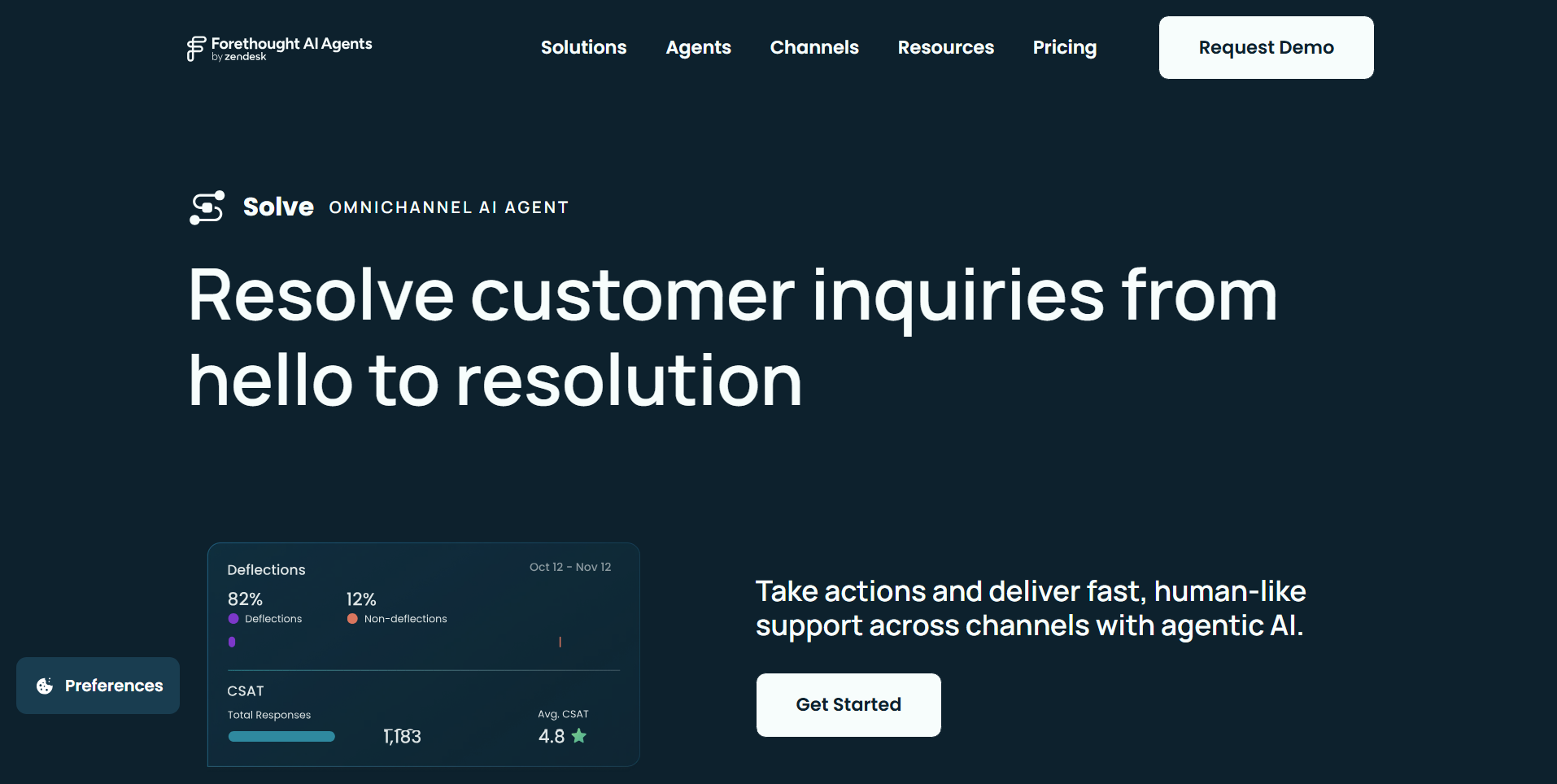
According to Forethought, you can deploy a collaborative multi-agent setup built for complete customer support, featuring dedicated tools to find knowledge gaps, sort tickets, assist human agents, and score interaction quality.
Their Solve system takes care of issues across chat, email, voice, and Slack, hitting up to a 98% resolution rate. It hooks up directly to your help desk, knowledge base, and CRM to power your agentic workflows.
Key Features of Forethought
- It builds out automated paths using plain everyday language so you skip the manual decision trees.
- You can link up API endpoints so the software can handle refunds or update customer accounts.
- It tags and prioritizes incoming tickets so they land with the right person on your team.
- It hands tricky cases over to your human agents in real time, along with the full conversation history.
- It can actually work inside older legacy tools without APIs by logging in, clicking, and typing for you.
- The platform grades every single ticket based on the custom criteria you set up.
Pricing of Forethought
Forethought offers three different plans, Team, Professional, and Enterprise, but they do not list flat prices online. You will need to hit the button to request a quote.
Worried Your AI Might Say Something Weird to a Customer?
With Fluso Agents, you can review every draft and set each tool to Allow, Ask, or Deny before anything goes out.
Explore Fluso AgentsAutomate your customer support workflows with Fluso Agents
Fluso Agents takes repetitive customer support work off your team. A person still decides what reaches your customers.
Most platforms on this list are built for large enterprises and ask you to request a quote. Fluso Agents lets you start for free.
You describe a customer support workflow in a chat and review the setup before it runs. Agentic workflows then triage tickets, draft first replies and send follow-ups.
You approve what goes out. Download Fluso and set up your first support agent today.
Frequently asked questions about AI Agents for customer support
What are AI agents for customer support?
AI agents for customer support are software agents that handle support work on your behalf, such as triaging tickets, drafting replies and resolving common requests. Unlike a basic chatbot, they can follow your policies and take actions in connected tools, such as updating an account or processing a refund.
How are AI support agents different from chatbots?
A chatbot answers questions from a fixed script or a knowledge base. An AI agent can reason through a request, take action in your systems and carry it through to resolution. Forethought, for example, says its agents “fully resolve issues, not just answer them”.
What customer support workflows can AI agents automate?
Common workflows include ticket triage, first replies, order and account lookups, refunds, follow-up emails and escalation to a human. Fluso Agents, for example, sorts new tickets, drafts first replies and escalates the ones that need a person.
Do AI agents replace human support teams?
No. The platforms on this list pass complex or sensitive cases to people. Fluso Agents draft replies for your approval, and you can set each tool to Allow, Ask or Deny, so a person decides what gets sent.
How much do AI customer support agents cost?
Pricing varies widely. Decagon uses custom enterprise contracts, Sierra uses outcome-based pricing and Parloa charges per minute for voice and per interaction for chat. Forethought sells quote-based plans. Fluso has a free plan, with Plus at $10 and Pro at $30 a month, and Agents are included in every plan.
How do I choose the right AI agent for my support team?
Start with the workflows you want to automate and the channels your customers use. Then check how much control you keep, such as approvals and guardrails, which tools it connects to and how pricing scales with your ticket volume.